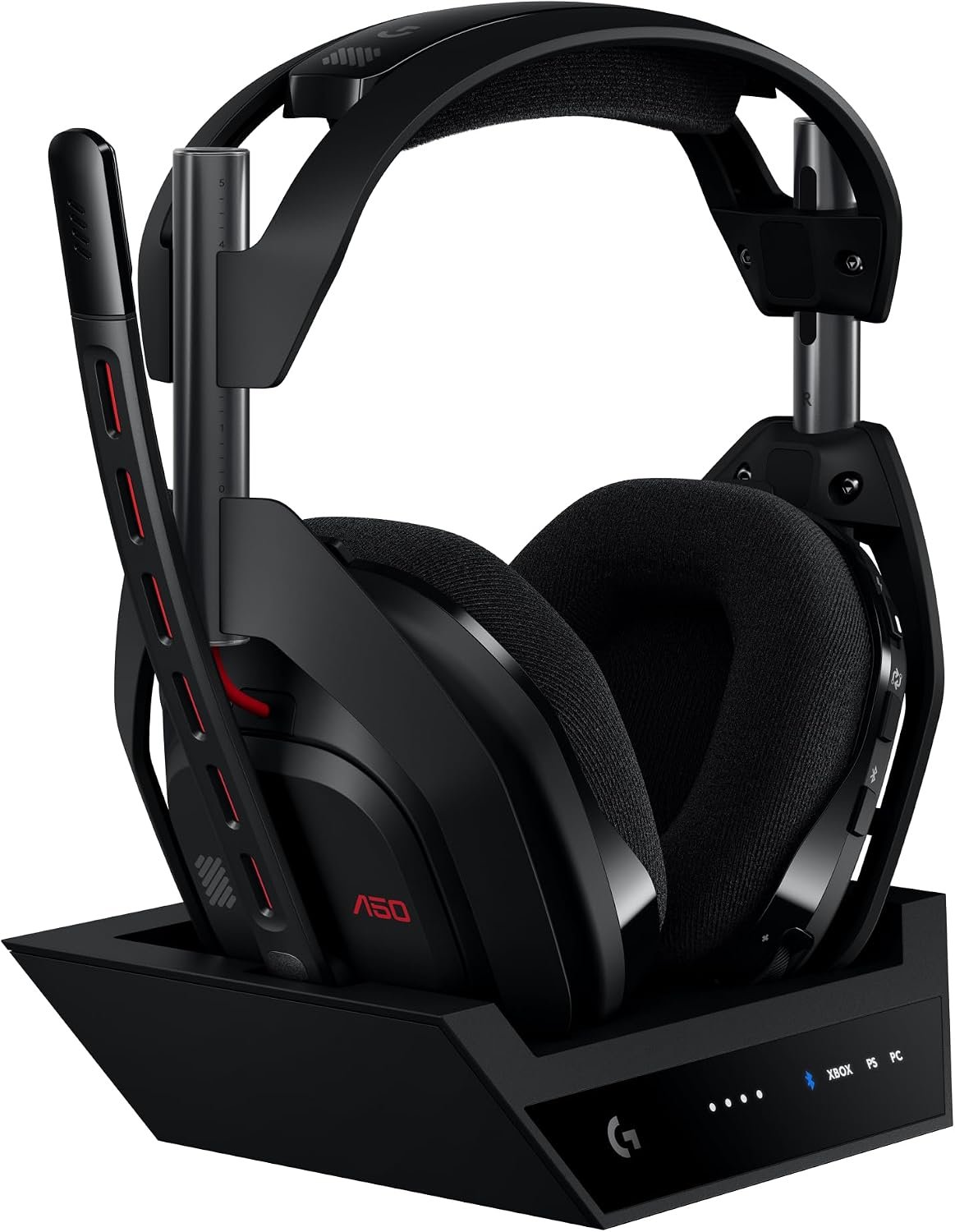
The Logitech G Astro A50 Gen 5 is a wireless gaming headset built around a base station for switching audio between gaming systems. If you split your time between console and PC, this guide focuses on the connections and practical checks that matter before you buy.
On this page
This guide uses the supplied listing, Logitech’s product page and uploaded promotional images. It is not a hands-on review; advertised performance and compatibility have not been independently verified.
Quick Verdict
The Logitech G Astro A50 Gen 5 makes the most sense for someone moving between a console and a PC who wants to switch audio from one headset. Its PLAYSYNC button and USB-connected base station are the distinguishing features here. Those conveniences depend on your exact devices and connections; this is not a hands-on sound or comfort test.
Best suited for
Multi-platform players who can leave the base station connected to their setup and who prefer a wireless headset with a boom microphone.
Pros
- The product page describes PLAYSYNC AUDIO switching among connected gaming systems.
- A charging base station is included with the pictured headset.
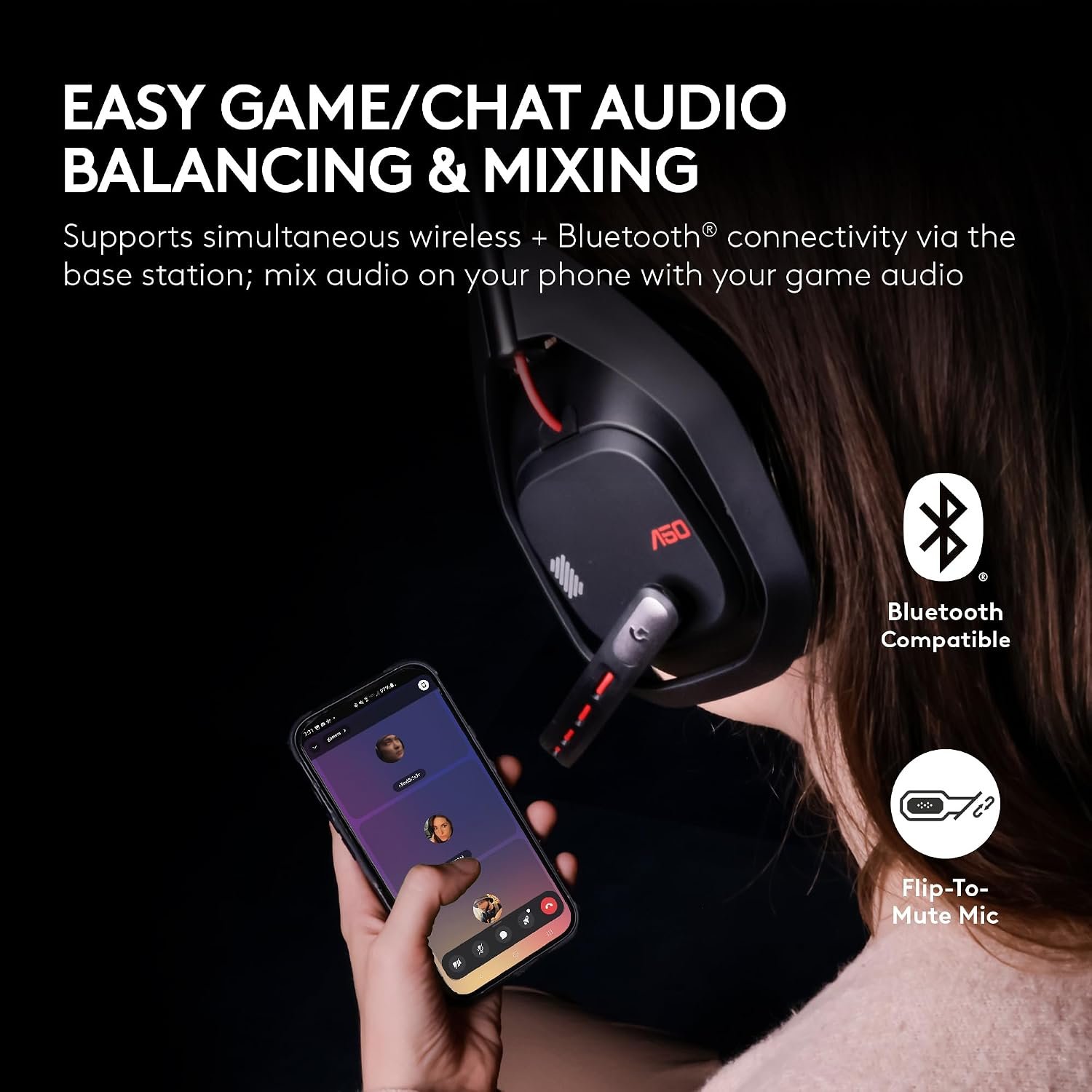
- The uploaded graphics show game/chat controls and G HUB audio customization.
Limitations
- The supplied listing says there is no headphone jack, so check your USB connection options.
- Battery life, voice quality and long-session comfort have not been independently tested here.
What PLAYSYNC changes
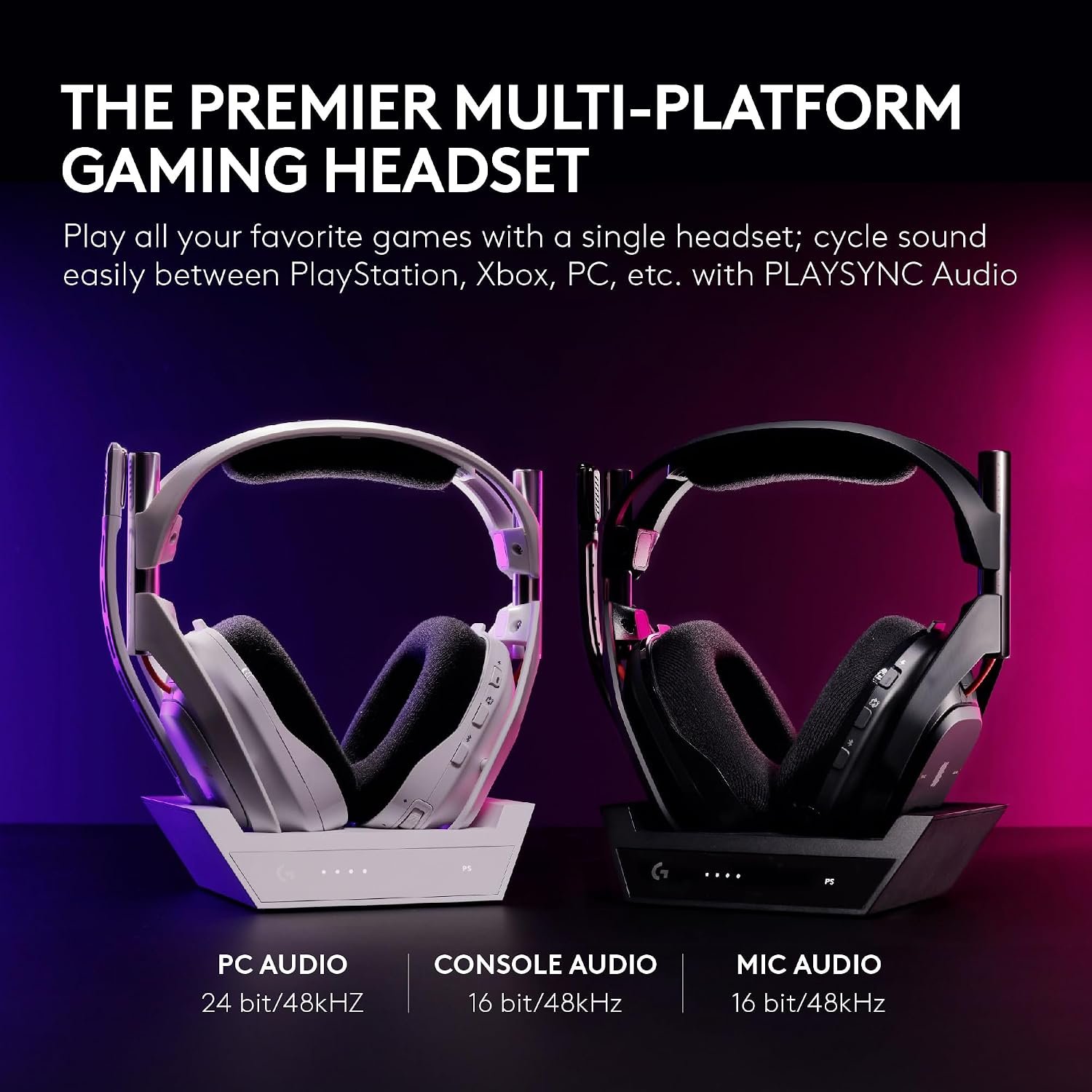
Logitech identifies this exact model number as the Astro A50 Gen 5. Its PLAYSYNC AUDIO feature is intended to switch headset audio among connected systems using a control on the headset. The manufacturer describes connecting consoles and a PC to the base station by USB-C. Do not confuse this model with the separate Astro A50 X, whose video-switching features are different.
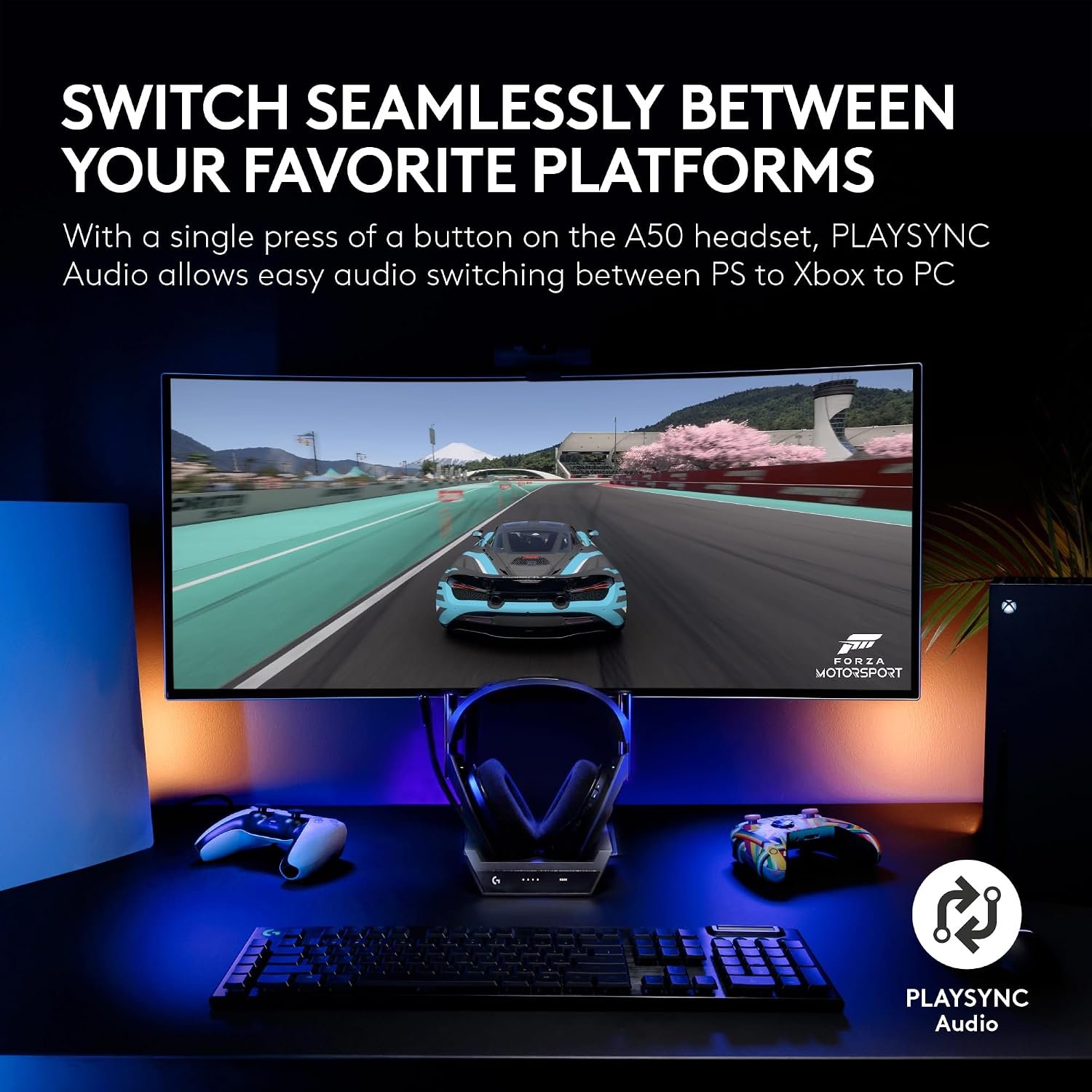
The platform list is broad, but that does not mean every connection works identically. Check your console generation, available USB port, included cables and any required settings against Logitech’s instructions before assuming a particular combination will work. If you use a Nintendo Switch or a Mac, verify that the features you care about are supported on that device.
Microphone and audio controls
The product listing includes a microphone, and Logitech describes a boom mic for the Gen 5. The uploaded graphic also depicts game/chat audio balance and phone-audio mixing. Those are useful features to investigate, but the images do not establish microphone clarity, noise rejection or how well the controls work in your room.
The G HUB promotional image presents software audio adjustments. Compare the settings offered on your own computer or phone with the features you need; some controls may require the relevant app or platform. If directional audio matters to you, treat manufacturer sound descriptions as claims rather than measured performance.

Battery and base station
The charging base is part of the setup, not merely a display stand. Plan where it will sit and confirm that your preferred USB connections can reach it. The uploaded image advertises up to 24 hours of continuous play, but that figure is a promotional claim and may depend on volume, connection mode and other settings.
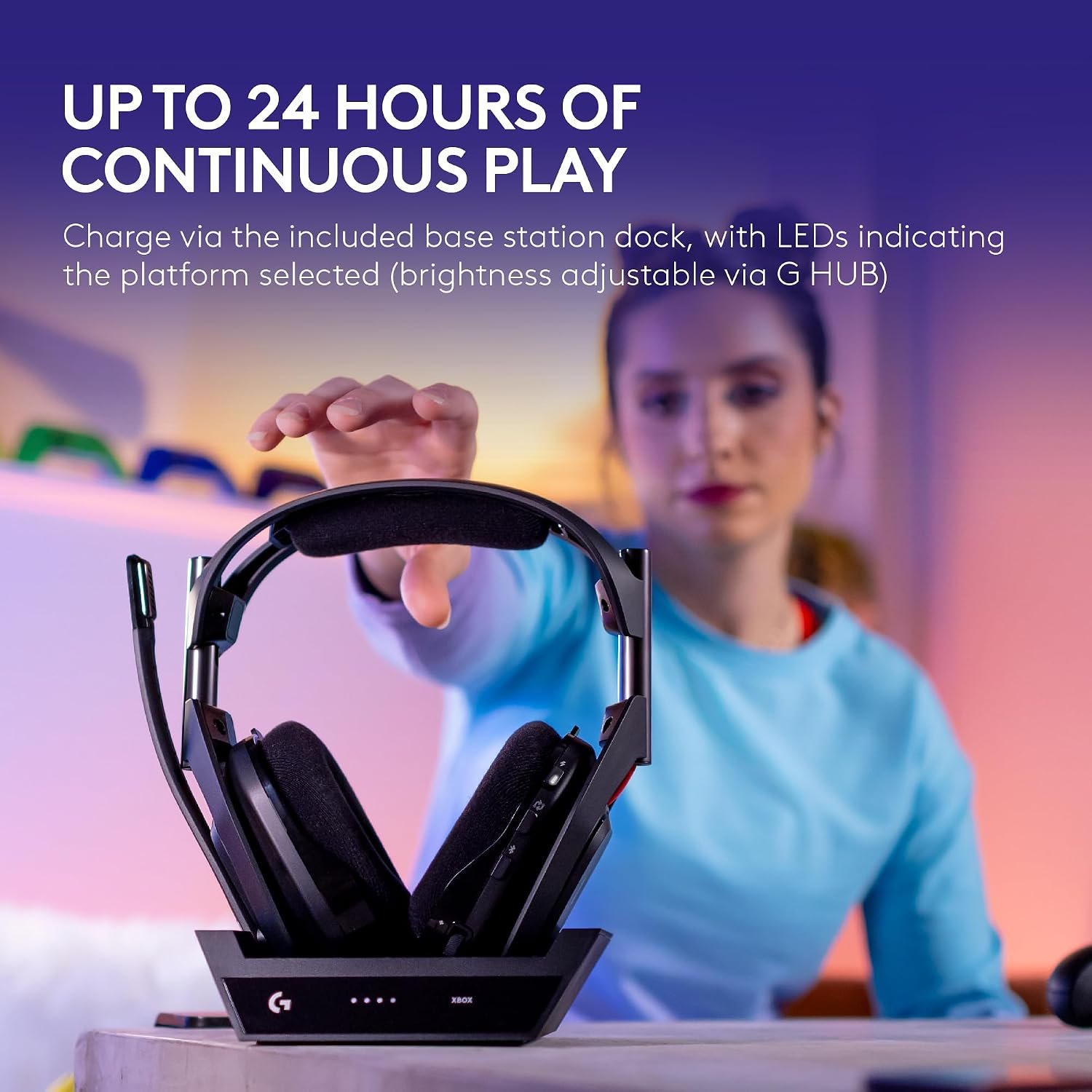
Before relying on the advertised runtime, check the current product documentation for charging time, battery behavior and what happens when the headset is left off the dock. A wireless headset is convenient only if its charging routine fits the way you actually use your desk or console.
Fit and connections
The supplied listing gives a weight of 363 g and says there is no headphone jack. Weight alone cannot tell you whether the headband or earcups will feel comfortable over a long session, especially if you wear glasses. Look at the earcup shape, return policy and any available fit information rather than treating a specification as a comfort test.
Also confirm the exact black variant and model number 939-002217 before checkout. Astro A50 generations and A50 X models can look similar while using different connection schemes. Matching the model on the product page, the box and the seller listing is the simplest way to avoid buying the wrong version.
Logitech G Astro A50 specifications
These details describe the advertised model and may change with the listing. Verify current compatibility and included accessories before purchasing.
| Specification | Listing or manufacturer detail |
|---|---|
| Brand and model | Logitech G Astro A50 (Gen 5) |
| Model number | 939-002217 |
| Connection | Wireless headset with USB-connected base station |
| Platform information | Xbox, PlayStation, Windows PC, Nintendo Switch and macOS; check the exact connection requirements |
| Microphone | Included boom microphone |
| Headphone jack | None listed |
| Listed weight | 363 g |
| Audio switching | PLAYSYNC AUDIO, according to Logitech |
Five checks before buying
- Does the exact listing show model 939-002217 and the color you expect?
- Can the base station connect to each console or computer you plan to use?
- Which PLAYSYNC and G HUB functions work on your specific platforms?
- Do the charging location and advertised battery conditions fit your routine?
- Can you return the headset if fit, microphone quality or sound does not meet your needs?
Read the official Logitech G Astro A50 Gen 5 product page for model-specific connection information. For alternatives, compare our BENGOO G9000 and Razer BlackShark V2 X headset guides. The Amazon listing is the purchase source; verify its current details before ordering.