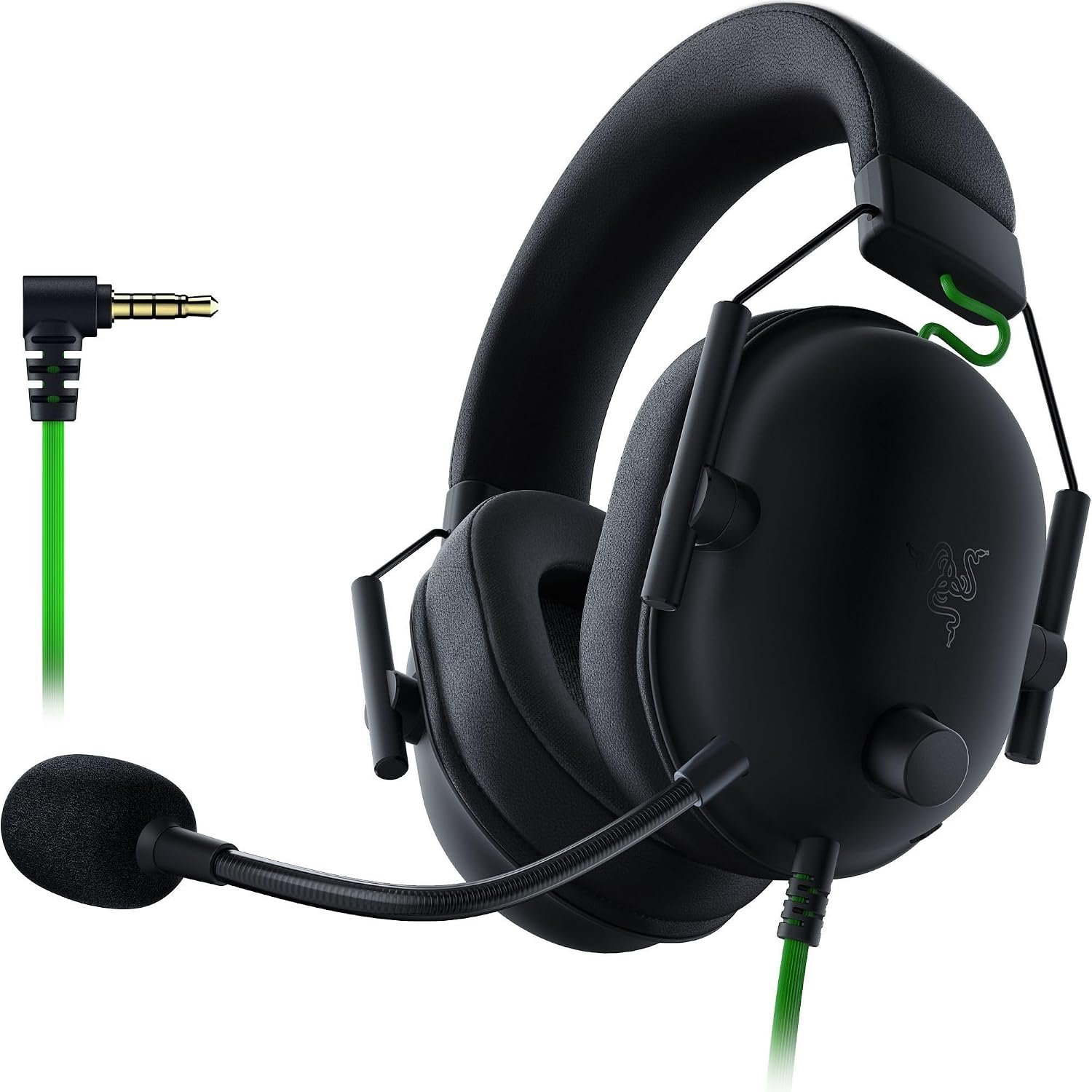
Razer BlackShark V2 X is a wired gaming headset for players who prefer a familiar 3.5 mm plug, on-earcup controls and a fixed boom microphone. The black model shown here has Razer’s 50 mm TriForce drivers and memory-foam cushions. We compare what the maker documents with the practical questions a buyer still needs to answer.
On this page
This guide uses Razer’s published specifications and the supplied product images. We have not tested this headset or verified current Amazon pricing. Promotional images illustrate features; they do not prove performance.
Quick Verdict
Our take: The Razer BlackShark V2 X makes sense if you want a simple wired headset with 50 mm drivers, a fixed boom mic and no charging routine. Its analog plug is versatile, but 7.1 virtual surround requires supported Windows software. This is a specification-led buying guide, not a claim that we tested its sound, microphone or comfort.
Strengths on paper
- 3.5 mm wired connection works with compatible headset jacks without pairing.
- On-earcup volume and mic mute avoid hunting through game menus.
- Razer lists 240 g weight, memory-foam cushions and a cardioid microphone.
Trade-offs to check
- Virtual 7.1 is not a universal console feature; check Windows software requirements.
- The microphone is fixed, unlike detachable designs.
- Fit, voice quality and passive isolation need firsthand testing before any performance judgment.
What 50 mm drivers and 7.1 actually mean
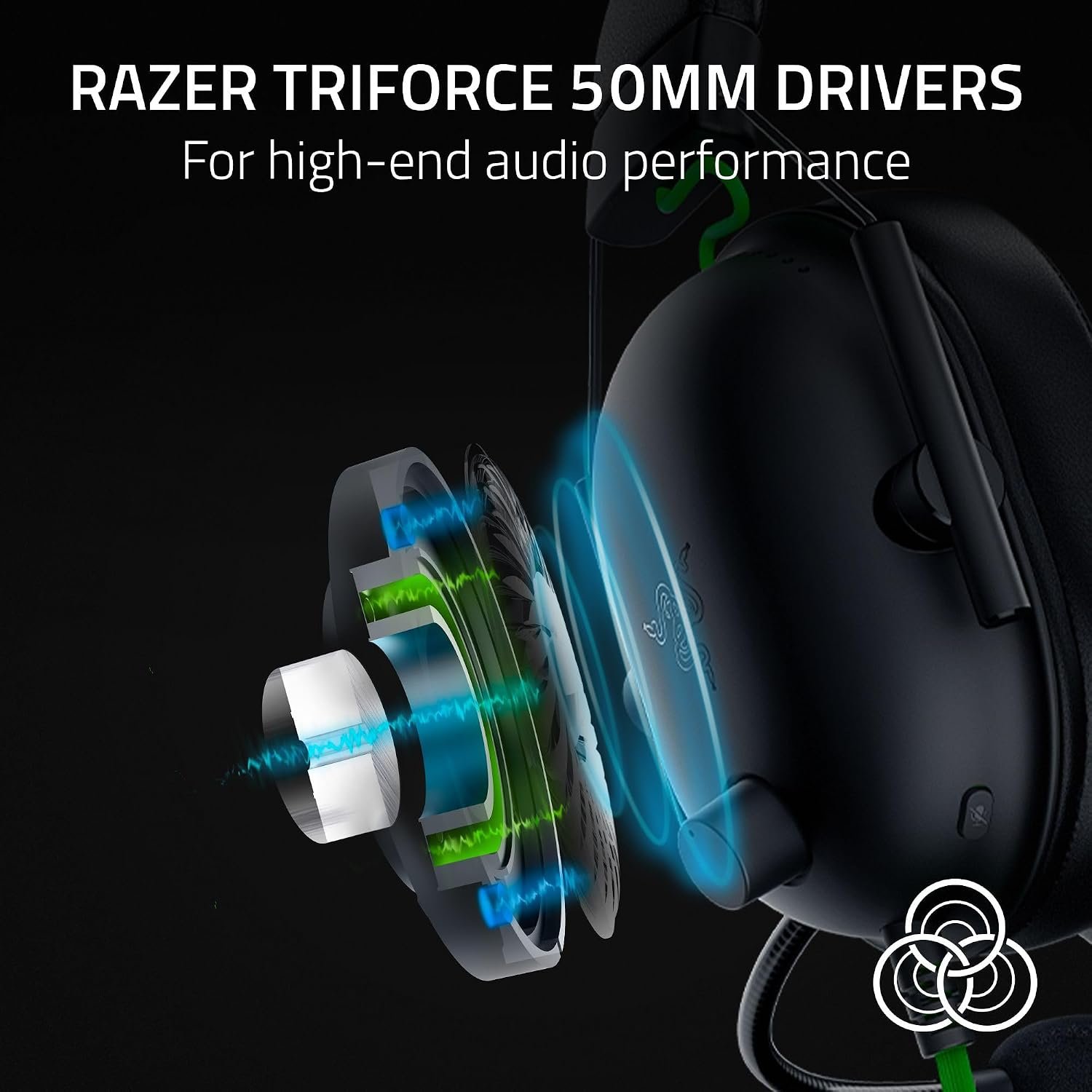
Razer BlackShark V2 X uses the company’s TriForce 50 mm drivers. The 50 mm measurement describes the driver, not a score for clarity, bass balance or positional accuracy. Razer lists a 12 Hz–28 kHz frequency response, but that range alone cannot tell you how the headset sounds to a listener.
The Razer BlackShark V2 X 7.1 surround claim needs an important qualifier: Razer’s current comparison page says virtual surround encoding is available on Windows 11 or higher. A controller’s 3.5 mm jack can deliver ordinary headset audio, but plugging into a console does not make Razer’s Windows software run there. Platform-specific spatial audio, where available, is a separate feature.
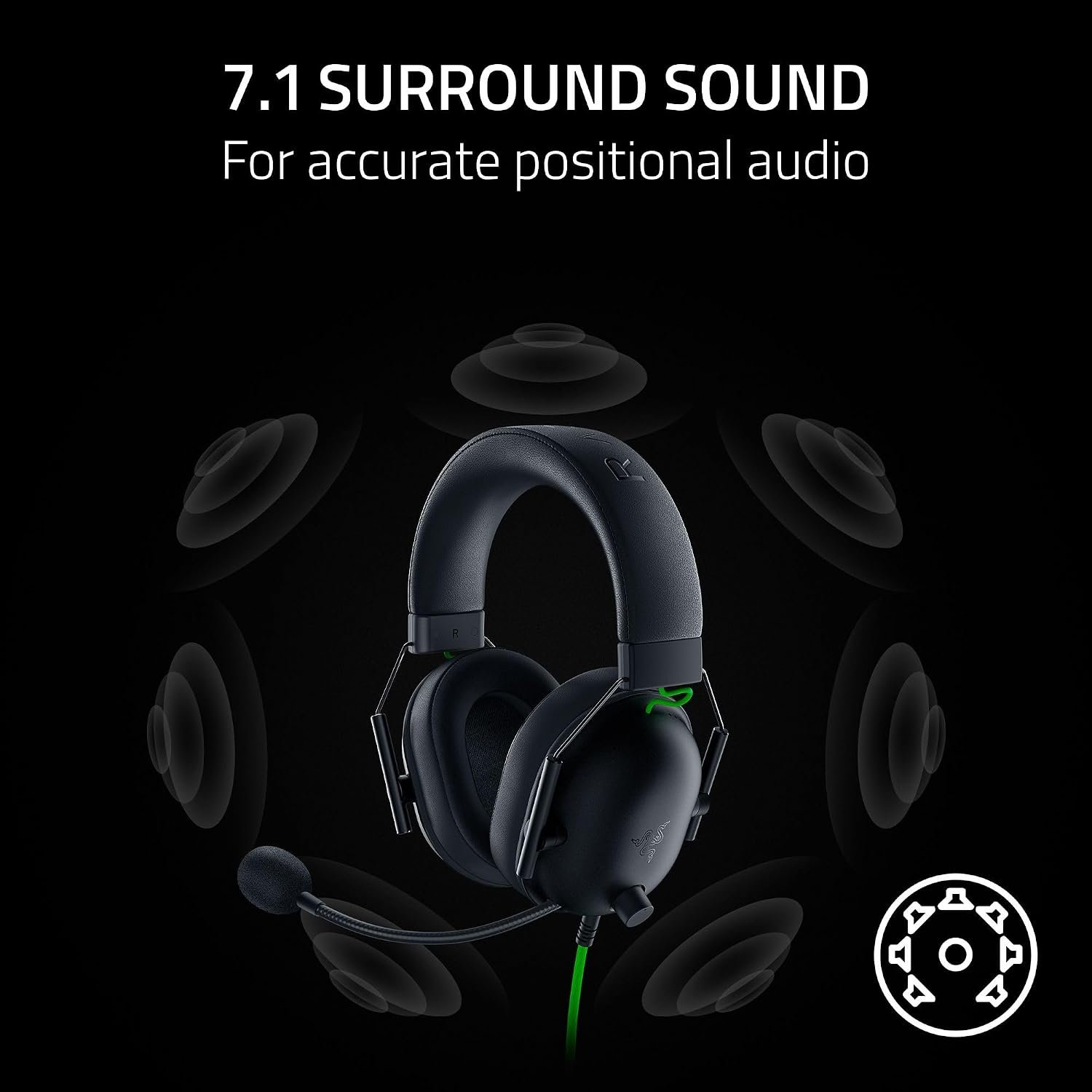
For competitive play, seek independent listening comparisons rather than assuming bigger drivers or a surround logo guarantee better directional cues. The Razer BlackShark V2 X may appeal for its straightforward analog path, but we cannot rank its sound without a controlled test.
One cable, several platforms
The Razer BlackShark V2 X connects through a 3.5 mm headset plug. Razer lists PC, Mac, PS4, Xbox One and mobile devices with a suitable port. Compatibility depends on the exact controller, computer or adapter: some desktops separate headphone and mic sockets, and newer phones may lack a jack entirely.
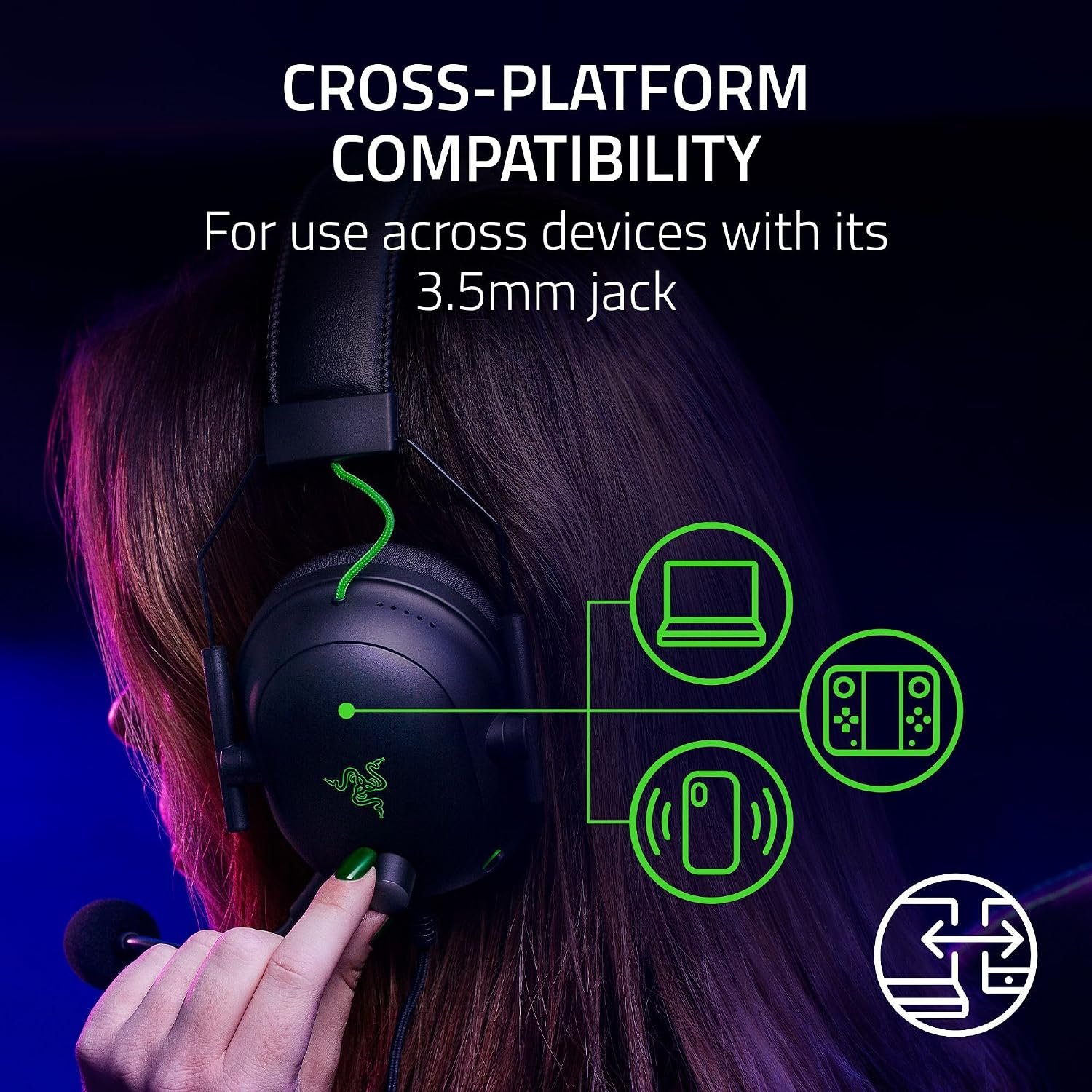
A wired headset needs no battery or wireless dongle, but cable reach matters. Razer lists a 1.3 m cable for the model shown on its comparison page. Check your desk or console seating distance, and confirm whether the seller package contains any splitter you need. Do not assume an adapter passes microphone audio merely because headphone sound works.
Microphone and controls
Razer names a HyperClear cardioid microphone with a unidirectional pickup pattern. The boom is shown attached to the earcup; it is not the detachable microphone supplied with some other BlackShark variants. Its directional design is intended to emphasize speech from in front of it, but the listing alone cannot establish how your voice will sound in a noisy room.
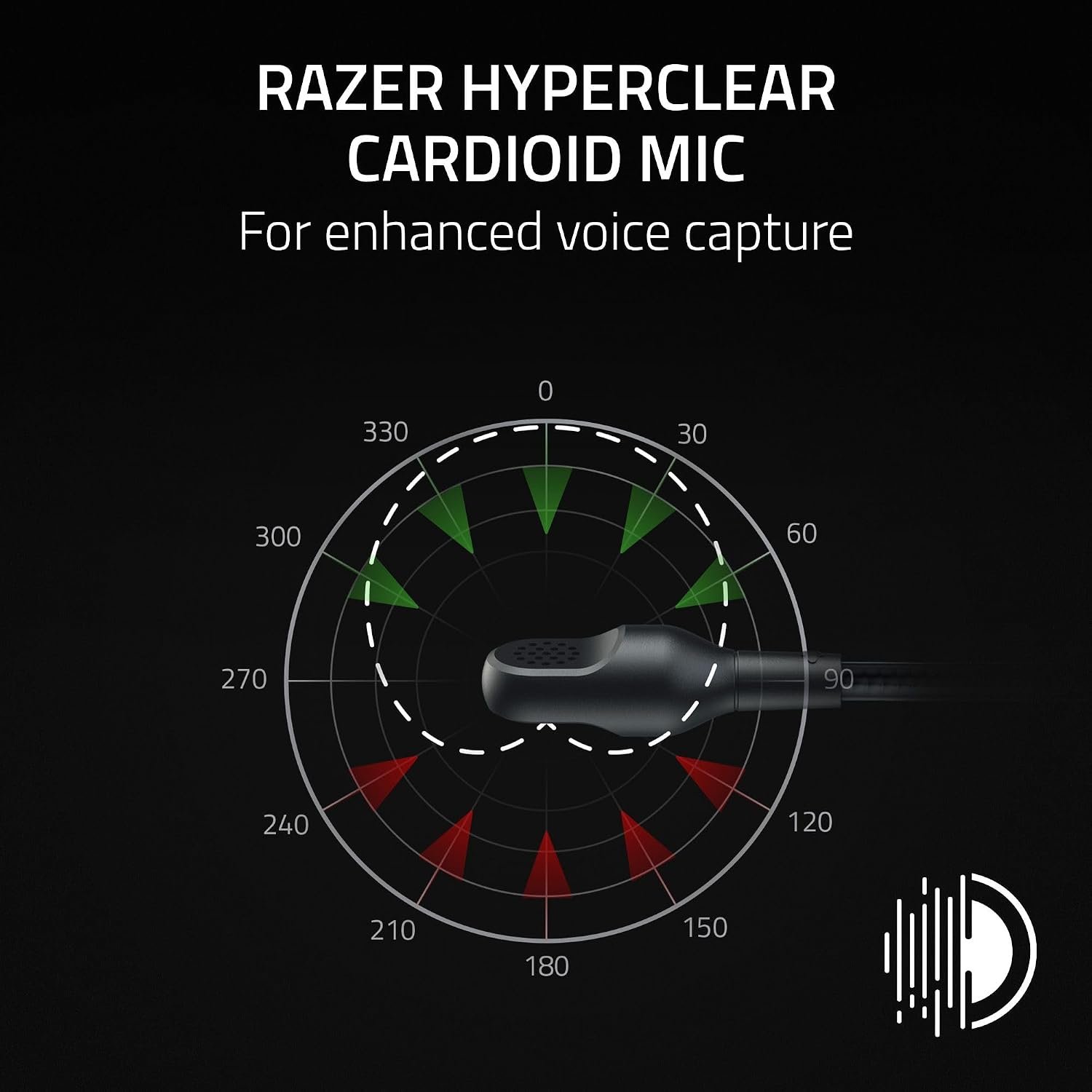
The Razer BlackShark V2 X has a volume control and mic-mute toggle on the earcup. That is convenient for a quick chat adjustment, although you should still check your game’s microphone settings. If microphone clarity is decisive, compare independent voice recordings before purchase rather than treating a promotional pickup diagram as proof.
Memory foam, weight and isolation
Razer lists memory-foam ear cushions and an approximate weight of 240 g. Those are useful starting points, not a guarantee of comfort. Head shape, glasses, heat and clamp pressure can change how the Razer BlackShark V2 X feels after an hour or two.
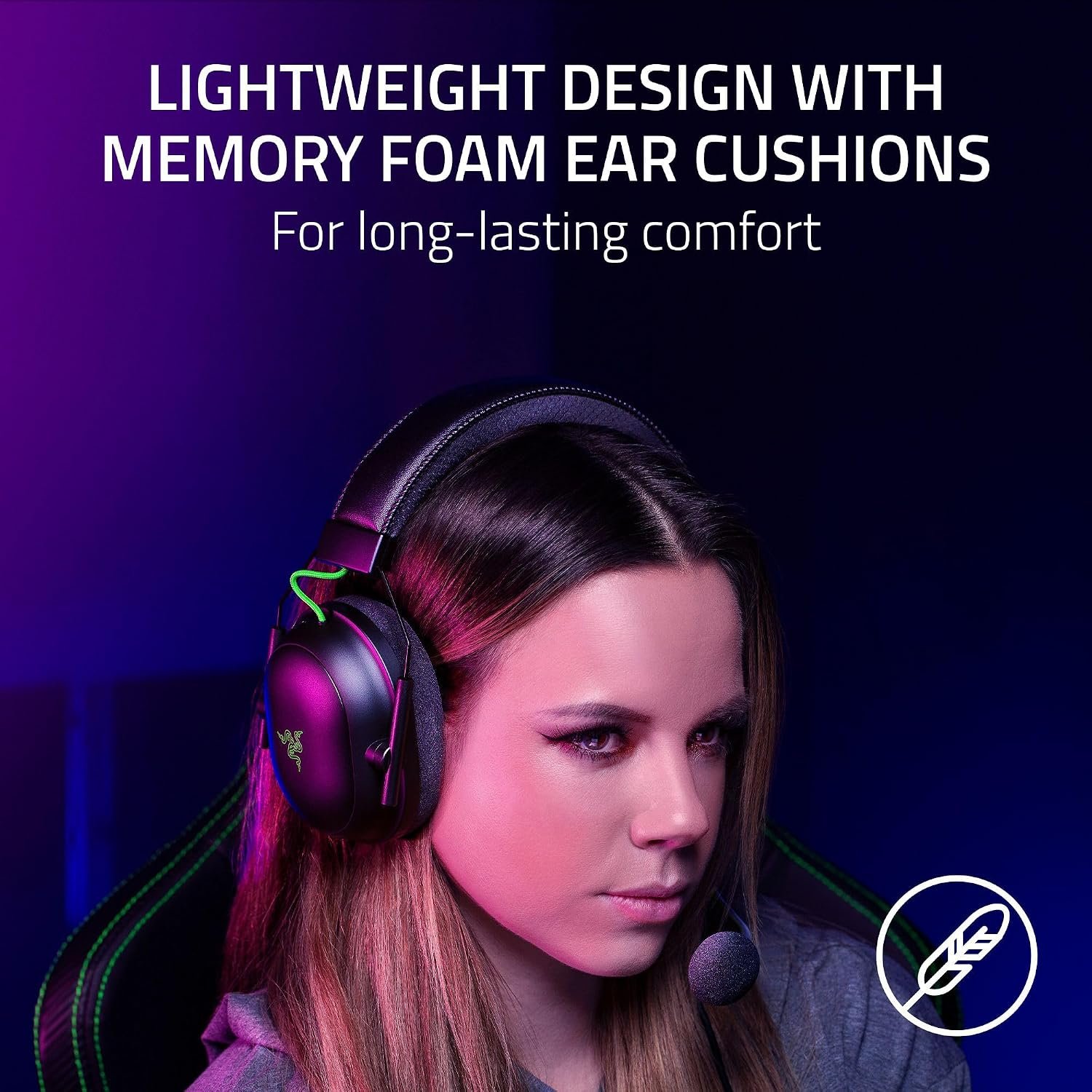
The closed-cup design is marketed for passive noise cancellation. Passive isolation comes from the earcup seal, not powered electronics. The effect can vary with fit, and we have not measured attenuation. If you play in a shared room, look for independent fit reports and a return policy that lets you assess comfort.
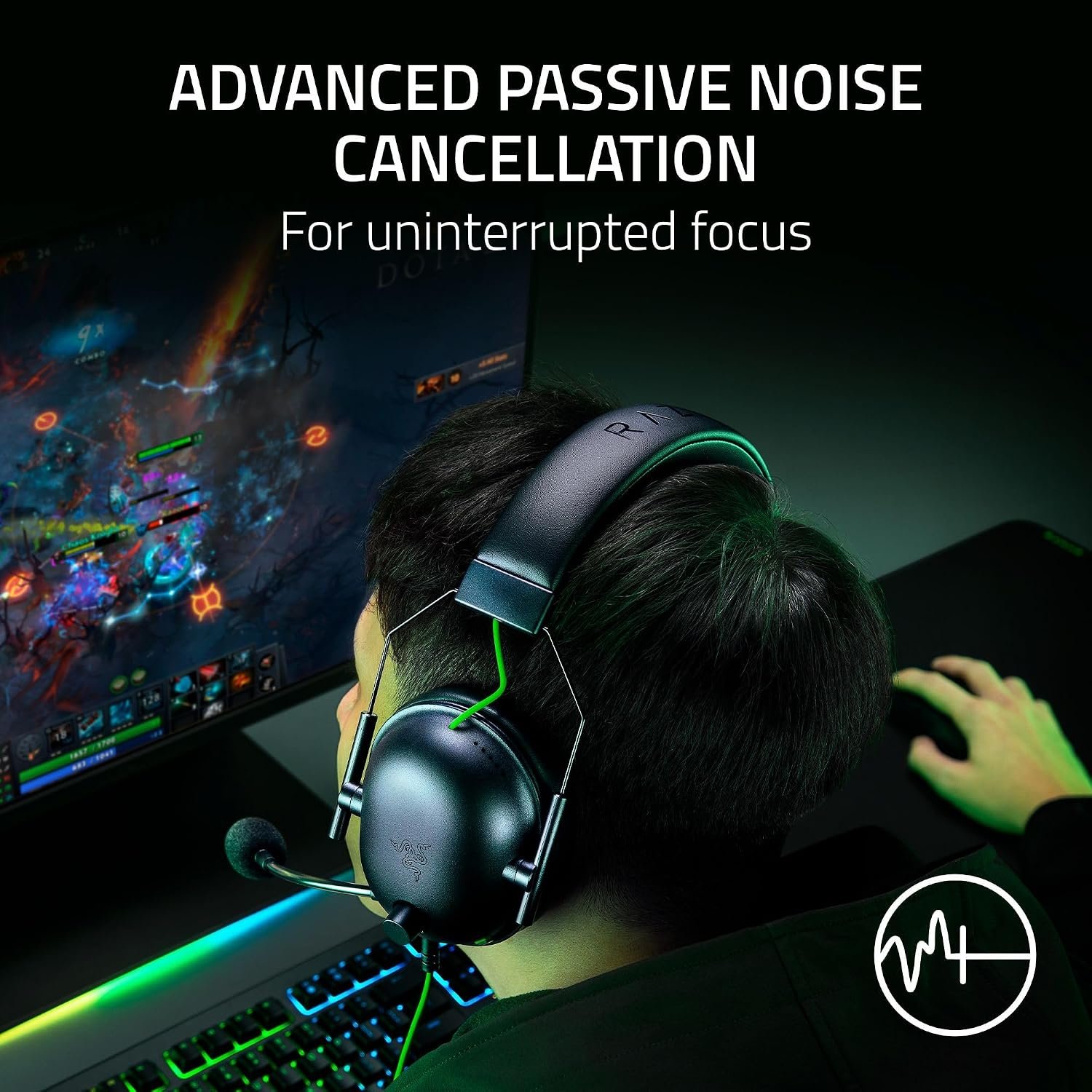
Razer BlackShark V2 X specifications
- Connection: wired 3.5 mm analog headset plug
- Drivers: Razer TriForce 50 mm
- Microphone: fixed HyperClear cardioid boom
- Cushions: memory foam
- Weight: approximately 240 g, per Razer
- Cable: 1.3 m, per Razer
- Controls: on-earcup volume and mic mute
- Virtual surround: 7.1 on Windows 11 or higher, per Razer’s current comparison page
These are manufacturer specifications for the BlackShark V2 X analog model, not lab measurements. Confirm the exact model and included accessories on the seller page. The similarly named BlackShark V2, V2 X USB and wireless variants are different products.
Who should consider this headset?
Consider the Razer BlackShark V2 X if your device has a suitable headset jack, you want simple wired operation, and you prefer controls on the earcup. A fixed microphone can be fine for regular voice chat if you do not need to remove the boom. Its documented weight and memory foam also give you a reasonable starting point for comparing fit.
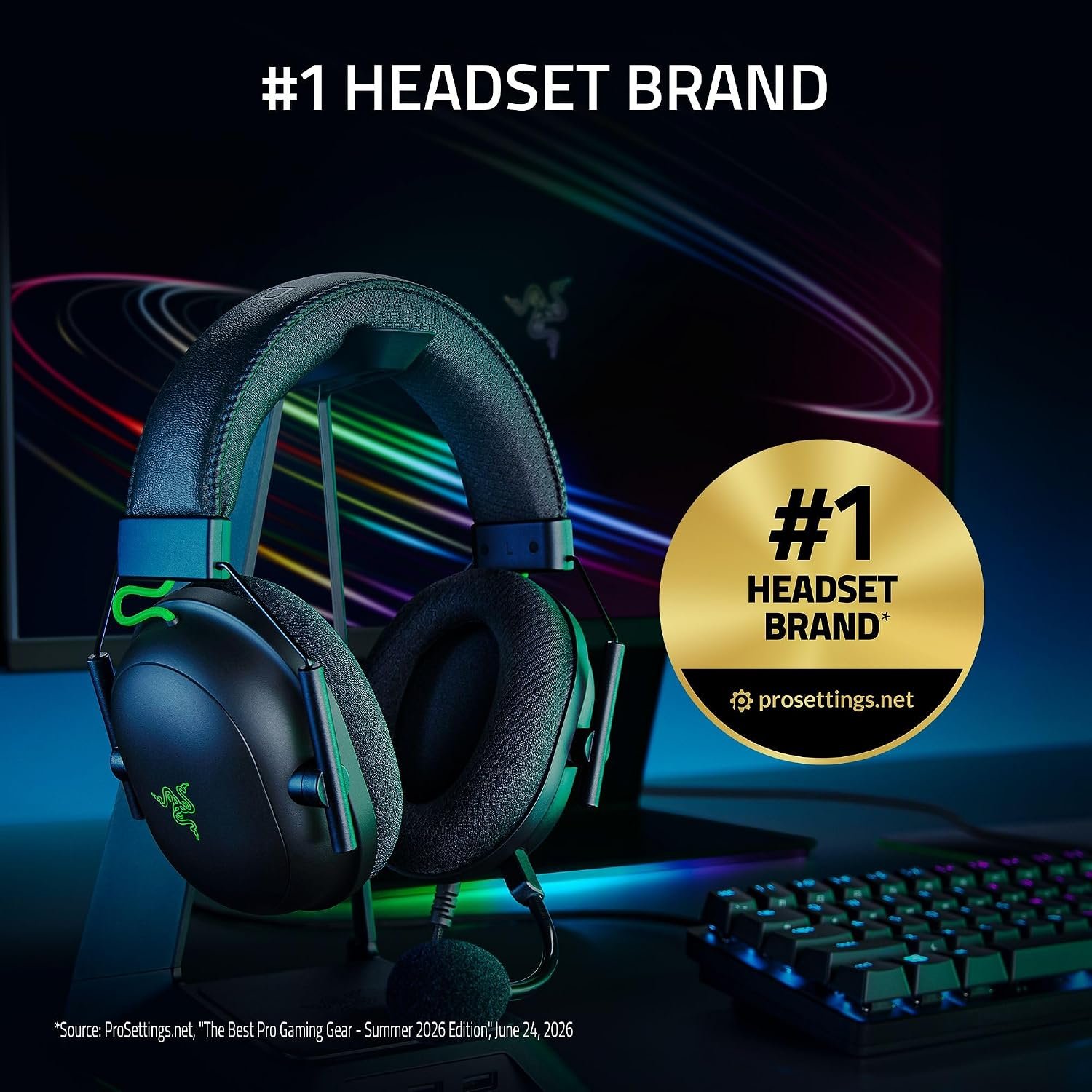
Skip it if you need wireless movement, USB-only connectivity, a detachable mic or virtual 7.1 on a non-Windows device. The promotional badge in the image above is Razer’s marketing claim, not an independent SetupForge ranking. Explore our headset collection for other options.
Five checks before buying
- Is the seller offering the analog Razer BlackShark V2 X with a 3.5 mm plug, not the USB or wireless version?
- Does your device provide a compatible combined headset jack, or will you need a mic/headphone splitter?
- Is 1.3 m of cable enough for your setup?
- If you want 7.1 virtual surround, does your Windows version meet Razer’s current software requirement?
- Can you return the headset if the fixed boom, clamp force or ear cushions do not suit you?
Read Razer’s BlackShark V2 X specification comparison for the maker’s current details. Compare the exact color, connector and box contents on the Amazon product listing before ordering.