The HyperX Cloud III Wired gives you a choice between a 3.5 mm analog connection and USB audio, but the best connection depends on your device. This guide explains the practical trade-offs, the advertised features and what to verify before buying the black version.
On this page
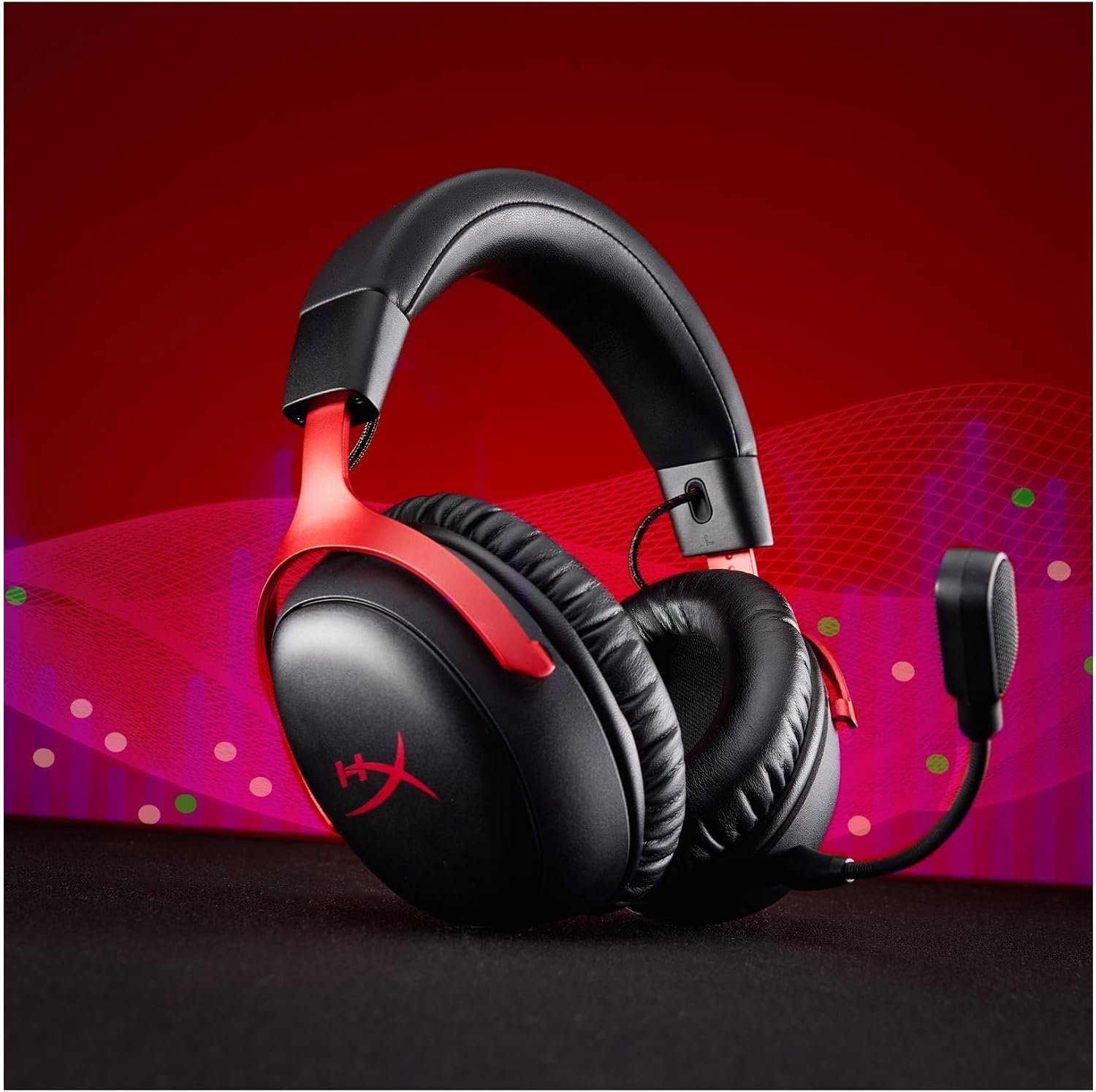
This is a buying guide based on the supplied listing and HyperX’s published specifications, not hands-on testing. Most uploaded images show a black/red Cloud III colorway; the linked Amazon listing is black. The color difference is visible, so verify the exact variant at checkout.
Quick Verdict
The HyperX Cloud III Wired is a sensible shortlist option for someone who prefers a headset without charging and needs both 3.5 mm and USB connection choices. The angled 53 mm drivers, detachable microphone and padded frame are specification highlights, not proof of sound, voice or long-session comfort. The black/red photos in this guide are illustrative of the Cloud III family; the purchase link points to the black SKU.
Best suited for
A player with a suitable 3.5 mm jack or USB port who values a detachable boom mic and does not mind a cable.
Pros
- HyperX lists 3.5 mm, USB-C and USB-A connection options.
- A detachable 10 mm microphone is included according to the manufacturer.
- Wired use avoids battery charging and wireless pairing.
Limitations
- A cable may be inconvenient for mobile or distant living-room setups.
- Some software audio features may depend on the device and connection used.
Which connection fits your setup?
HyperX lists a four-pole 3.5 mm headset plug plus USB audio options. That makes the Cloud III Wired more flexible than a single-connector headset, but it does not make every feature identical across PC, console and mobile. Check whether your device has a compatible 3.5 mm jack or supports the supplied USB path. A console controller jack, a desktop PC audio port and a phone adapter can behave differently.
If you plan to use USB-C or USB-A, check the current box contents and HyperX’s device guide before assuming the right adapter is included. Also consider cable length and desk placement. A wired headset is only convenient when the connector and cable suit the way you sit or move.
Drivers and microphone
HyperX specifies angled 53 mm drivers. The promotional graphic emphasizes the driver size, but it cannot tell you how the headset sounds to you or whether virtual spatial audio improves your particular game. DTS Headphone:X is presented as a PC feature in HyperX’s material; check platform and software support rather than assuming it works the same through every connection.
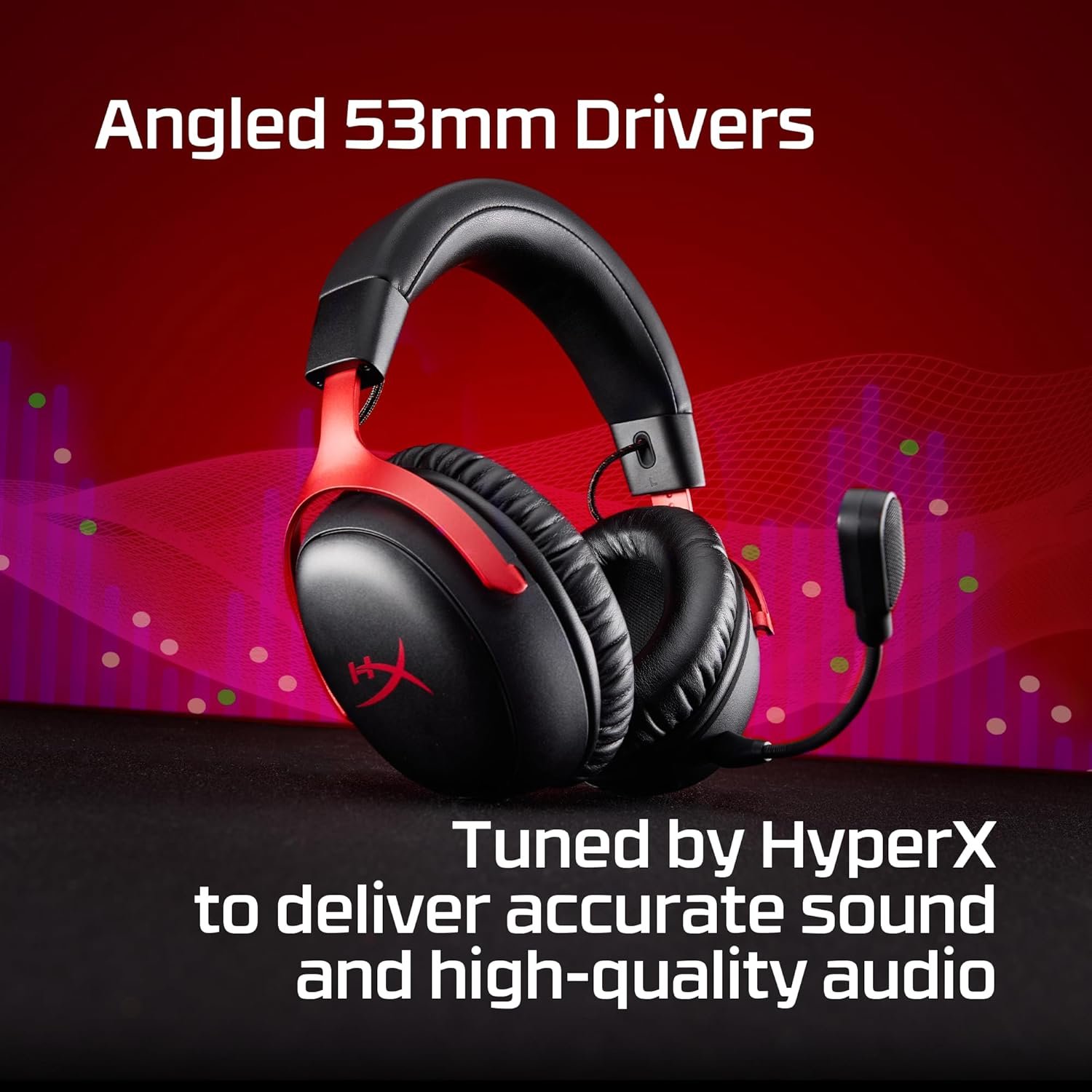
The manufacturer lists a detachable 10 mm microphone with noise-cancelling design and a mute indicator. A detachable mic is useful if you sometimes want the headset only for listening. Voice clarity still depends on microphone placement, room noise, connection and software settings. No microphone recording or comparative test was performed for this guide.
Comfort and build
HyperX describes a steel-and-aluminum frame, memory-foam ear cushions and premium leatherette. The uploaded comfort image shows where the padding sits, while the frame graphic highlights the flexible headband and forks. Neither image establishes how much pressure the headset puts on your head. If you wear glasses or play for long sessions, check returns in case the fit is not right.
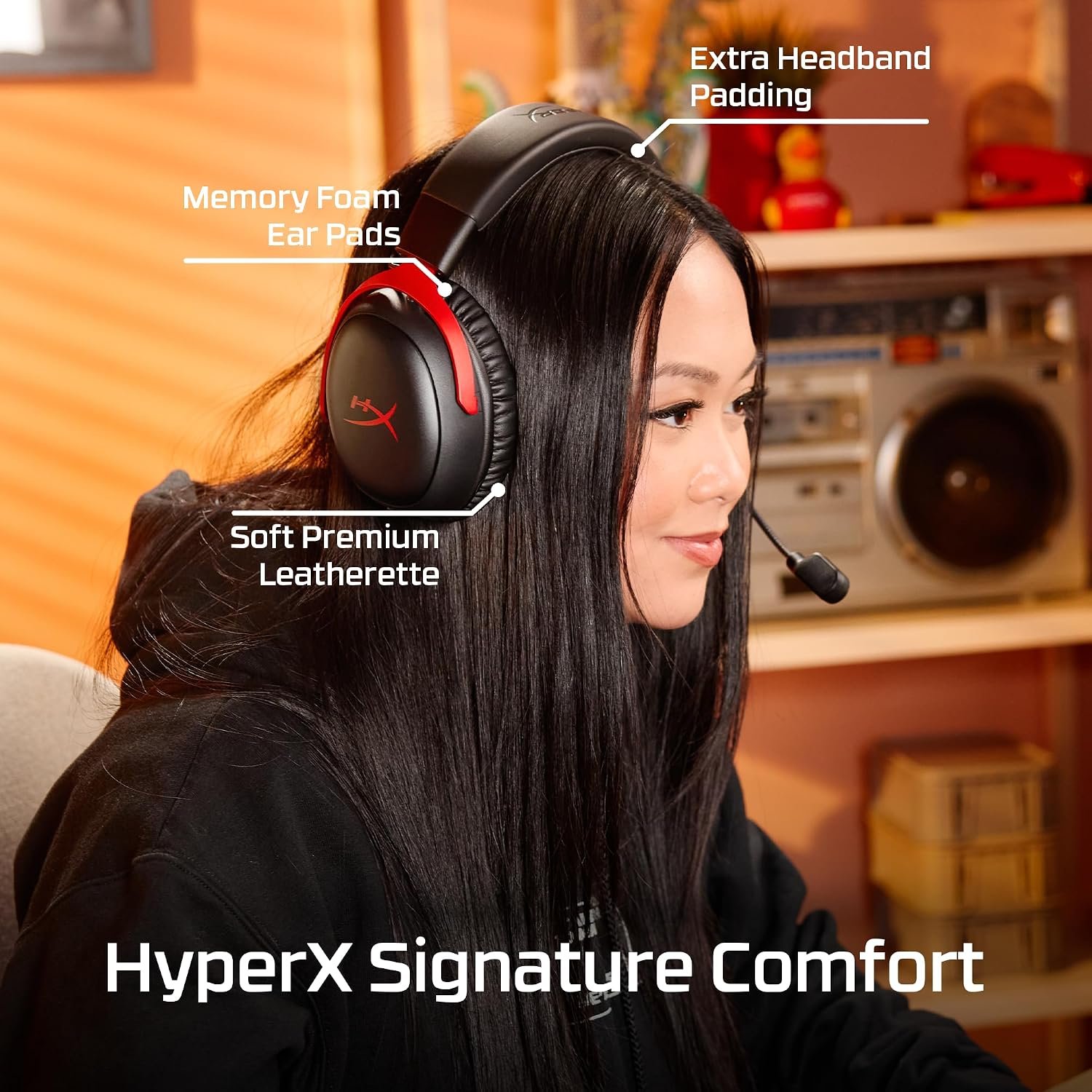
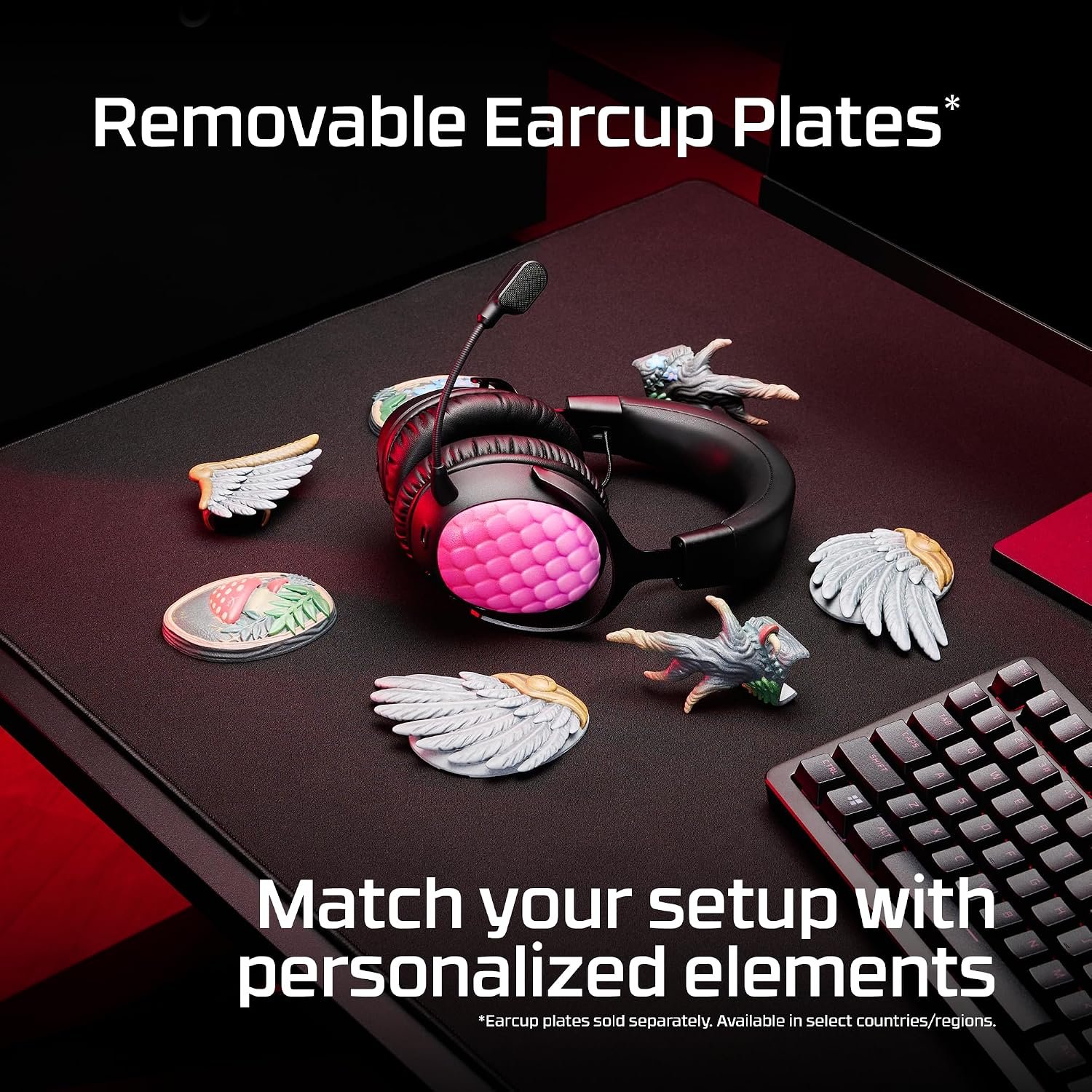
The supplied listing gives a weight of 308 g without the microphone, while HyperX also lists 320 g with the microphone attached. This is a useful comparison point, not a comfort guarantee. Ear shape, clamping force and heat buildup often matter more than a single number. The removable-plate promotion is about customization, and any special plates may be sold separately.
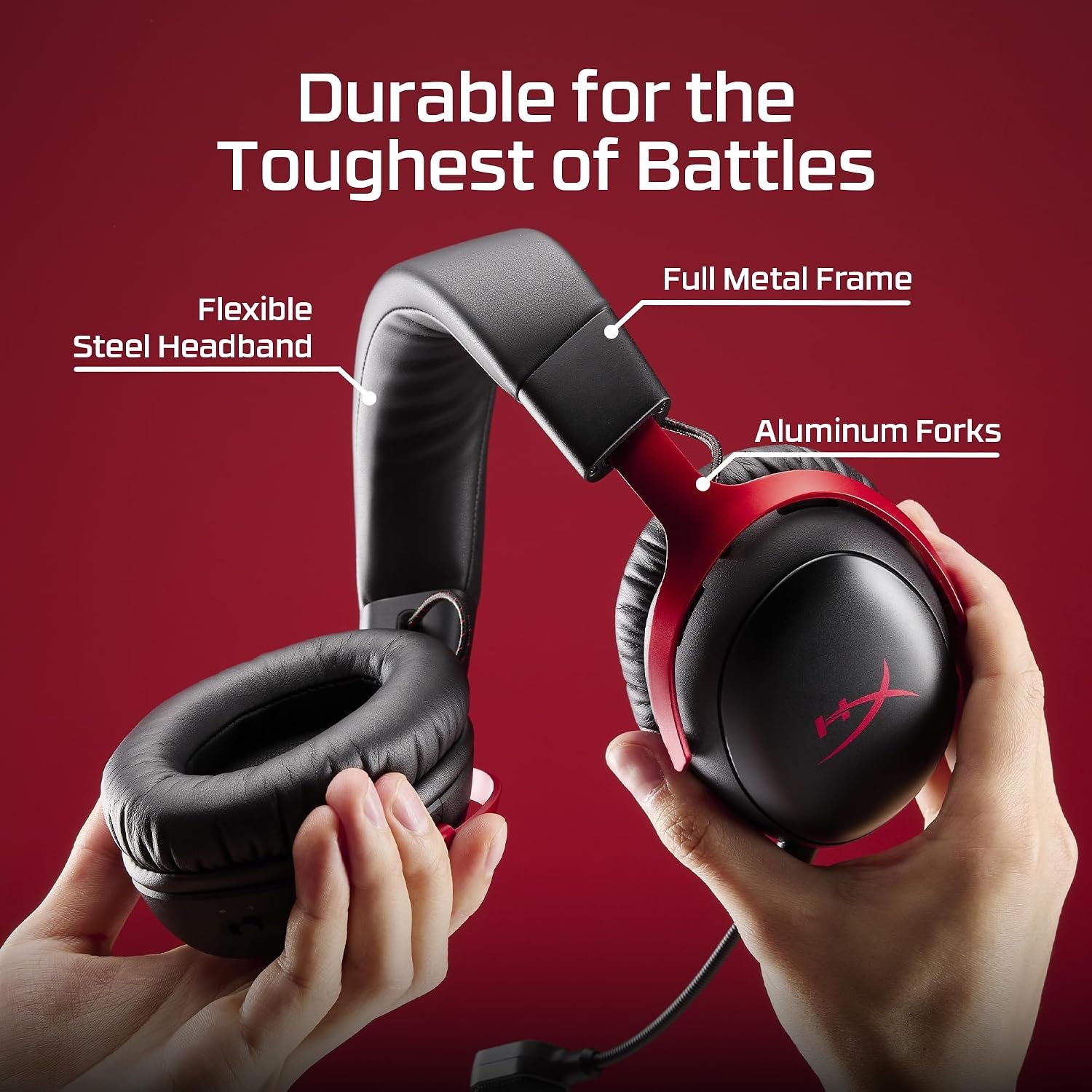
The removable-plate graphic is an accessory illustration rather than a promise that decorative plates come in the box. If appearance is important, check the exact black listing photos and package contents. The black/red product photos should not be mistaken for the black SKU linked here.
HyperX Cloud III Wired specifications
These are published or listing specifications for the black wired model. Confirm the current offer and included accessories before buying.
| Specification | Manufacturer or listing detail |
|---|---|
| Brand and model | HyperX Cloud III Wired |
| Black variant part number | 727A8AA |
| Connection | Wired 3.5 mm, USB-C and USB-A options |
| Drivers | 53 mm angled dynamic drivers, per HyperX |
| Microphone | Detachable 10 mm boom mic |
| Ear cushions | Memory foam and leatherette, per HyperX |
| Frame | Steel and aluminum, per HyperX |
| Weight | 308 g without mic; 320 g with mic, per HyperX |
Five checks before buying
- Does the listing show the black Cloud III Wired part number 727A8AA rather than the black/red colorway pictured here?
- Will your device accept the 3.5 mm plug or the intended USB connection?
- Does the included cable and adapter arrangement reach your setup?
- Are the features you want supported on your exact device and connection mode?
- Can you return the headset if fit or microphone performance is not right for you?
Read the official HyperX Cloud III Wired product page for current model details. If you prefer no cable, compare our HyperX Cloud III S Wireless guide; for another wired option, see the Razer BlackShark V2 X guide. The Amazon listing is the buying source; confirm color and accessories there.