The HyperX Cloud III S Wireless promises long battery life and three wireless connection choices, but the right choice depends on your devices and daily routine. This guide separates the manufacturer’s claims from what you should verify before buying the black version.
On this page
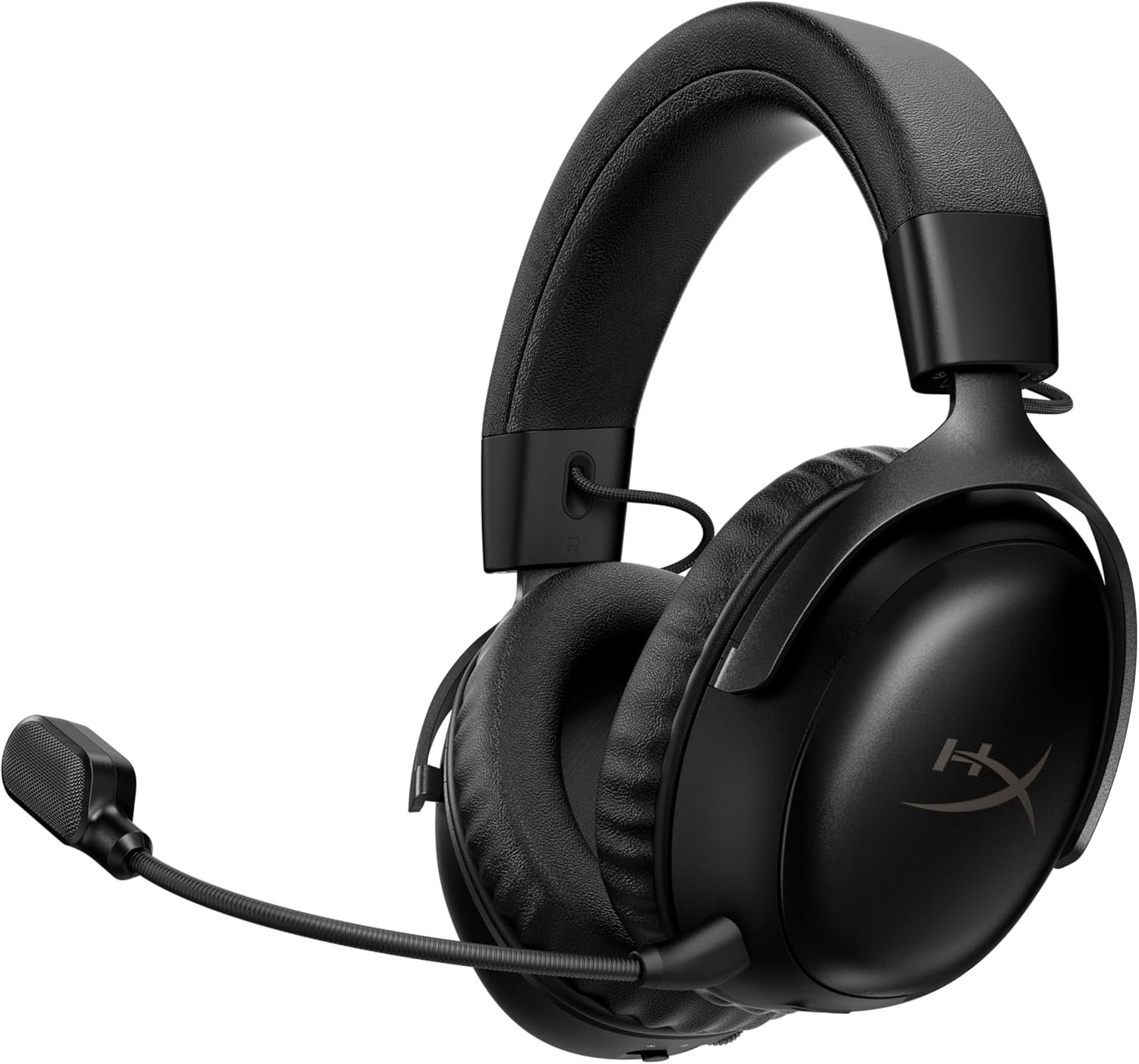
This is a buying guide, not a hands-on review. Product specifications come from the supplied listing and HyperX’s product page. The uploaded promotional images show more than one colorway; images of a red headset illustrate features, not the black listing’s exact appearance.
Quick Verdict
The HyperX Cloud III S Wireless is worth considering if you need both low-latency 2.4 GHz USB audio and Bluetooth in one headset. Its advertised battery figures are unusually prominent, but they are manufacturer claims under specific conditions, not measurements from our own testing. Check platform support and the exact black SKU before you buy.
Best suited for
A player who switches between a PC or compatible console and a Bluetooth device, wants a detachable boom microphone, and can use a USB dongle rather than a 3.5 mm headphone jack.
Pros
- HyperX lists both 2.4 GHz USB and Bluetooth wireless modes.
- The product includes a detachable boom mic and a USB-C dongle with a USB-A adapter.
- On-ear volume, mute and mode controls reduce the need to open software for basic changes.
Limitations
- The supplied listing does not offer a 3.5 mm headphone jack.
- Advertised 120-hour and 200-hour figures do not predict runtime at your settings.
Wireless connections
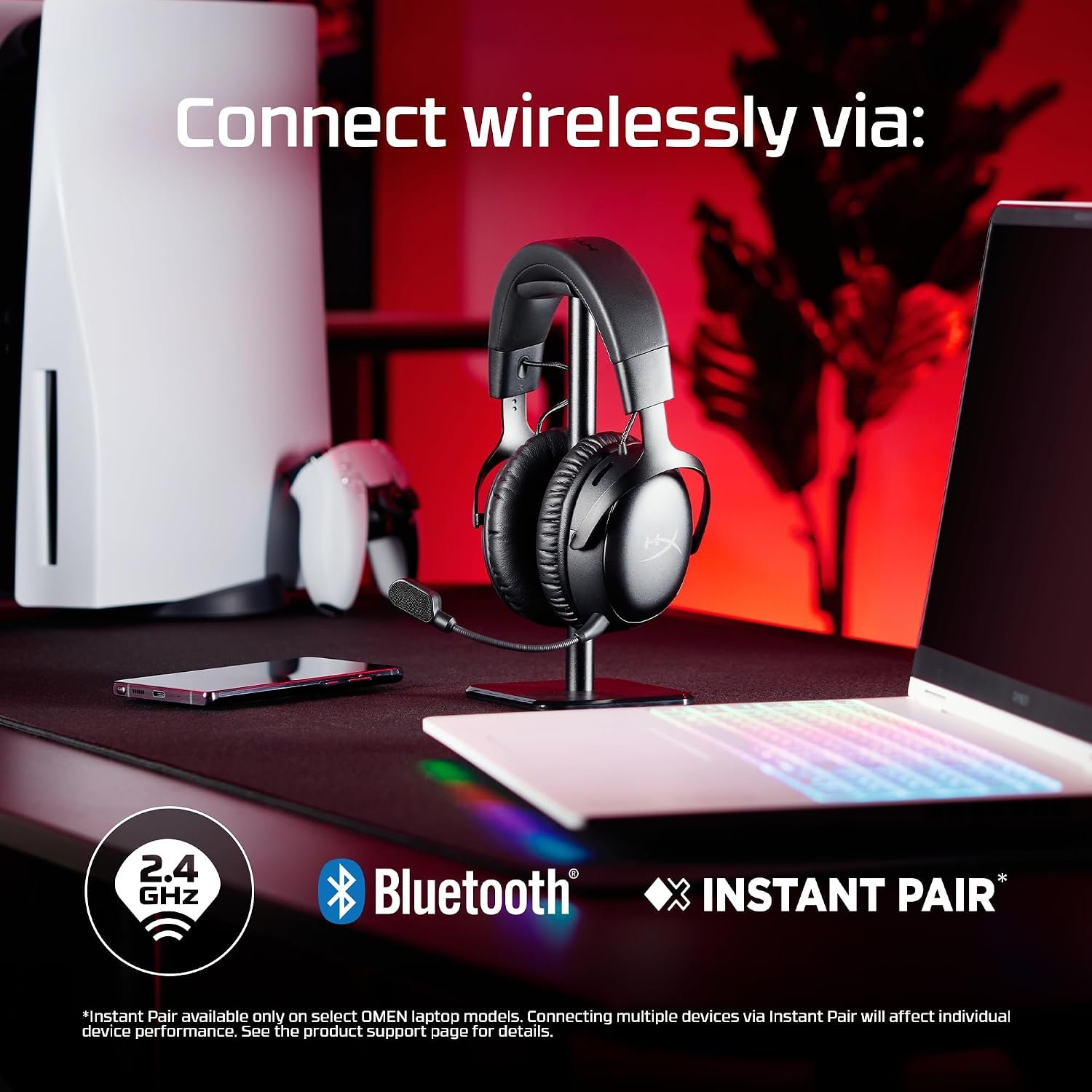
HyperX describes three ways to connect the Cloud III S Wireless: a 2.4 GHz USB dongle, Bluetooth, and Instant Pair on select OMEN laptops. The USB-C wireless dongle and USB-A adapter shown in the uploaded image make port compatibility a practical first check. Do not assume a particular console will accept every wireless mode just because its name appears in a general compatibility list.
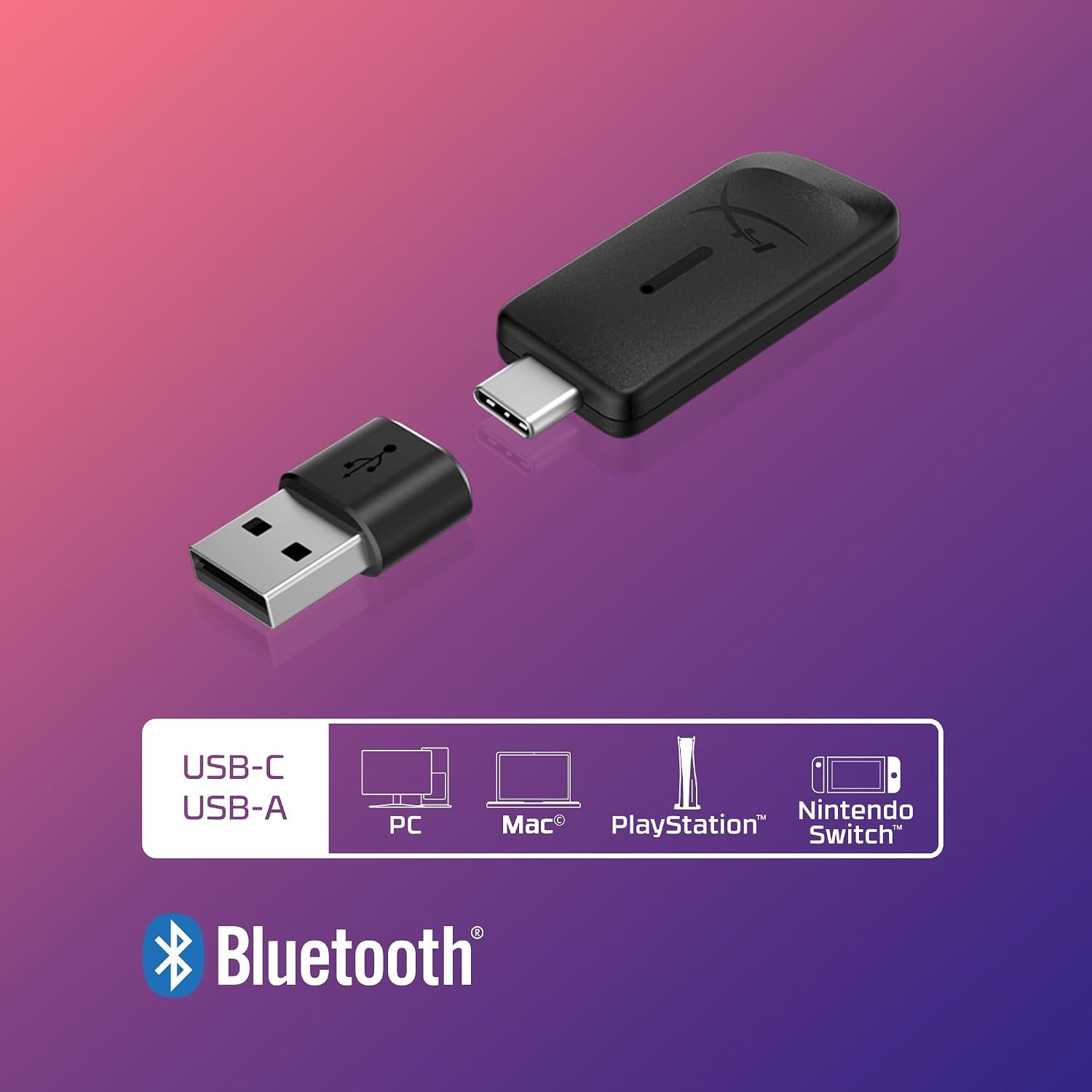
For a console, check HyperX’s device-specific instructions and the exact USB port you plan to use. Bluetooth is useful for phones and other compatible devices, but its behavior and audio latency can differ from the USB wireless connection. Instant Pair is not a universal no-dongle mode: HyperX says it is limited to select OMEN laptops.
Battery-life claim
The standout headline is up to 120 hours over 2.4 GHz USB and up to 200 hours over Bluetooth. HyperX states its battery tests used continuous playback at 50% headphone volume. Your runtime can change with volume, wireless mode, microphone use, battery age and charging habits, so treat both numbers as upper-bound promotional claims rather than a guarantee.
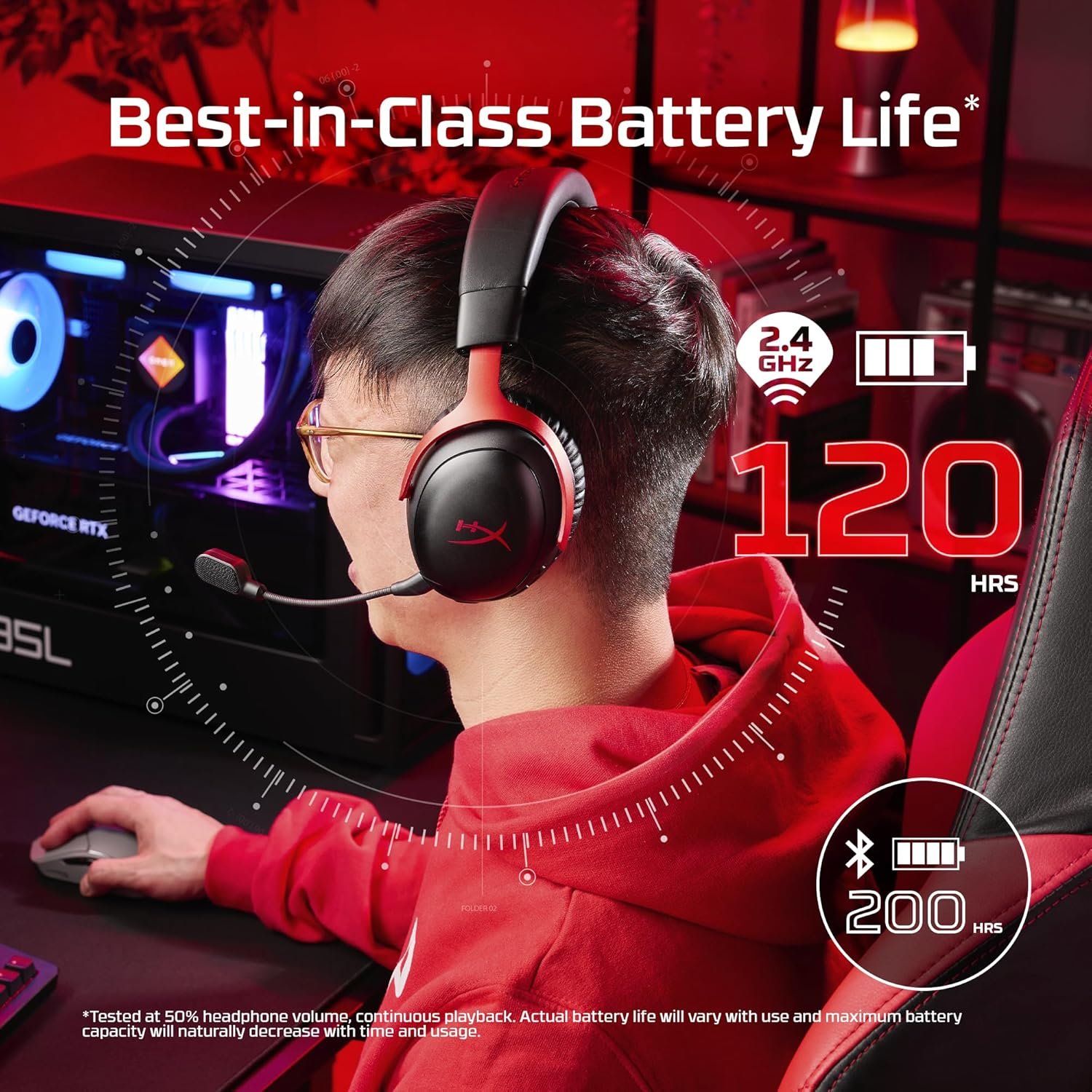
That claim matters most if you often forget to charge a headset. Check the current product page for charging time and cable details, and think about whether your desk has a convenient charging spot. A long advertised runtime does not remove the need to know how the headset behaves when its battery is low.
Microphones and controls
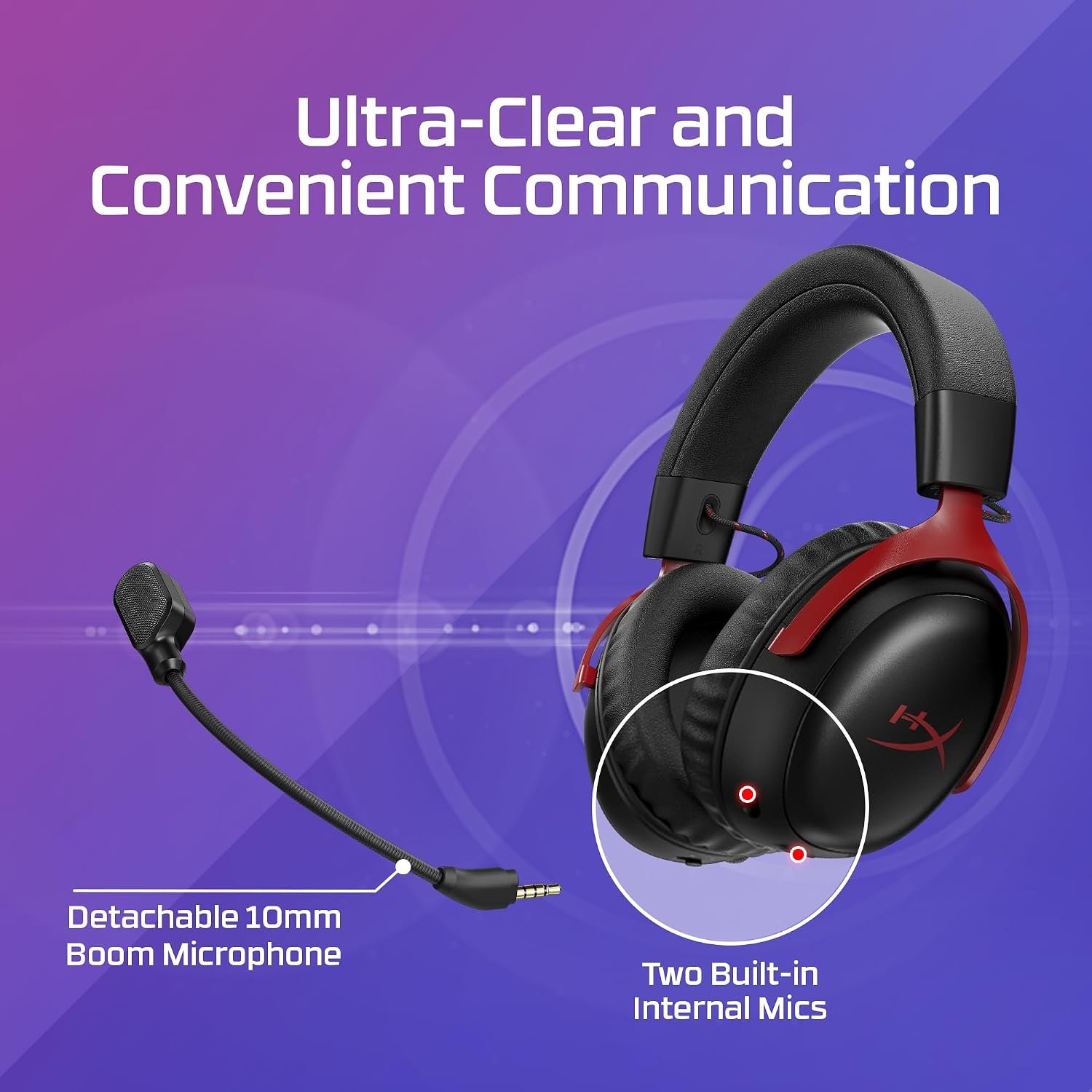
The headset has a detachable 10 mm boom microphone according to HyperX, while the uploaded graphic also points out built-in microphones. The separate microphone options may be useful when gaming and when using the headset casually, but these images do not prove voice quality, background-noise rejection or call performance in your own room.
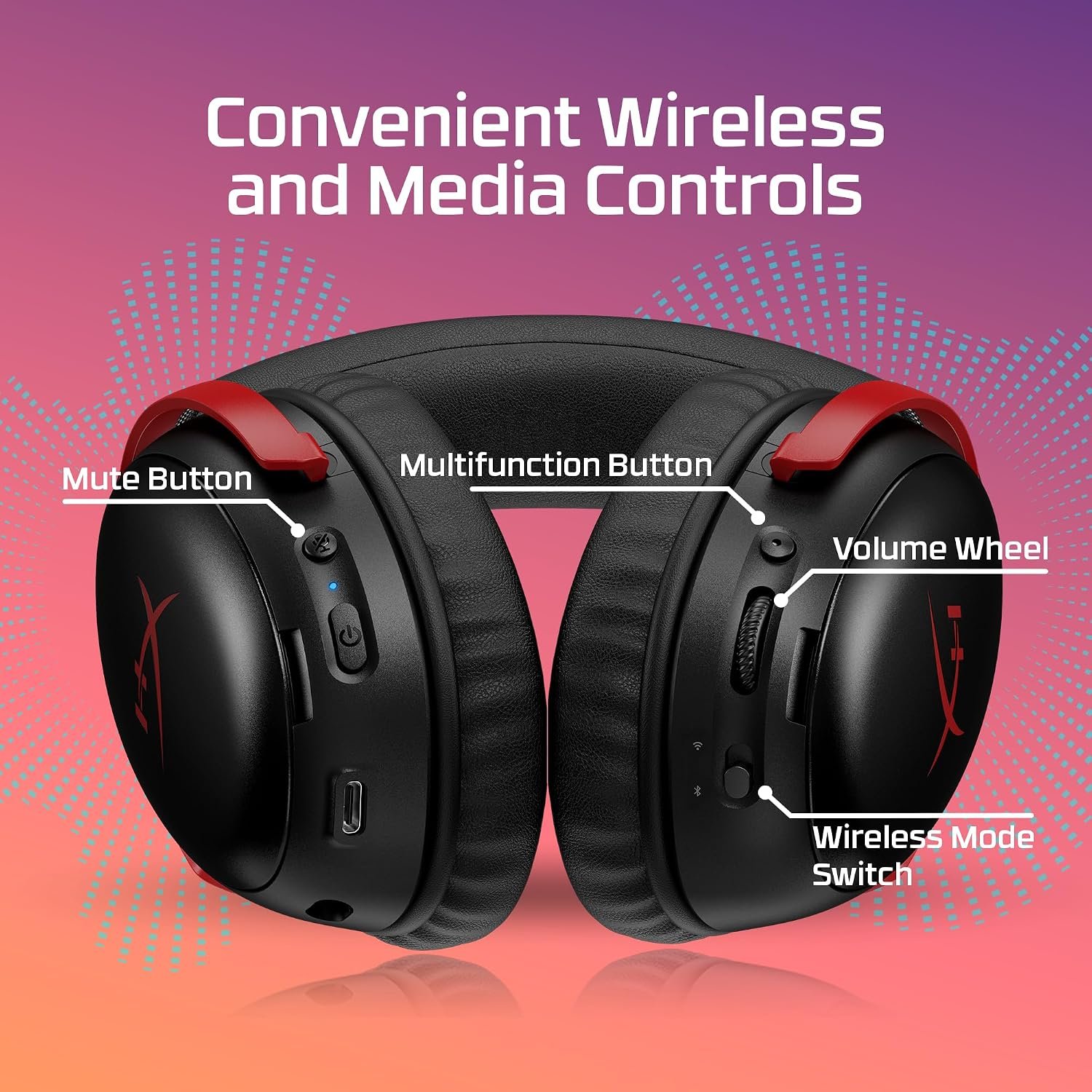
The earcup diagram shows a mute control, volume wheel, multifunction button and wireless-mode switch on the red variant. Confirm the exact controls and any software features on the black SKU. If you need to adjust audio mid-game, physical buttons are worth checking before you buy, especially if your device cannot run HyperX’s companion software.
Comfort and fit
HyperX describes memory-foam cushions and a durable frame. The supplied listing gives a weight around 356 g, but neither the weight nor promotional comfort language establishes how it will fit your head. Glasses, ear shape and heat buildup can matter more than the specification sheet. Use the seller’s return policy as a practical safeguard if you cannot try the headset first.
The black product photo and the red promotional graphics should not be read as one exact bundle. Compare the color, included dongle, adapter and microphone in the current listing with the model number A59YZAA. Other Cloud III and Cloud III Wireless versions can look similar yet have different connections or battery claims.
HyperX Cloud III S Wireless specifications
These are listing or manufacturer details, not independent measurements. Verify the current black variant and platform support before ordering.
| Specification | Listing or manufacturer detail |
|---|---|
| Brand and model | HyperX Cloud III S Wireless |
| Model number | A59YZAA (black listing) |
| Connection options | 2.4 GHz USB dongle and Bluetooth; Instant Pair on select OMEN laptops |
| Headphone jack | No 3.5 mm jack listed |
| Drivers | 53 mm angled drivers, per HyperX |
| Microphone | Detachable 10 mm boom microphone |
| Battery claim | Up to 120 hours on 2.4 GHz USB; up to 200 hours on Bluetooth |
| Weight | About 356 g in the supplied listing |
Five checks before buying
- Does the Amazon listing show the black Cloud III S Wireless model A59YZAA, not another Cloud III generation?
- Will your PC, console or phone support the specific wireless mode you plan to use?
- Do you have a convenient USB-C or USB-A port for the dongle and adapter?
- Is the battery claim acceptable once you account for your volume and usage pattern?
- Can you return the headset if comfort, mic quality or wireless behavior disappoints?
Read HyperX’s official Cloud III S Wireless page for model-specific details. For other approaches, compare our Logitech G Astro A50 guide and Razer BlackShark V2 X guide. Check the current Amazon listing for the exact included accessories and offer.