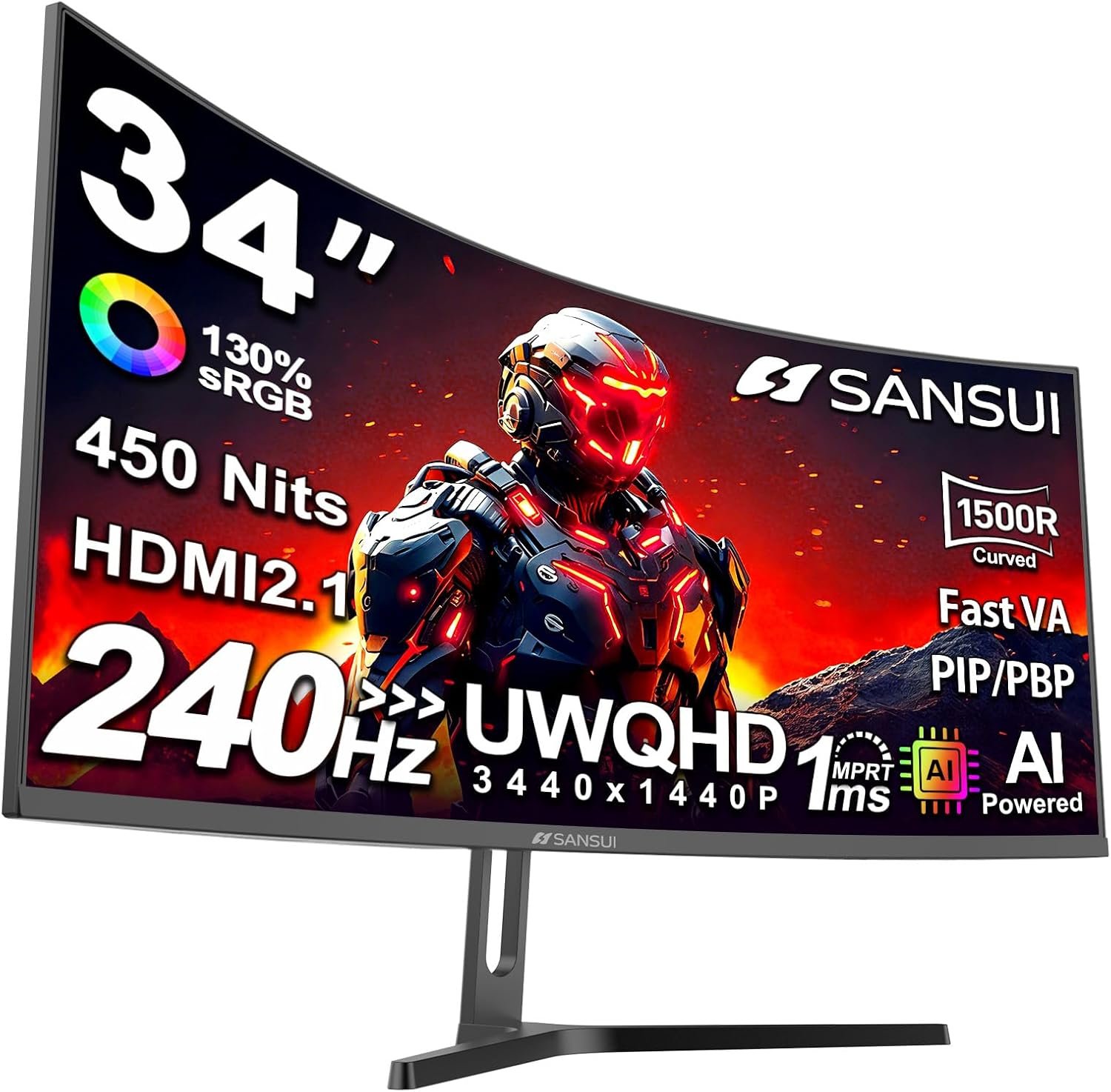
The SANSUI ES-G34C5 Pro combines a 34-inch 1500R curve, 3440 × 1440 resolution and a listed 240Hz maximum. That is an appealing mix for fast ultrawide gaming, but model names and response-time figures deserve a close read. Here is what its own product material confirms—and what to check before buying.
On this page
This is a specifications-based buying guide, not a hands-on test. SetupForge has not measured its input lag, response time, color accuracy, HDR output or long-term reliability.
Quick verdict
The SANSUI ES-G34C5 Pro is a sensible shortlist option if you want a 34-inch 1500R ultrawide with a listed 240Hz maximum and four video inputs. It is less convincing if you need USB-C docking, a compact desk footprint or assurance about motion clarity without independent testing.
Best for
PC gamers who value a wide 21:9 workspace and can verify that their graphics card and chosen cable support 3440 × 1440 at their target refresh rate.
Pros
- 34-inch 3440 × 1440 screen provides more horizontal room than a 16:9 QHD monitor.
- SANSUI lists a 240Hz maximum and Adaptive-Sync in the product materials.
- Two HDMI and two DisplayPort inputs make a multi-device desk easier to plan.
Limitations
- 240Hz and 1ms MPRT are manufacturer figures, not our measured performance.
- The product graphic shows no USB-C video or laptop charging input.
- VA motion behavior, HDR impact and color accuracy need independent evaluation.
SANSUI ES-G34C5 Pro specifications
SANSUI’s official C5 Pro page identifies the model as ES-G34C5 Pro, and its user manual shows a 3440 × 1440, 240Hz operating mode. The retailer’s “model name” field says ES-G34C8 PRO, but the model number, SANSUI page and uploaded image agree on C5 Pro. Use the exact code on your order and box.
| Specification | Published information |
|---|---|
| Model | SANSUI ES-G34C5 Pro — not ES-G34C8 |
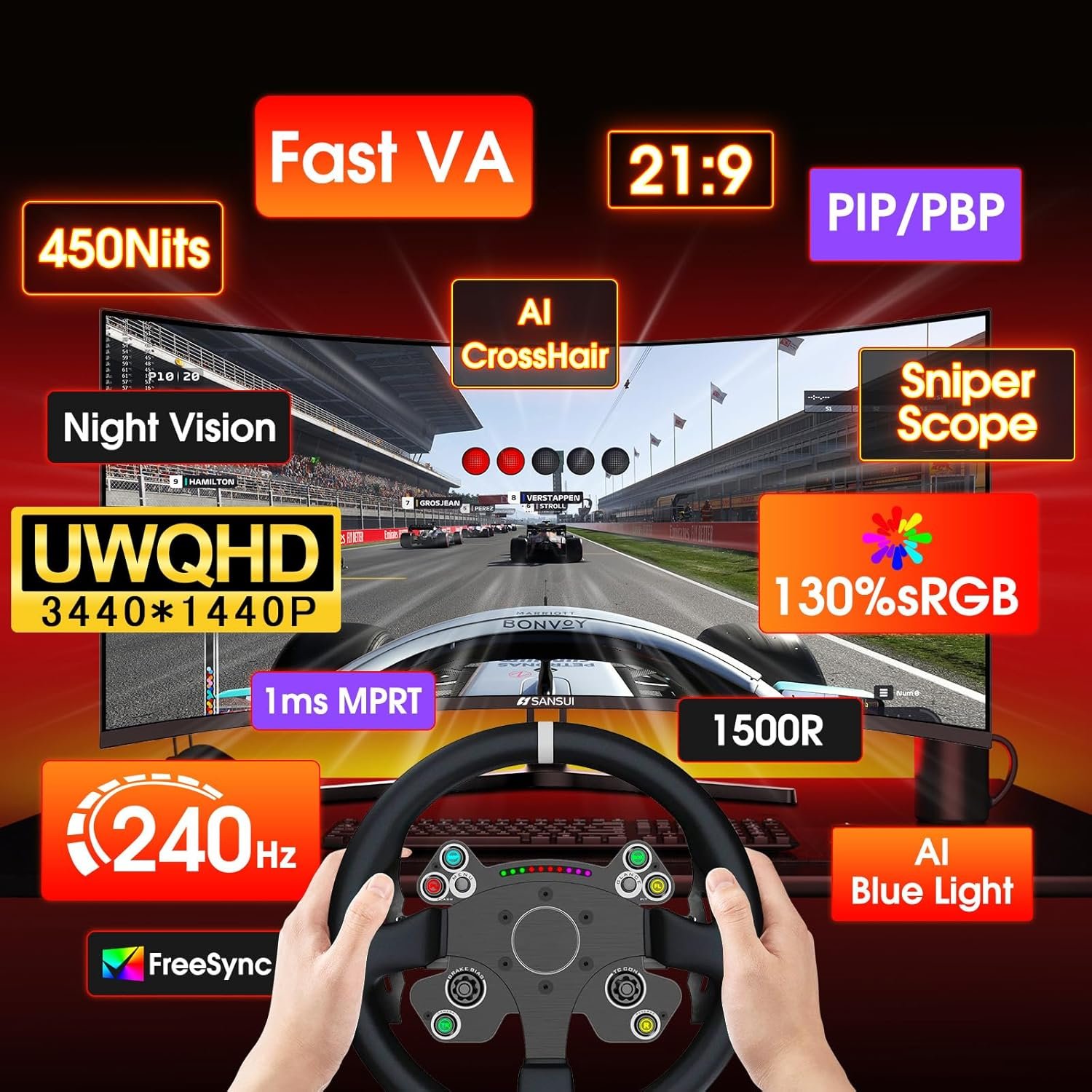
| Display | 34-inch Fast VA, 1500R curve, 21:9 |
| Native resolution | 3440 × 1440 (UWQHD) |
| Maximum refresh | 240Hz (manufacturer claim; source and cable must support it) |
| Response-time claim | 1ms MPRT, not an independently measured gray-to-gray result |
| Inputs | 2 × HDMI 2.1; 2 × DisplayPort 1.4 |
| Audio | 3.5mm earphone output shown; no USB-C shown |
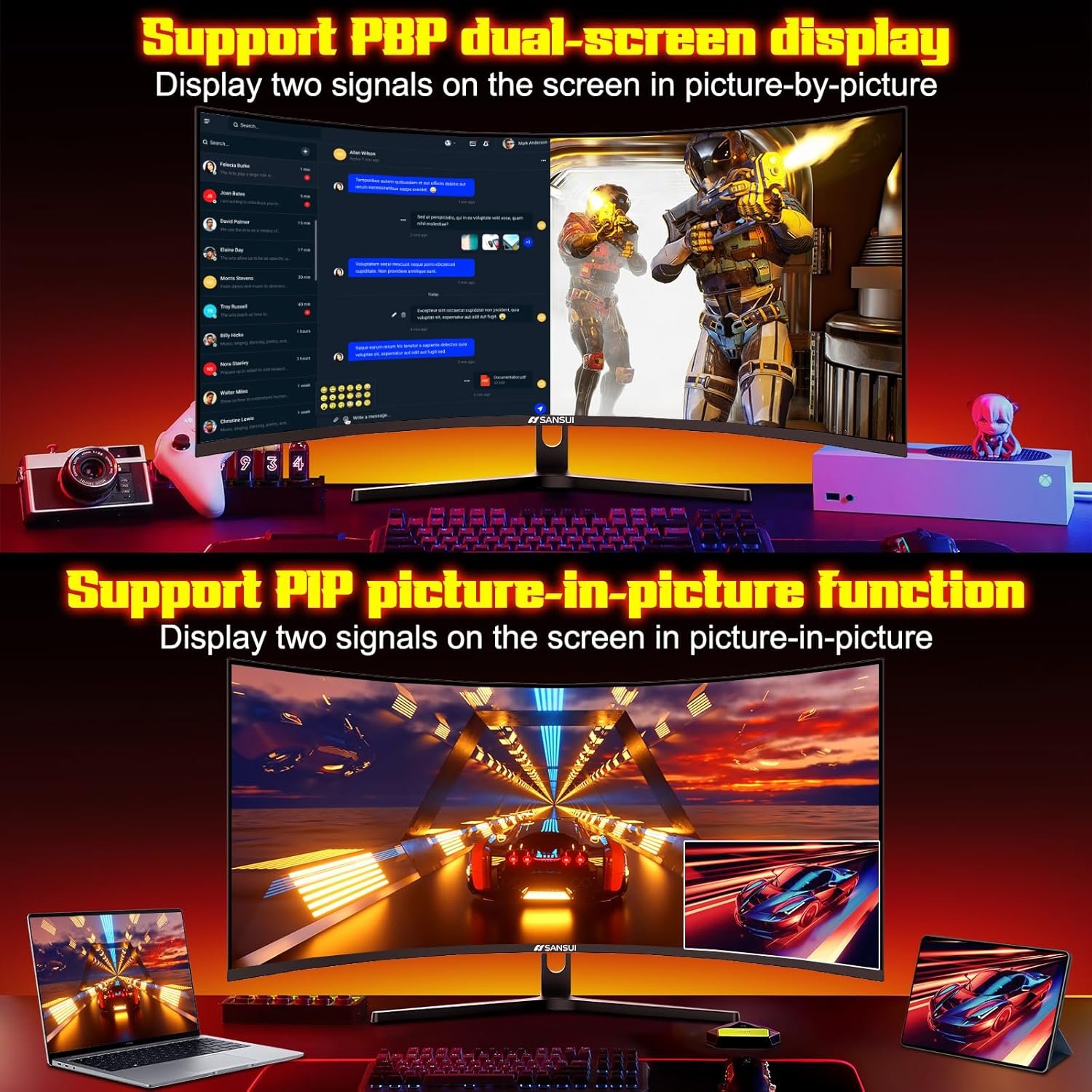
| Other features | Adaptive-Sync and PIP/PBP in SANSUI manual |
| Size with stand | 80.7 × 45.5 × 19.0cm in product graphic; verify listing |
| Mounting | 100 × 100mm VESA claim in product graphic; confirm hardware |
Why the 34-inch curve matters
At 3440 × 1440, this 21:9 panel offers roughly one-third more horizontal pixels than a 2560 × 1440 monitor. That helps when placing a game next to chat or editing tools, although some games and video will show side bars. The 1500R curve is a personal fit question: sit at your usual desk distance before assuming it will feel natural.
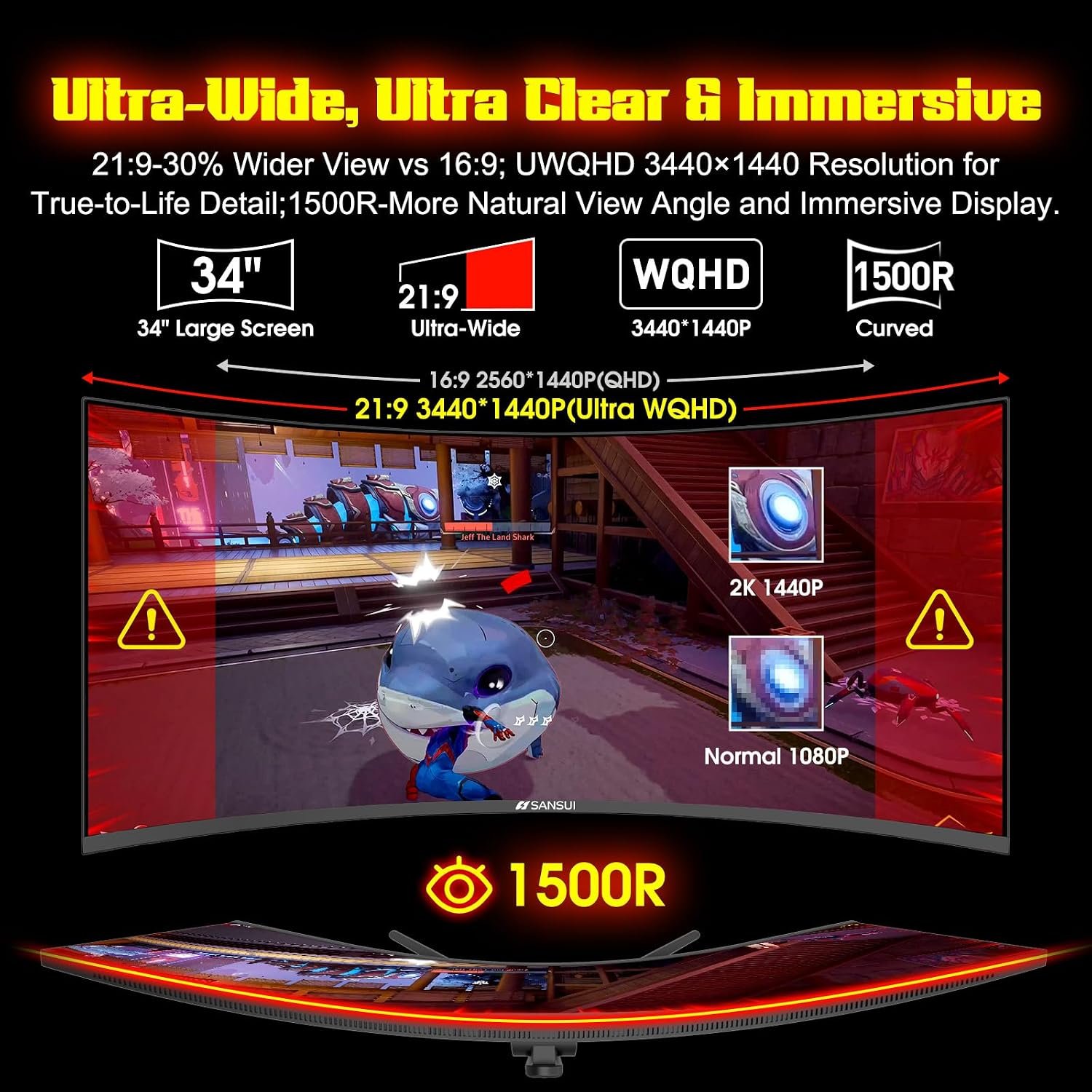
Fast VA is an LCD panel type, not OLED. A curve and a large size do not guarantee uniformity or viewing-angle performance. For color-critical work, look for independent measurements or budget for calibration rather than treating the wide-gamut claim as proof of accuracy.
240Hz and motion claims
The headline 240Hz is a ceiling for compatible sources, not a promise that every game will run at 240 frames per second. At ultrawide 1440p, your GPU, game settings, input mode and cable determine what you actually see. Confirm the highest available refresh rate in your operating system after connecting the monitor.
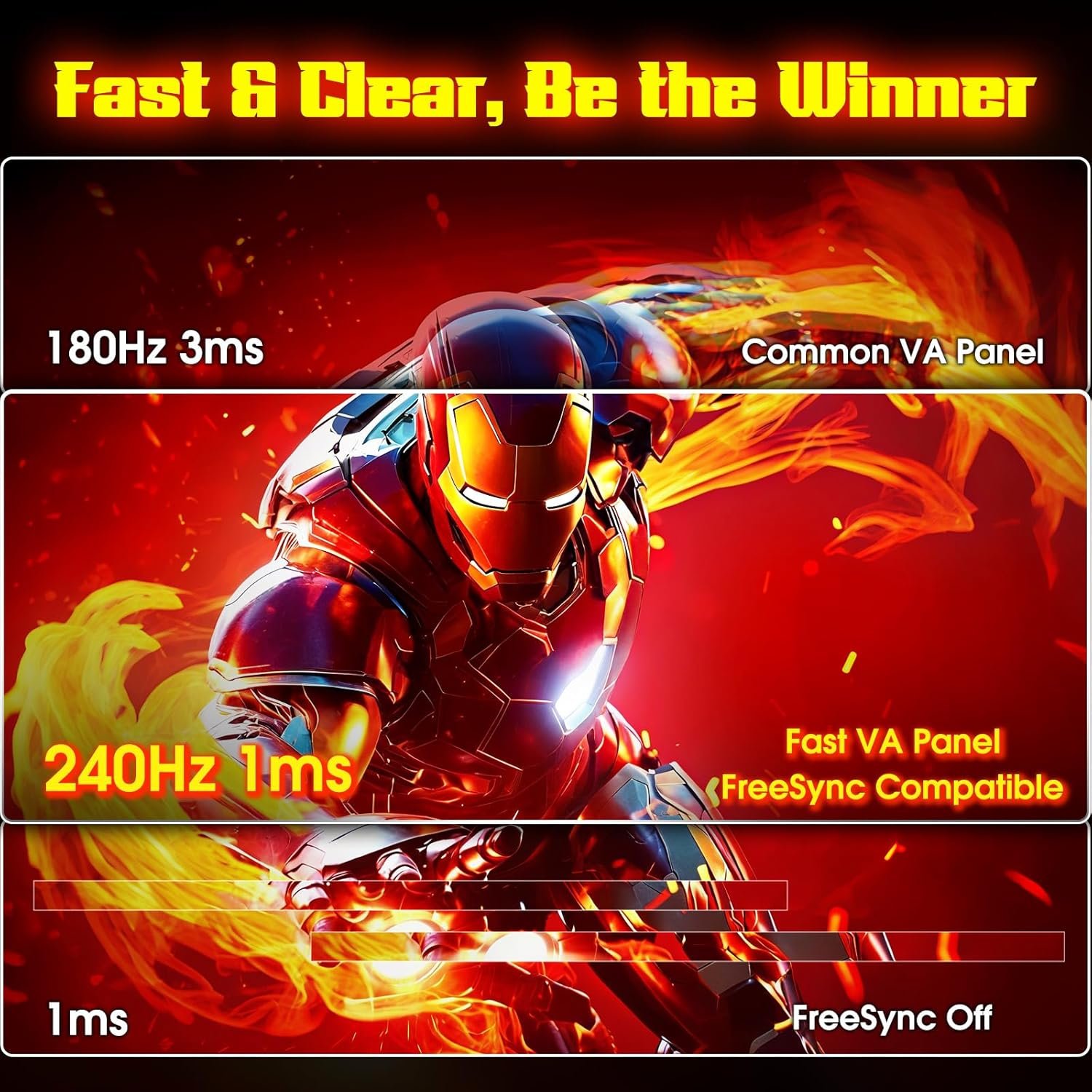
The 1ms figure is labeled MPRT in SANSUI’s materials. MPRT and gray-to-gray response time describe different measurements, so do not assume it means every pixel transition takes 1ms. Adaptive-Sync is listed in the manual, but the exact range and behavior with your graphics card should be verified.
Color and HDR claims
A product graphic lists 130% sRGB, 97% DCI-P3, 450 nits, a 3000:1 contrast ratio and HDR. These are seller/manufacturer claims; they do not establish calibrated accuracy or strong real-world HDR. In particular, a peak-brightness number does not tell you how bright a full-screen scene remains.
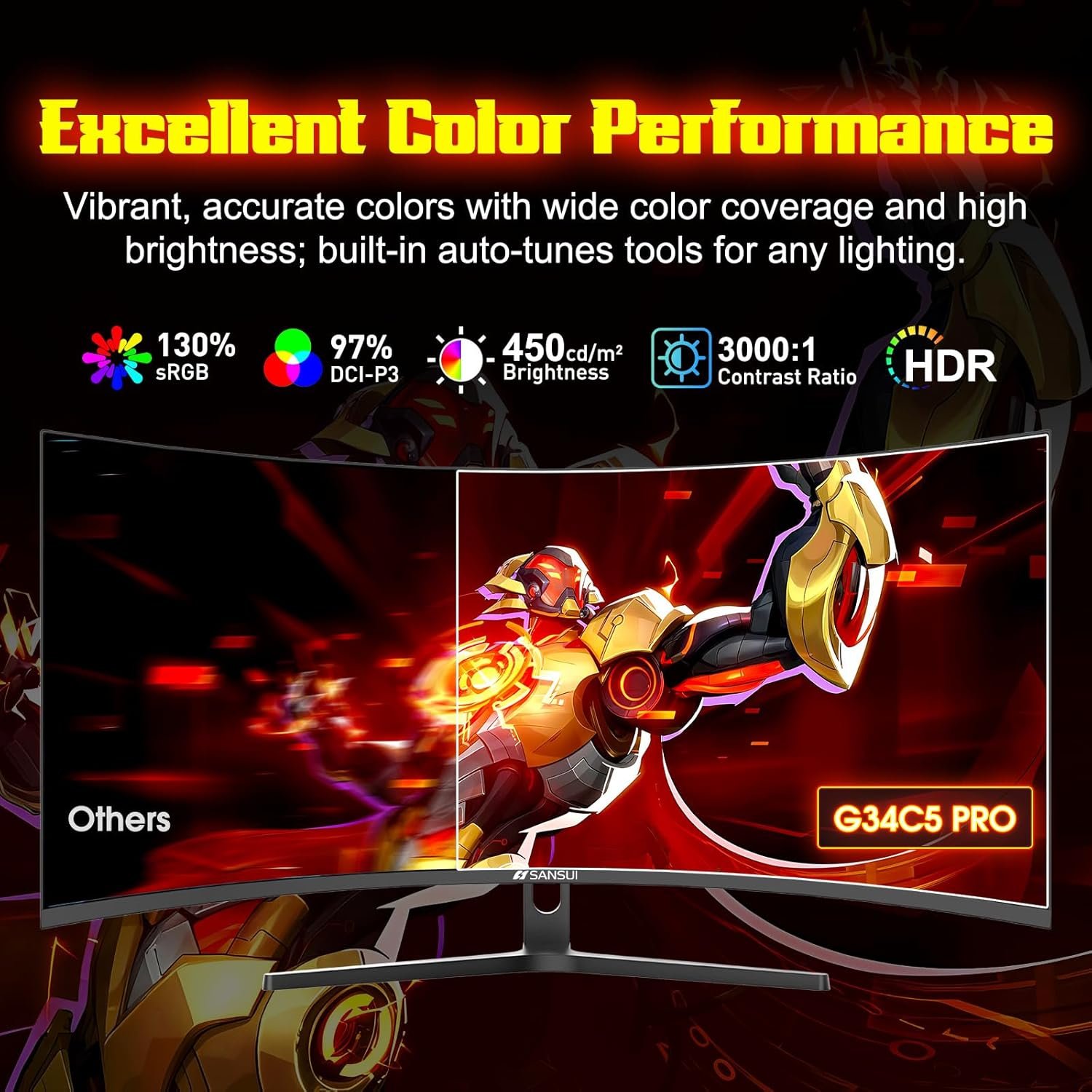
If you mostly play in a dim room, the VA panel’s advertised contrast may matter more than the color-gamut figures. If you edit photos, compare independent color measurements and the screen’s available picture modes before relying on the advertised percentages.
Ports, stand and desk fit
SANSUI’s manual lists HDMI1, HDMI2, DP1 and DP2 as input choices, plus PIP/PBP controls. The product port graphic labels two HDMI 2.1 and two DisplayPort 1.4 connections and an earphone output. It does not show USB-C, so laptop users should plan a separate video cable and power connection.
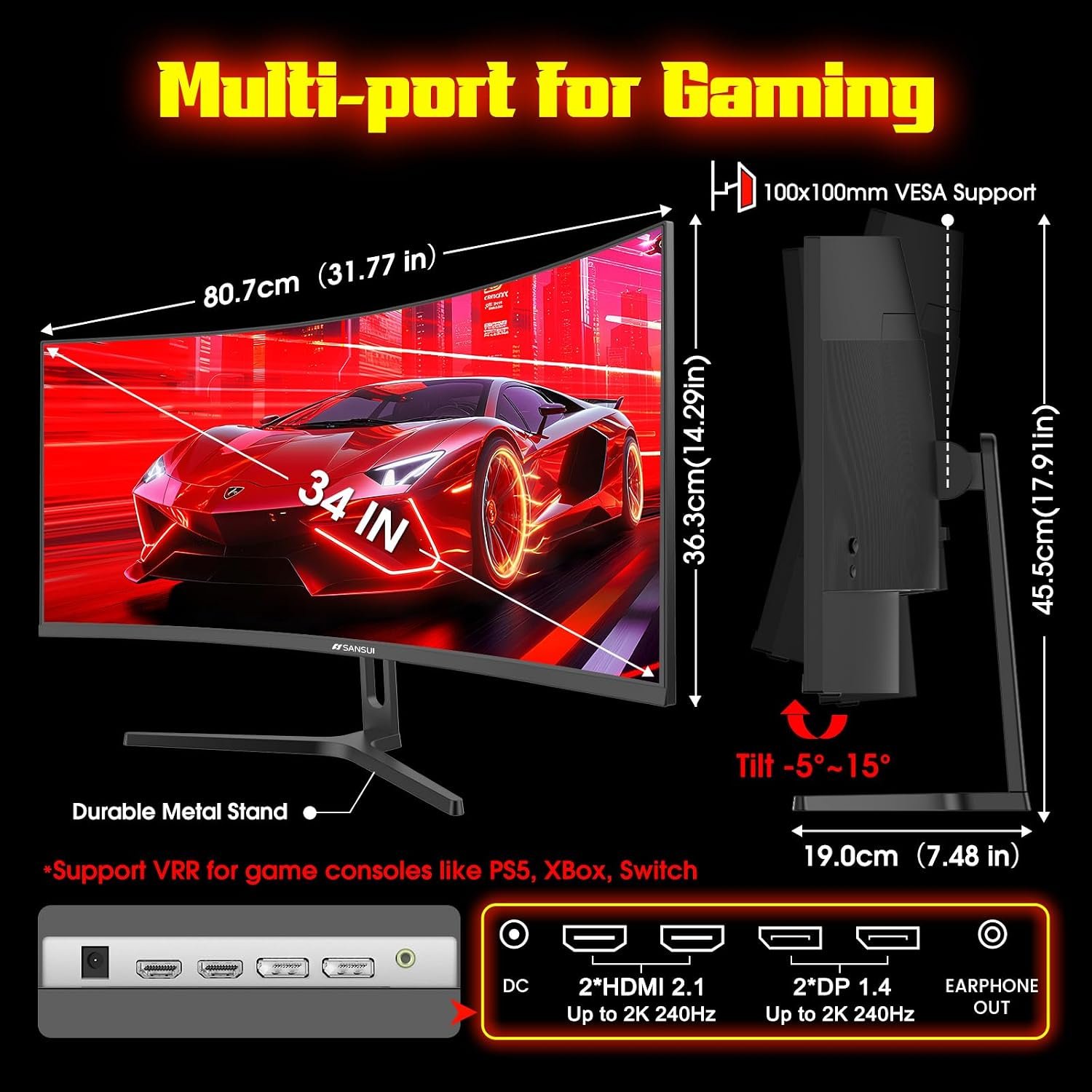
The graphic shows about 80.7cm width, 45.5cm height and 19.0cm depth with the stand, plus a 100 × 100mm mounting claim. Measure your desk before ordering and confirm the mounting pattern and screw requirements on the current product page or in the box. Stand tilt is shown, but height adjustment is not confirmed.
Gaming tools and multitasking
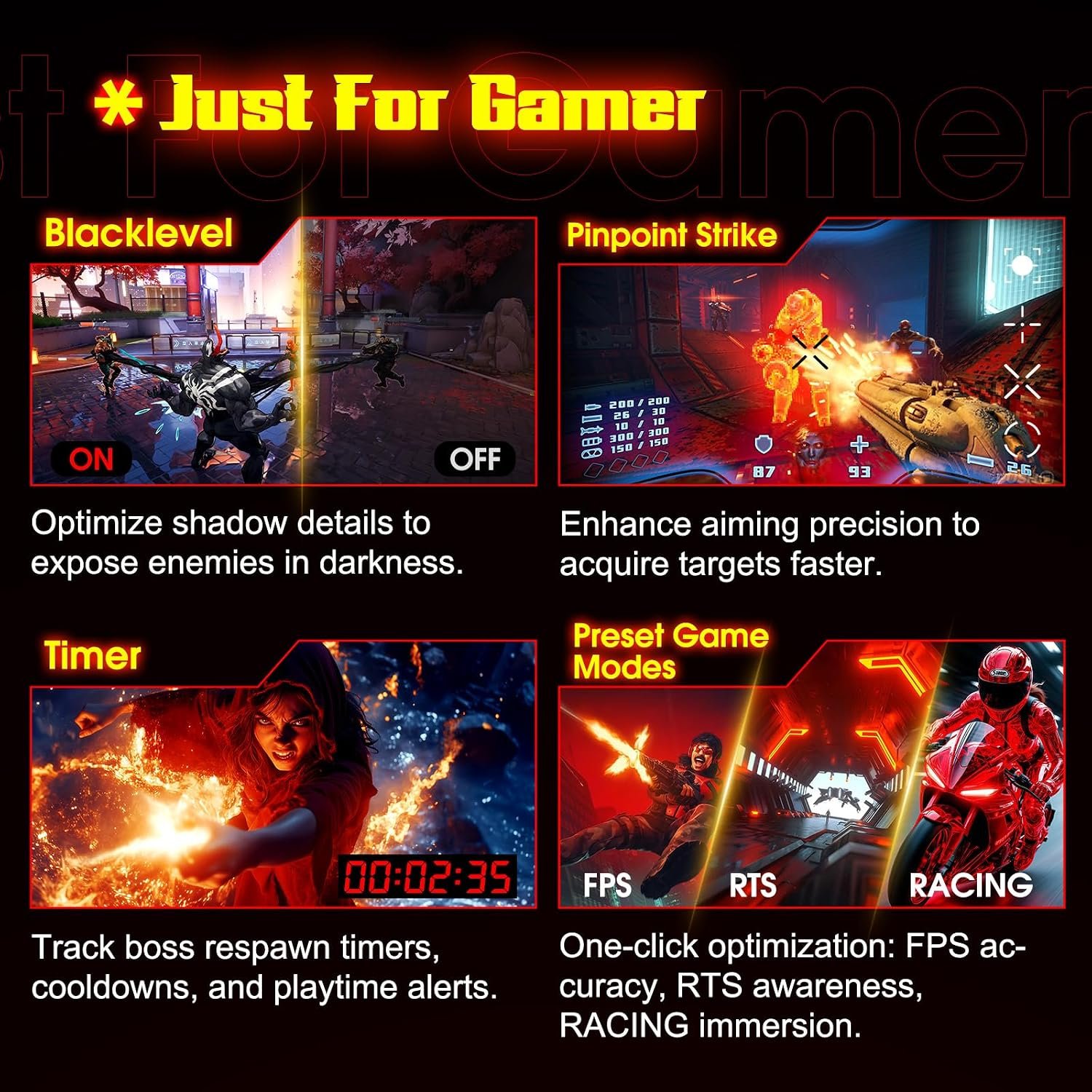
The manual includes options for AI CrossHair, Night Vision, Sniper Scope, timer and game modes. These are display overlays or picture controls, not evidence of AI-driven performance gains. Check whether any overlay is allowed in the games or competitions you play.

Another graphic promotes black-level adjustments, presets and a timer. Such controls can be useful, but effects vary with settings and content; they should not replace a look at independent motion and image-quality testing.
For two connected sources, the manual lists picture-in-picture and picture-by-picture settings. That can help with a work-and-play setup, though the available refresh and scaling in split-screen modes should be checked before counting on a particular layout.
Who should buy it?
- Consider it if you want a curved 34-inch 21:9 screen and have a PC capable of feeding UWQHD at high refresh rates.
- Consider it if four video inputs and PIP/PBP matter more to you than USB-C docking.
- Look elsewhere if you need verified motion clarity, a compact stand or a single-cable laptop connection.
- Compare our SANSUI 200Hz ultrawide guide if a lower-refresh option might meet your needs.
Final checks before buying
The retail listing and manufacturer images should agree on the exact model before you order. This is the ES-G34C5 Pro; the separate ES-G34C8 is not the same monitor. Treat the 240Hz, 1ms MPRT and color figures as claims until you have a source and settings that deliver what you expect.
- Confirm the selected listing and box both say ES-G34C5 Pro.
- Check the available 3440 × 1440 refresh mode on your chosen HDMI or DisplayPort input.
- Verify the current VESA pattern, stand adjustability, accessories and return terms.
- Look for independent tests if response time, HDR or color fidelity are deciding factors.
Read SANSUI’s product page and manual, then browse more SetupForge monitor guides. Current prices, availability and regional support may differ from the listing used for this guide.