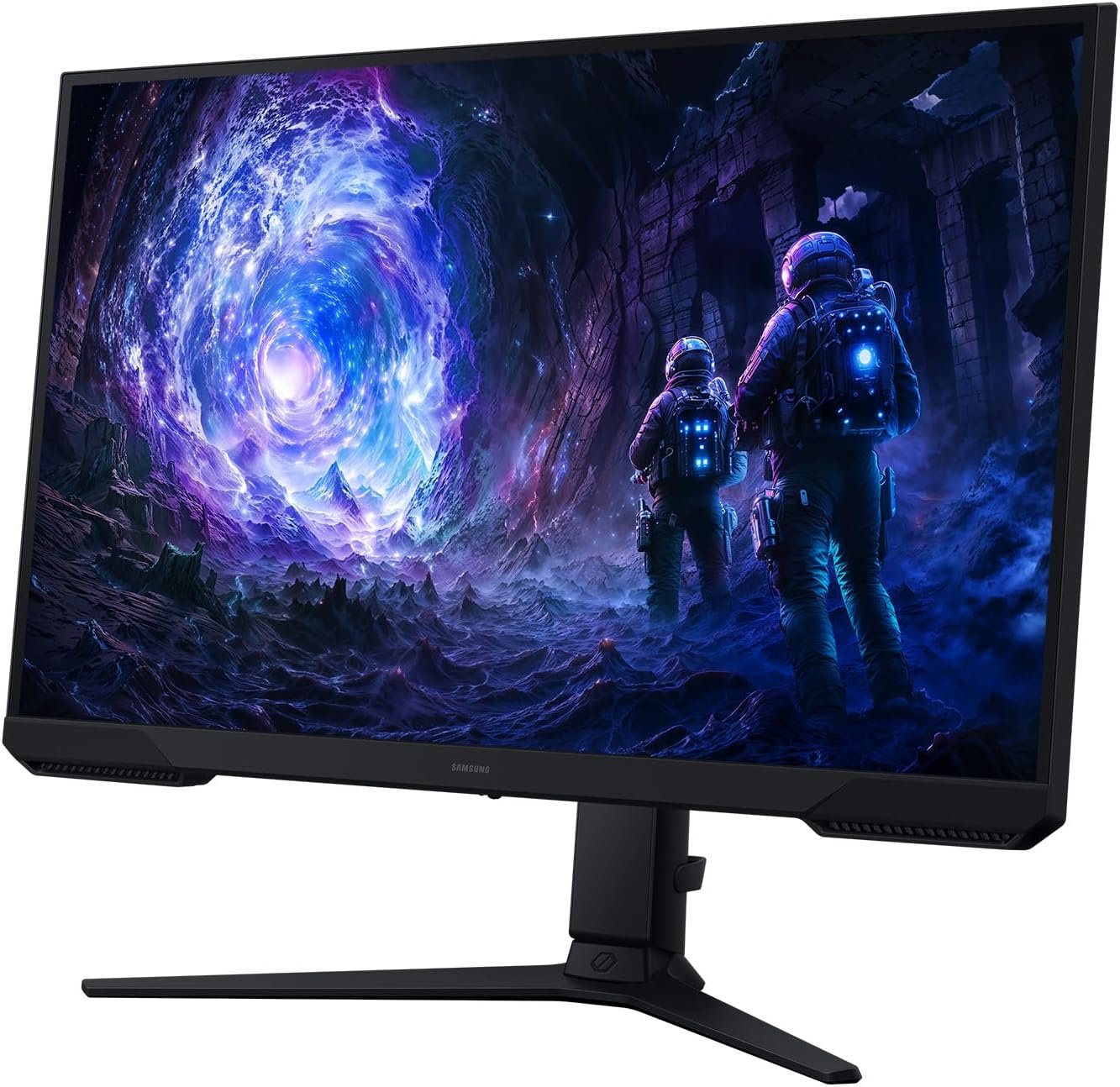
The Samsung Odyssey G5 G51F pairs a 27-inch QHD VA screen with a stated maximum 180Hz refresh rate. That combination could suit a PC setup that needs sharper detail than 1080p without moving to 4K. Before you buy, check the exact regional model, available ports, and whether your hardware can deliver QHD at the frame rates you want.
This buying guide compares the manufacturer’s published specifications with the supplied Amazon listing. We have not bought, tested, or measured this monitor; verify the exact model and current offer before ordering.
On this page
Quick verdict
This is a promising fit for buyers who want 27-inch QHD resolution and a high refresh ceiling. Samsung quotes 1ms MPRT—not a measured 1ms gray-to-gray response—and lists FreeSync for the G51F family. We have not tested motion, color, or HDR performance. Check the exact model code in the Amazon offer before relying on regional specifications.
Best suited for
A PC gamer upgrading from 1080p or 60Hz who wants more workspace and has a graphics card and cable setup capable of QHD at high frame rates.
Strengths
- 2560 × 1440 resolution gives more workspace and detail than 1080p.
- Maximum 180Hz refresh offers headroom for high-frame-rate games.
- Samsung lists a VA panel, FreeSync support, and HDR10 for this family.
Trade-offs
- 1ms is Samsung’s MPRT claim, not an independent motion measurement.
- Your PC must deliver the desired QHD frame rate to benefit from 180Hz.
- Port versions, stand features, and bundled cables should be confirmed for the exact regional variant.
Key specifications
These are manufacturer-published G51F-family details alongside the supplied Amazon model number. Samsung’s linked product page is for a regional variant, so treat variant-specific items as checks rather than guarantees for the Amazon unit.
| Specification | Manufacturer / listing detail |
|---|---|
| Screen | 27-inch flat VA LCD |
| Native resolution | 2560 × 1440 (QHD), 16:9 |
| Maximum refresh | 180Hz, manufacturer specification |
| Response claim | 1ms MPRT; not a measured GtG value |
| Adaptive sync | FreeSync listed by Samsung |
| HDR format | HDR10 listed by Samsung |
| Video inputs | DisplayPort and HDMI; verify versions for your variant |
| Amazon model number | S27FG512EB in supplied listing data |
| Regional Samsung model | LS27FG512ENXZA on linked Samsung page |
Screen and everyday use
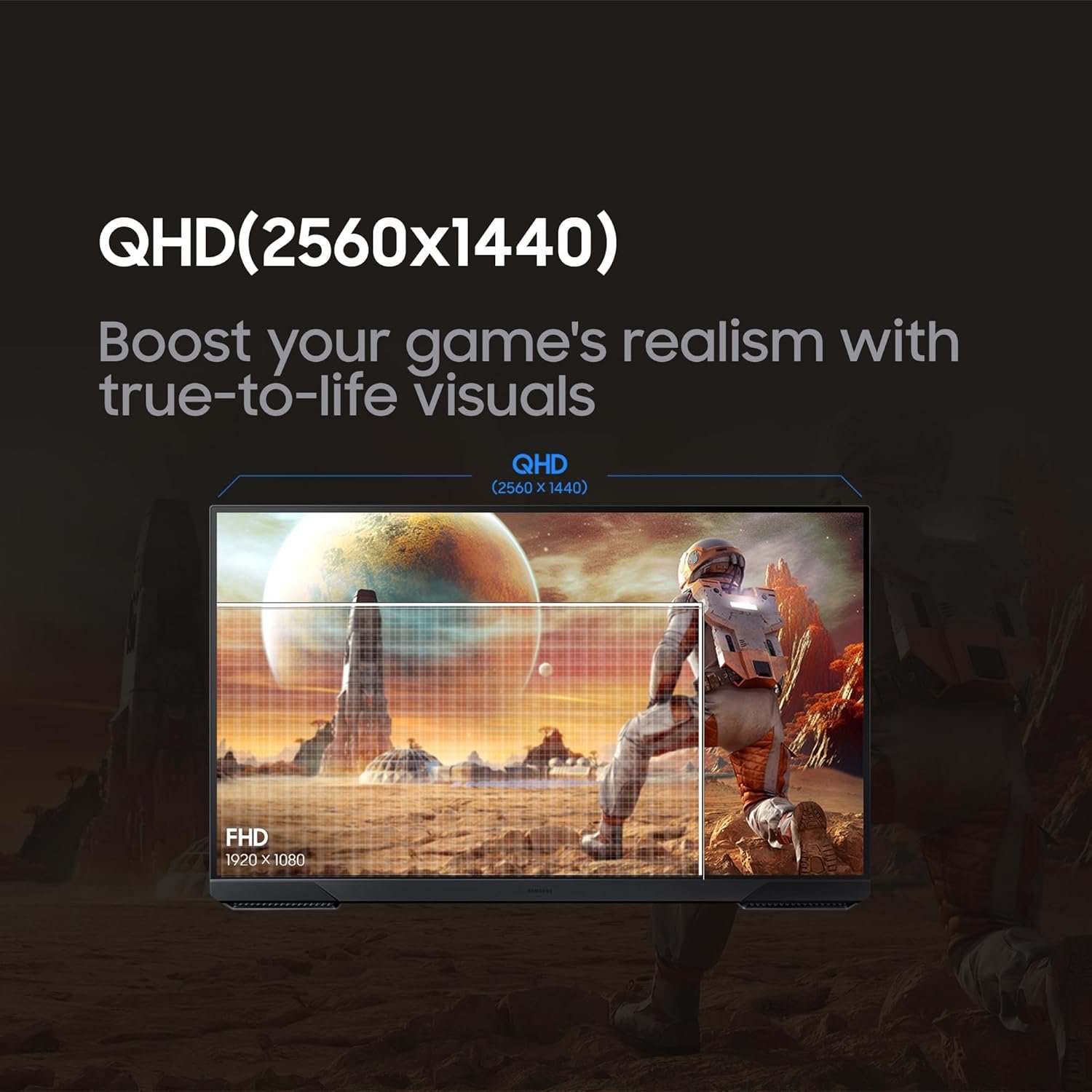
On the Samsung Odyssey G5’s 27-inch panel, QHD adds pixels and desktop space relative to Full HD. That can help with a game plus side windows, spreadsheets, and everyday reading, though your preferred text scaling and viewing distance still matter. It is a useful middle ground between 1080p and 4K rather than an automatic improvement for every user.
Samsung lists a flat VA panel and a typical 3000:1 static contrast figure for the G51F family. These are published specifications, not measurements of the unit in this Amazon offer. If color accuracy, uniformity, or viewing angles are decisive for you, seek independent testing of the exact variant.
Gaming and motion
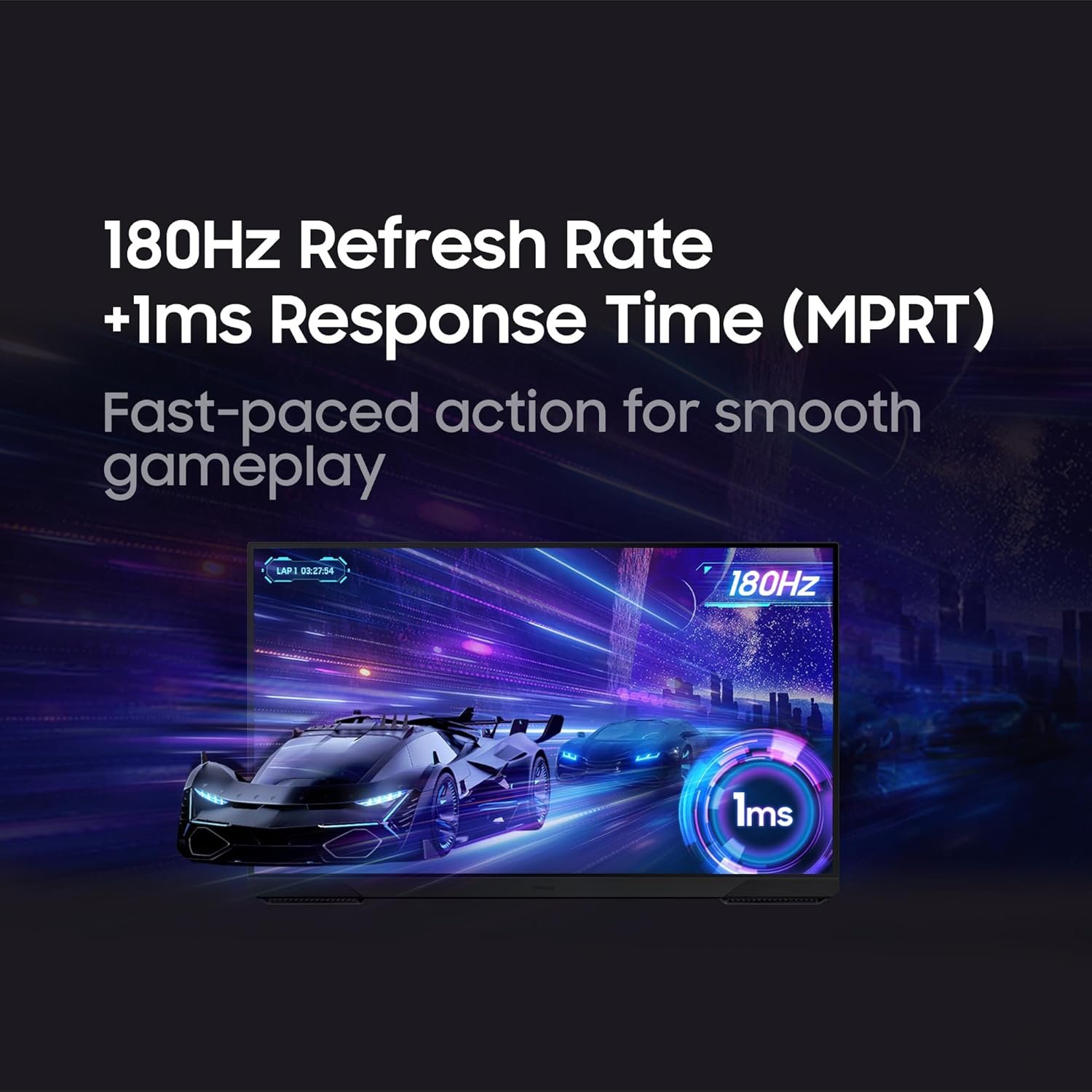
For the Samsung Odyssey G5, the maximum 180Hz rating means the screen can accept more updates per second than a 60Hz display when the source, cable, and settings support it. It does not mean every game will run at 180 frames per second. Check your graphics card’s QHD performance in the titles you play.
Samsung states 1ms MPRT for this G51F family. MPRT and gray-to-gray response are different metrics, and neither alone predicts all blur or overshoot. FreeSync is also listed by Samsung, but the supported range and behavior of the exact Amazon model should be verified rather than inferred from the name.
Connections and setup
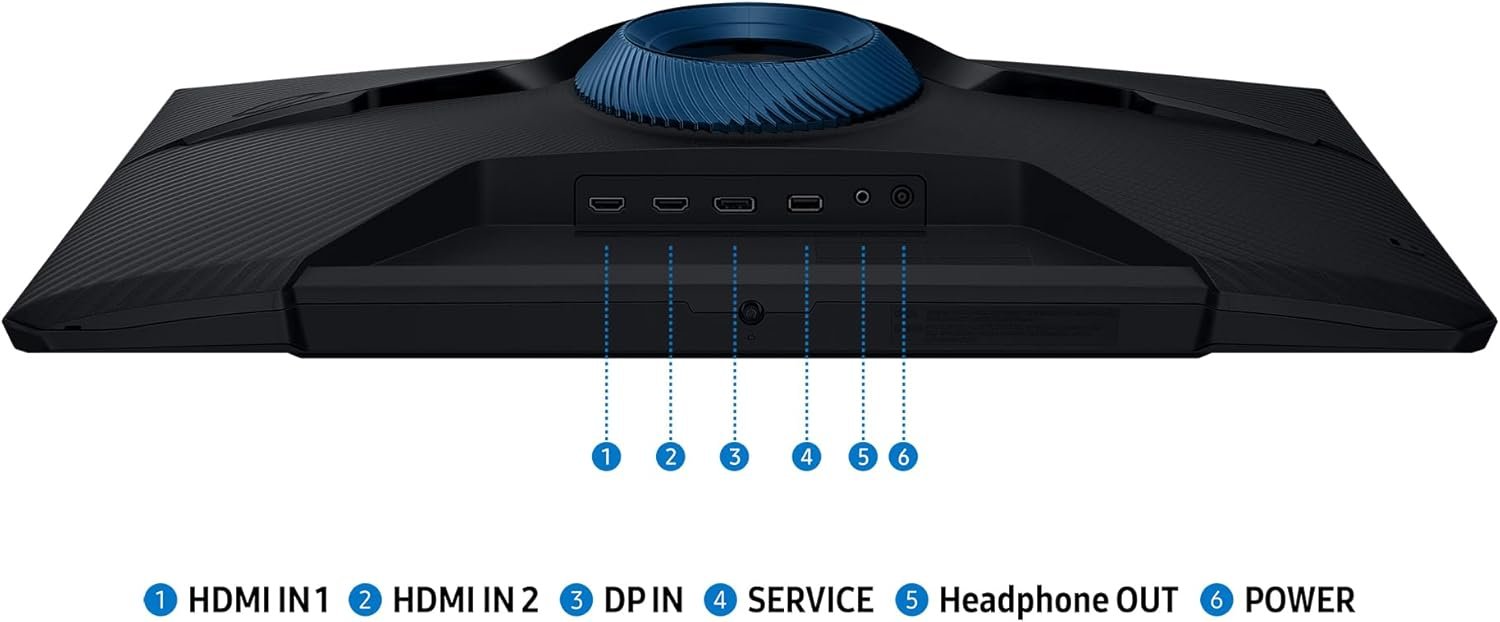
The supplied Amazon data lists DisplayPort and HDMI. Samsung’s regional page lists those inputs too, but a different suffix can mean different packaging or firmware. Confirm the exact port versions and whether a suitable cable is included before planning a 180Hz connection.
If you intend to mount the screen, check VESA compatibility, weight, and spacer requirements on the exact model page. The listing gives approximately 24.34 inches width and 9.22 inches depth, but product dimensions may include the stand or differ by variant; compare the seller’s diagram to your desk.
Who should consider it?
Consider the Samsung Odyssey G5 if QHD detail and a high refresh ceiling are the priorities of a mid-sized gaming desk. It can be a balanced option for a PC that already handles 1440p well. If your system is mainly used for 1080p games, or you require confirmed professional color accuracy, another monitor category may fit better.
- You want a 27-inch QHD workspace rather than a 1080p display.
- Your PC and preferred games can make useful use of high refresh at 1440p.
- You are comfortable checking the exact model’s inputs and stand before ordering.
Before you buy
The Amazon listing data identifies S27FG512EB, while the linked Samsung product page is a regional LS27FG512ENXZA version. This is a useful family-level reference, not proof that every detail transfers. Verify the suffix, return policy, present price, and stock before purchase.
- Does your graphics card support the desired 2560 × 1440 refresh mode?
- Does the exact unit have the ports, cable, and stand adjustment you need?
- Are FreeSync and HDR10 present on the seller’s precise model variant?
Sources: Samsung Odyssey G5 G51F specifications (regional variant) and current Amazon listing. See more monitors or our Acer Nitro QHD guide.