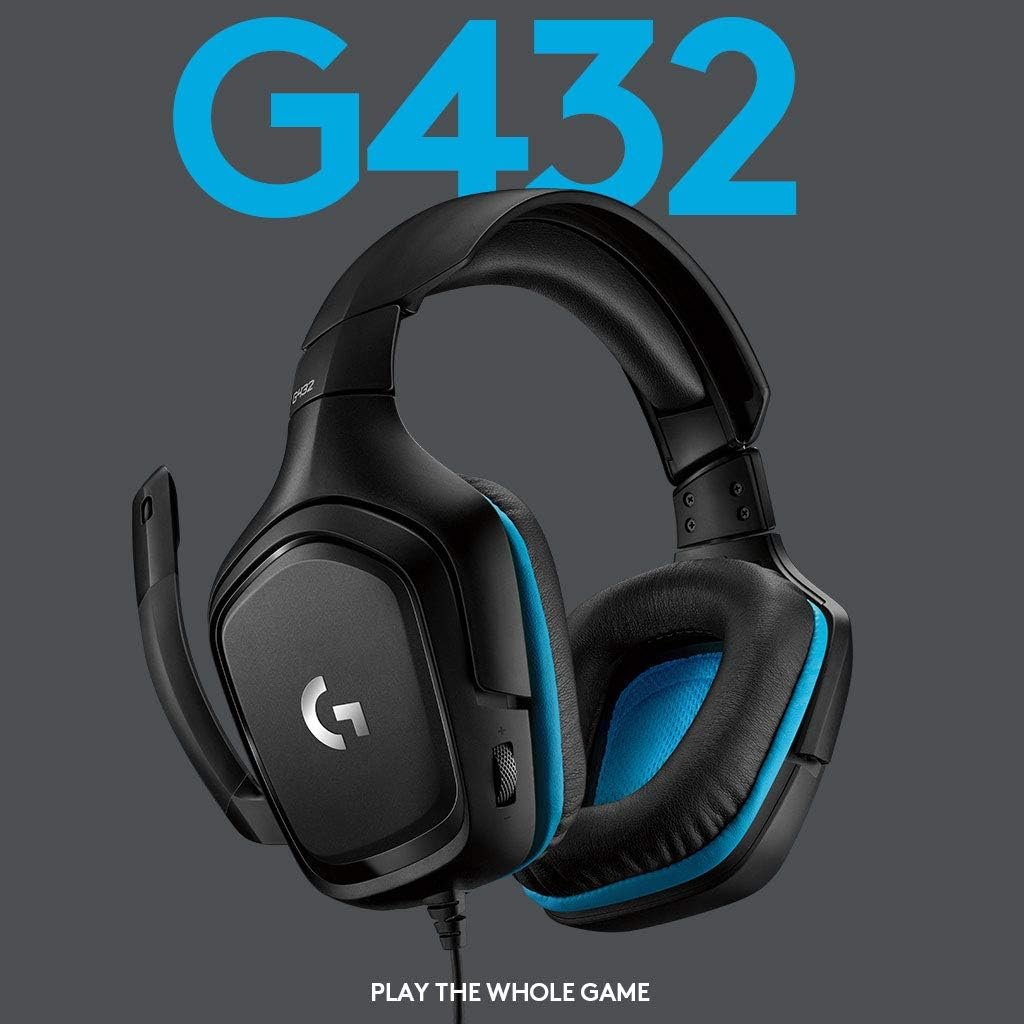
Logitech G432 is a wired gaming headset with two connection options: a 3.5 mm cable and an included USB DAC. Its 50 mm drivers and flip-to-mute microphone are straightforward features; the important qualification is that Logitech’s DTS Headphone:X 2.0 surround processing needs Windows and G HUB. Here is what that means before you buy.
On this page
This guide uses Logitech’s published product details and the supplied retailer listing. It is not based on hands-on testing. Audio quality, microphone clarity and comfort can vary with the device, settings and person using it.
Quick verdict
The Logitech G432 makes sense when you want a wired headset that can switch between an analog 3.5 mm connection and an included USB DAC. For a Windows PC, G HUB unlocks the advertised DTS Headphone:X 2.0 surround and EQ options. For a console or phone, think of it first as a wired stereo headset; do not assume the PC-specific surround feature carries over.
Best suited for: someone who values predictable wired connectivity, an easy-to-reach volume wheel and a microphone that mutes when lifted. It is less compelling if you need wireless freedom or expect DTS surround to work on every platform.
Pros
- 3.5 mm cable and included USB DAC give you two ways to connect, depending on the device.
- Logitech lists large 50 mm drivers and a 6 mm flip-to-mute microphone.
- Earcup-mounted volume control and rotating cups add useful day-to-day convenience.
- Windows users can access DTS Headphone:X 2.0 and EQ presets through Logitech G HUB.
Trade-offs
- DTS surround and EQ presets are restricted to Windows with G HUB; a 3.5 mm connection alone does not provide them.
- The wired cable may be inconvenient if you move away from your desk.
- Leatherette fit and heat build-up are personal, so the published specifications cannot guarantee comfort.
Logitech G432 specifications
These are specifications and compatibility details published by Logitech for the G432 family; the retailer listing identifies this offer as part number 981-000769. Check that the exact colorway and accessories on the order page match what you expect.
| Specification | Published detail |
|---|---|
| Model | Logitech G432 wired gaming headset |
| Retailer part number | 981-000769 |
| Drivers | 50 mm |
| Microphone | 6 mm flip-to-mute boom |
| Connection options | 3.5 mm cable or included USB DAC |
| Surround processing | DTS Headphone:X 2.0 via G HUB on Windows |
| Ear pads | Leatherette |
| Controls | Earcup-mounted volume wheel |
| USB DAC support stated by Logitech | PC, PlayStation 4 and docked Nintendo Switch |
| Analog cable | Consoles or mobile devices with compatible 3.5 mm connection |
Sound and the DTS limitation
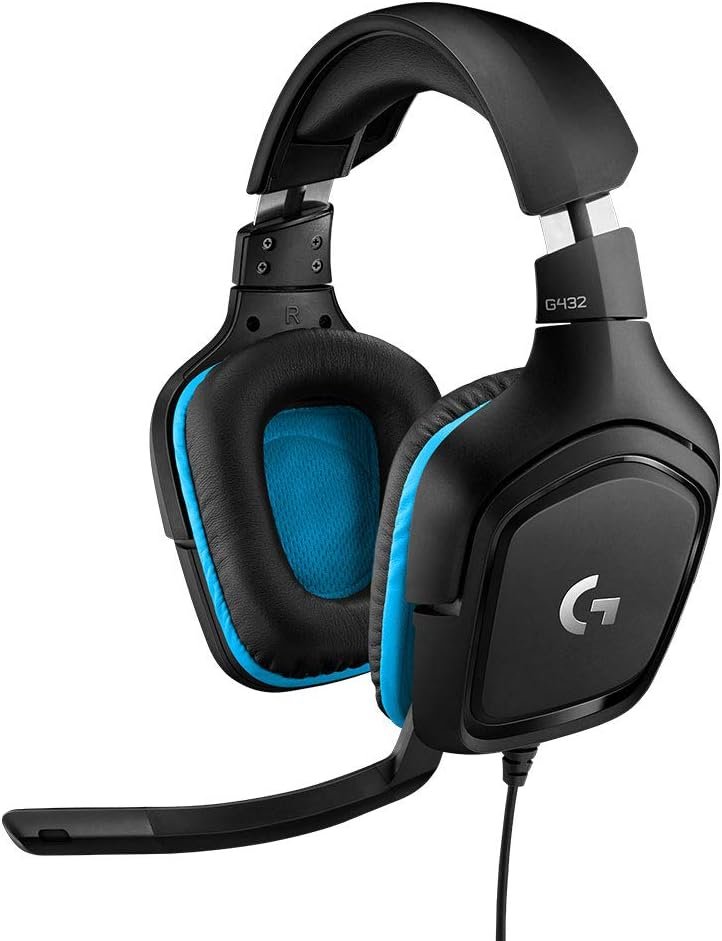
Logitech specifies 50 mm audio drivers, but driver diameter is only one hardware detail; it does not tell you whether you will prefer the headset’s sound. The key distinction is between audio over the cable and optional software processing. DTS Headphone:X 2.0 is a virtual surround feature controlled in Logitech G HUB, and Logitech limits it and the EQ presets to Windows.
If you play mainly on PlayStation, Switch or another device, do not purchase solely for the DTS claim. The headset can still deliver sound through a supported wired connection, but the Windows-only processing is a different feature. If positional audio matters to you, compare what your specific platform offers and decide whether stereo or its own spatial-audio system meets your needs.
Two wired connection options
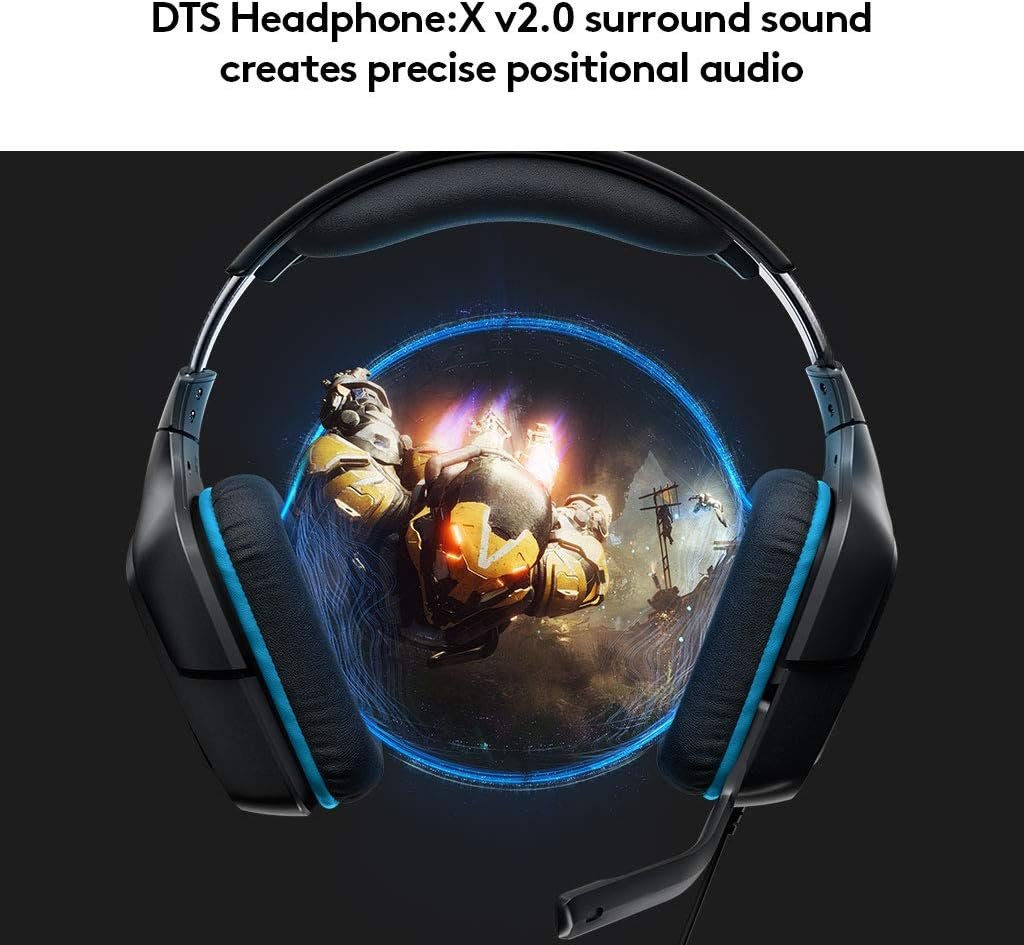
The G432 comes with an included USB DAC as well as a 3.5 mm cable. Logitech says the USB DAC works with a PC, PlayStation 4 and a docked Nintendo Switch. It also describes using the 3.5 mm cable with consoles or mobile devices. That flexibility is useful, but it is not a promise that every headset feature works identically on each platform.
Before ordering, look at the audio port available on your controller, computer or mobile device. A phone without a 3.5 mm jack may need its own compatible adapter. For a desktop PC, decide whether you want the USB DAC and G HUB features or a simple analog connection. Either way, leave enough cable slack and check where the inline or earcup controls will sit.
Microphone and comfort
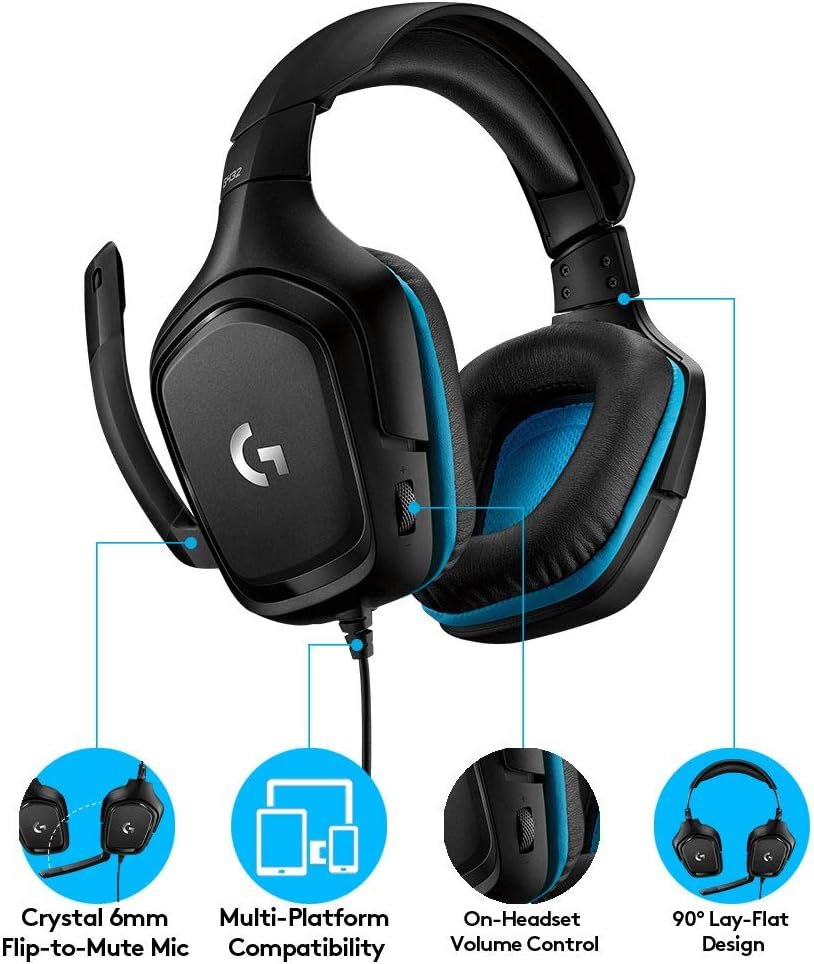
The 6 mm boom microphone mutes when flipped upward, according to Logitech. That is convenient for quick breaks in voice chat, though it does not prove recording quality. Microphone placement and the noise level around you still affect how teammates hear your voice.
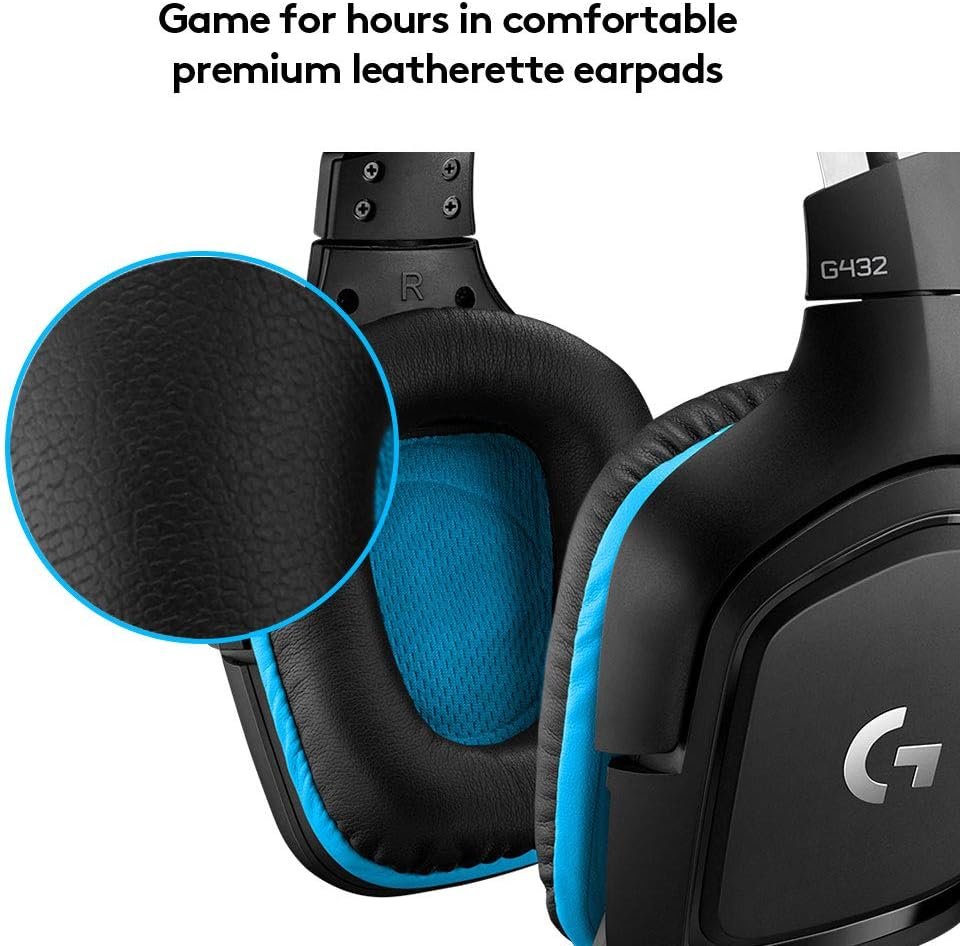
Logitech describes leatherette ear cups and a headband designed for extended sessions. The cups rotate up to 90 degrees, and a volume wheel sits on the earcup. Those are tangible design details; comfort itself remains subjective. If you wear glasses or play for hours, pay attention to clamping pressure, heat and how the pads rest around your ears.
Who should buy the G432?
- Choose the G432 if you want a wired gaming headset with both 3.5 mm and USB DAC connection choices.
- Consider it for a Windows PC if G HUB’s DTS surround and EQ controls are features you will actually use.
- Compare other gaming headsets if wireless is essential, or see the PRO X Wireless guide for Logitech’s different USB-receiver model.
- If you primarily play on a console, compare headsets for the connection and platform features you can use there rather than relying on a Windows-only surround label.
Before you order
- Confirm the retailer offer is the G432 black-and-blue wired variant and part number 981-000769, not the visually similar G430 or a different G432 listing.
- Check that the USB DAC is included if you plan to use it; retail bundles can vary.
- Verify your exact device has a compatible USB or 3.5 mm audio path.
- Remember that DTS Headphone:X 2.0 and EQ presets require Windows and G HUB.
- Check the current price, warranty and return policy at checkout rather than relying on an old offer.
Sources: Logitech G432 product page and the Amazon listing for this offer.