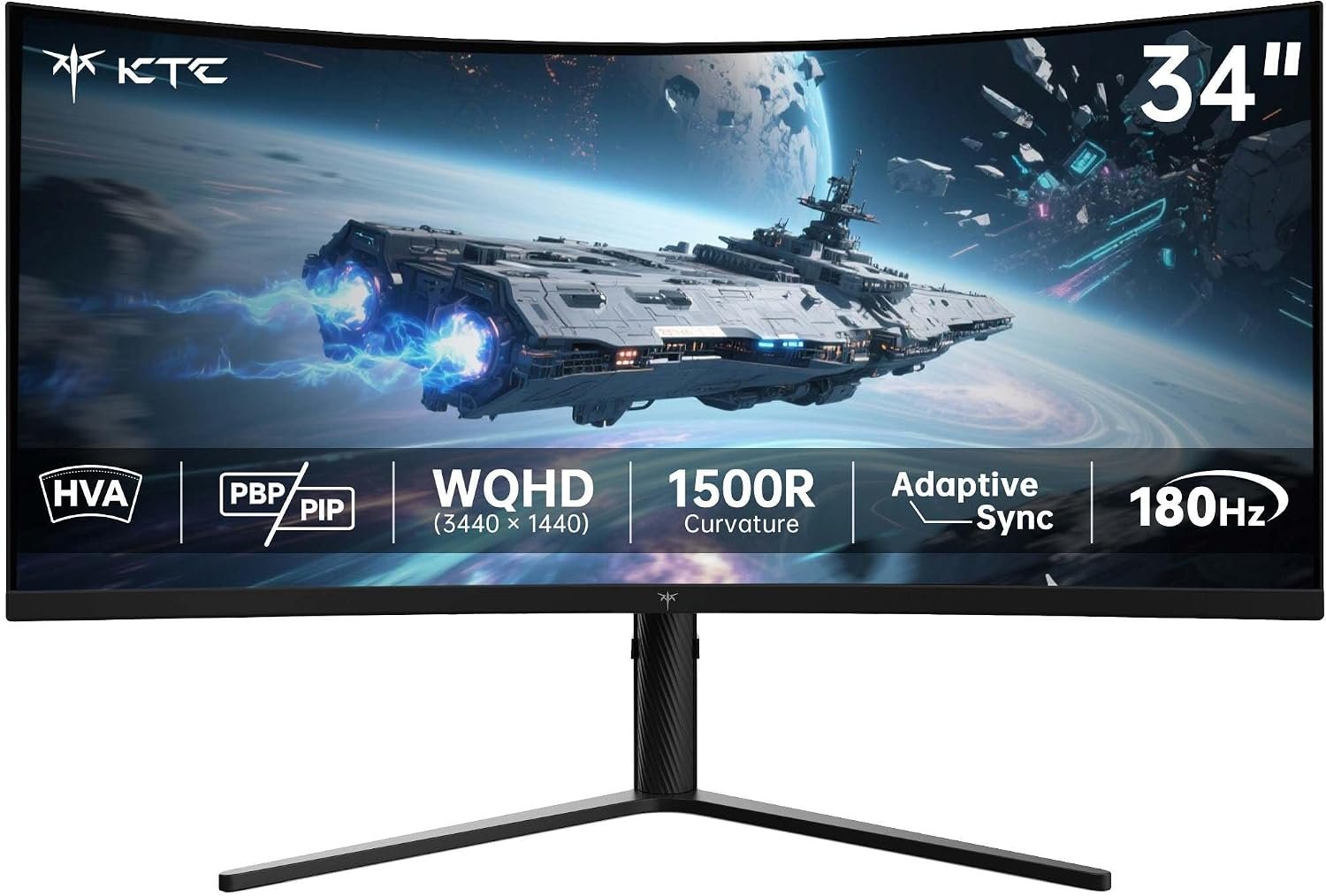
KTC H34S5 combines a 34-inch 1500R curve, 3440 × 1440 resolution and a listed 180Hz refresh ceiling. It looks compelling for a gaming-and-work desk, but the connection you use matters: KTC publishes different maximum refresh rates for DisplayPort and HDMI. Here is what the maker confirms, what the images show and what to verify before you buy.
On this page
This is a specifications-based buying guide, not a hands-on test. SetupForge has not measured response time, input lag, color accuracy, HDR performance or reliability.
Quick verdict
The KTC H34S5 is worth shortlisting if you want a 34-inch, 3440 × 1440 curved screen with a listed 180Hz DisplayPort mode. Its four video inputs, PIP/PBP and adjustable stand are practical strengths. It is a less obvious fit if you need USB-C docking, verified HDR performance or proven motion clarity.
Best for
PC players and multitaskers who value a wide 21:9 screen, can drive UWQHD at high refresh rates and have room for a substantial curved display.
Pros
- 34-inch ultrawide workspace can fit two useful windows side by side.
- KTC lists 180Hz through DisplayPort and Adaptive-Sync support.
- Two HDMI and two DisplayPort inputs pair well with PIP/PBP.
- Height, tilt and swivel adjustments offer more flexibility than a fixed stand.
Limitations
- KTC’s 1ms MPRT number is a marketing metric, not a guarantee of blur-free motion.
- KTC lists HDMI at up to 100Hz for the full 3440 × 1440 mode.
- USB 2.0 is listed for updates, not as a USB-C video or charging dock.
- HDR support alone does not establish strong HDR picture quality.
KTC H34S5 specifications
KTC’s official H34S5 product page identifies the model and lists the display, input and stand specifications. Treat figures on the retailer listing and promotional images as claims rather than independent test results.
- Model: KTC H34S5; confirm the exact variant on the retailer listing
- Panel and size: 34-inch 1500R curved HVA (VA-family) LCD
- Resolution and shape: 3440 × 1440, 21:9
- Refresh rate: Up to 180Hz over DisplayPort 1.4; KTC lists up to 100Hz over HDMI 2.0 at 3440 × 1440
- Response-time claim: 1ms MPRT in KTC marketing, not independently measured gray-to-gray
- Video inputs: 2 × DisplayPort 1.4; 2 × HDMI 2.0
- Other ports: USB 2.0 listed for driver/firmware update; earphone output
- Features: Adaptive-Sync, HDR10 input support, PIP/PBP
- Mounting: 100 × 100mm VESA claim; check hardware and variant
- Stand: Height, tilt, swivel and slight pivot advertised; ranges differ across KTC page sections
Ultrawide space and 1500R curve
A 3440 × 1440 canvas has about one-third more horizontal pixels than a 2560 × 1440 display. That extra width can make a game plus chat, a timeline plus tools, or two work windows easier to arrange. It also asks more of the graphics card than standard QHD. Some games and video still show side bars rather than filling a 21:9 screen.
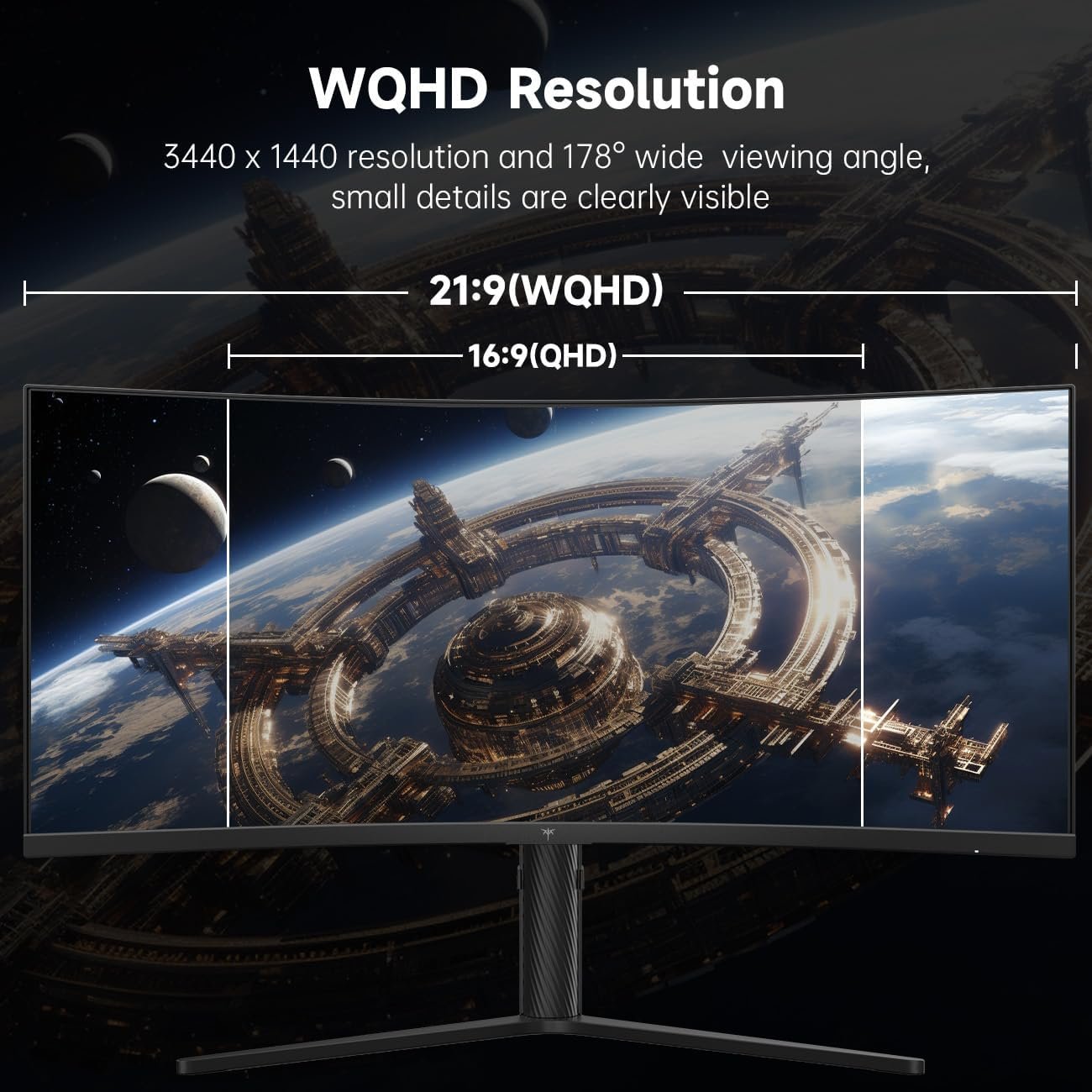
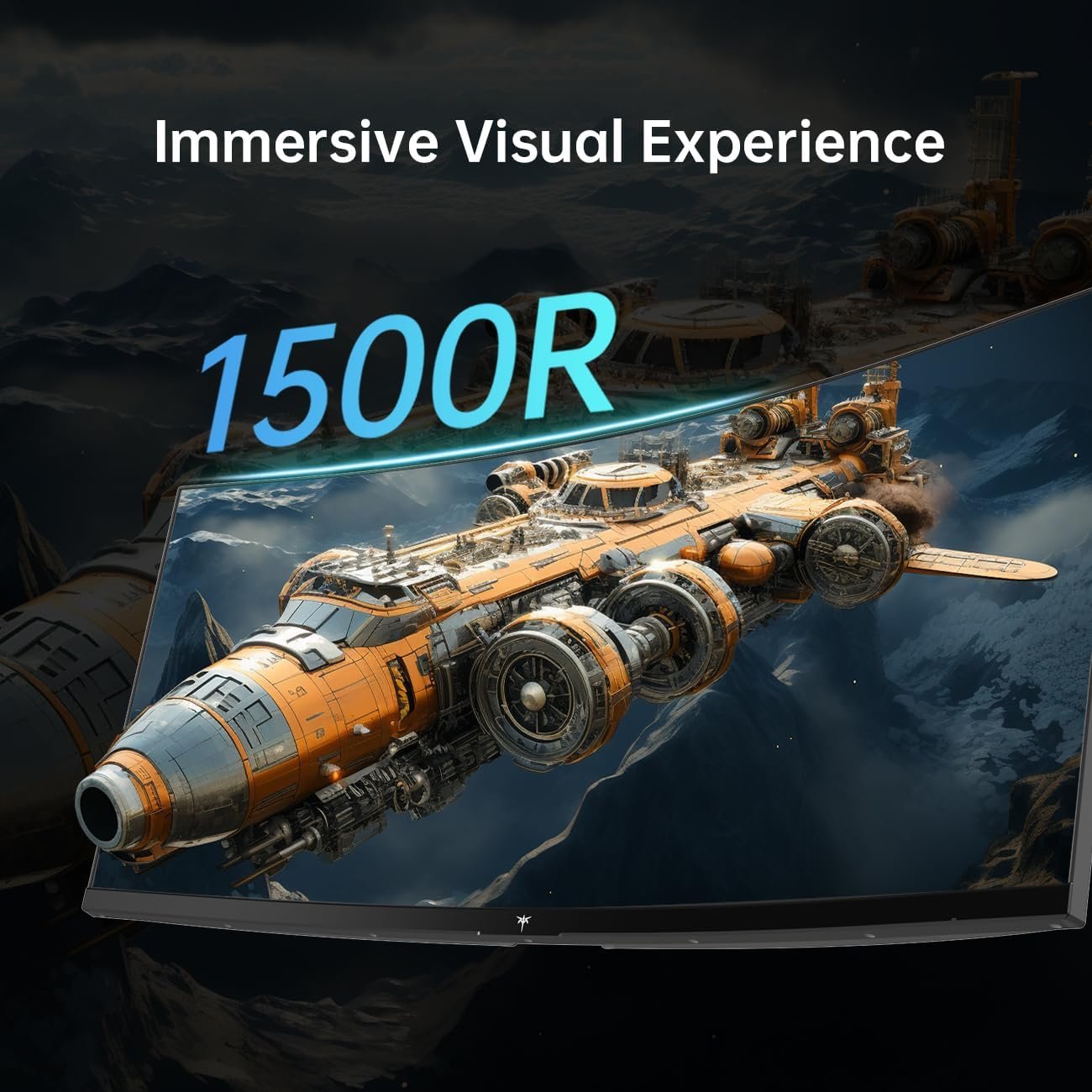
The 1500R bend draws the far edges toward the viewer, but comfort is personal. Measure your sitting distance and look at the screen from the position you actually use; a curve is not automatically better for every desk or task.
180Hz, response time and sync
KTC lists 3440 × 1440 at up to 180Hz through DisplayPort 1.4 and up to 100Hz through HDMI 2.0. This is a meaningful distinction if you plan to connect a console, laptop or capture device. A compatible cable and graphics output are also necessary, and your game must produce enough frames to benefit from the higher ceiling.
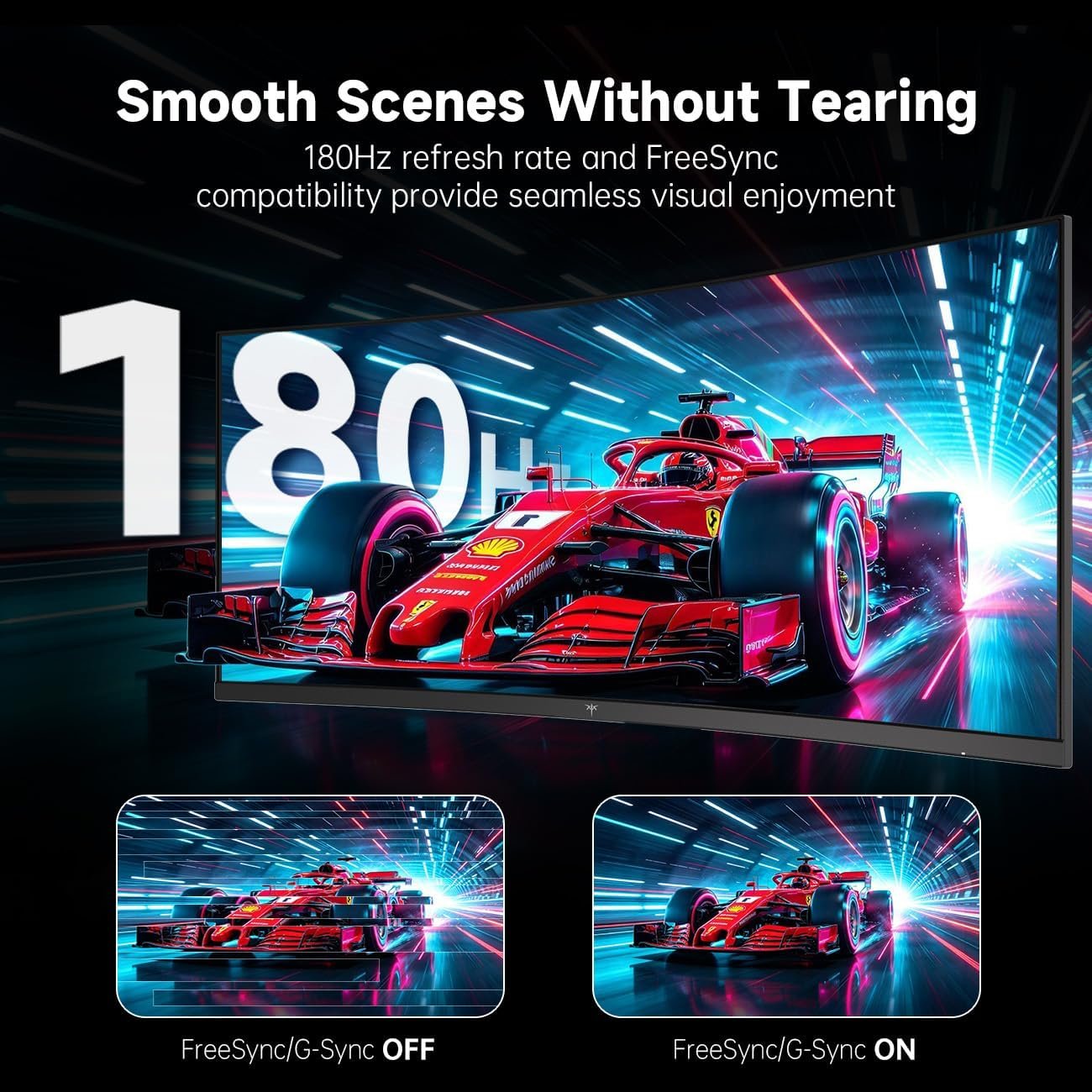
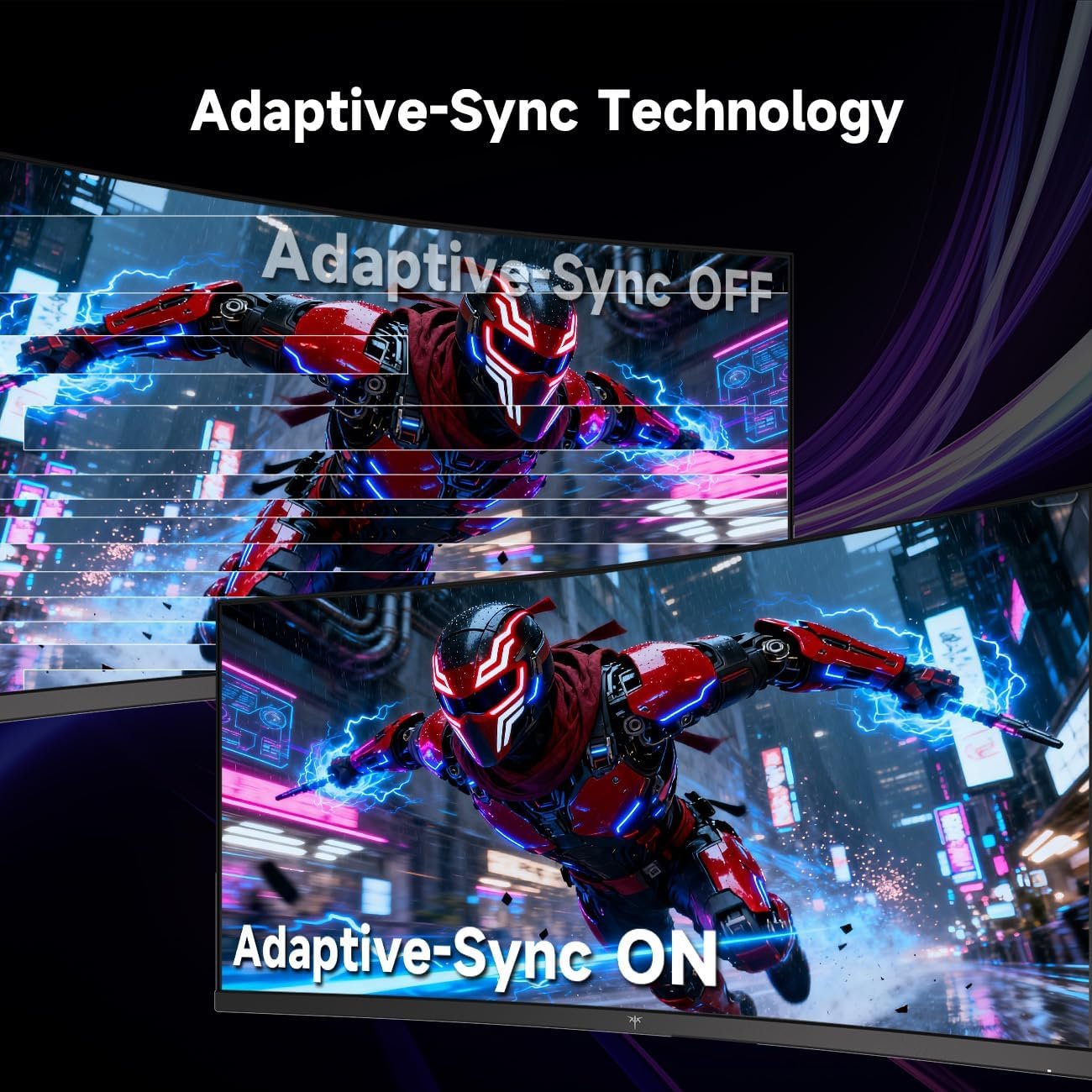
The official page advertises 1ms MPRT, while the existing draft said 3ms without identifying the measurement. MPRT and gray-to-gray response time are different metrics; neither proves how every pixel transition behaves. Independent tests are the better evidence for smearing and overshoot, particularly with VA-family panels. Adaptive-Sync may reduce tearing when frame rates vary, but check the operating range with your own source.
Color, contrast and HDR
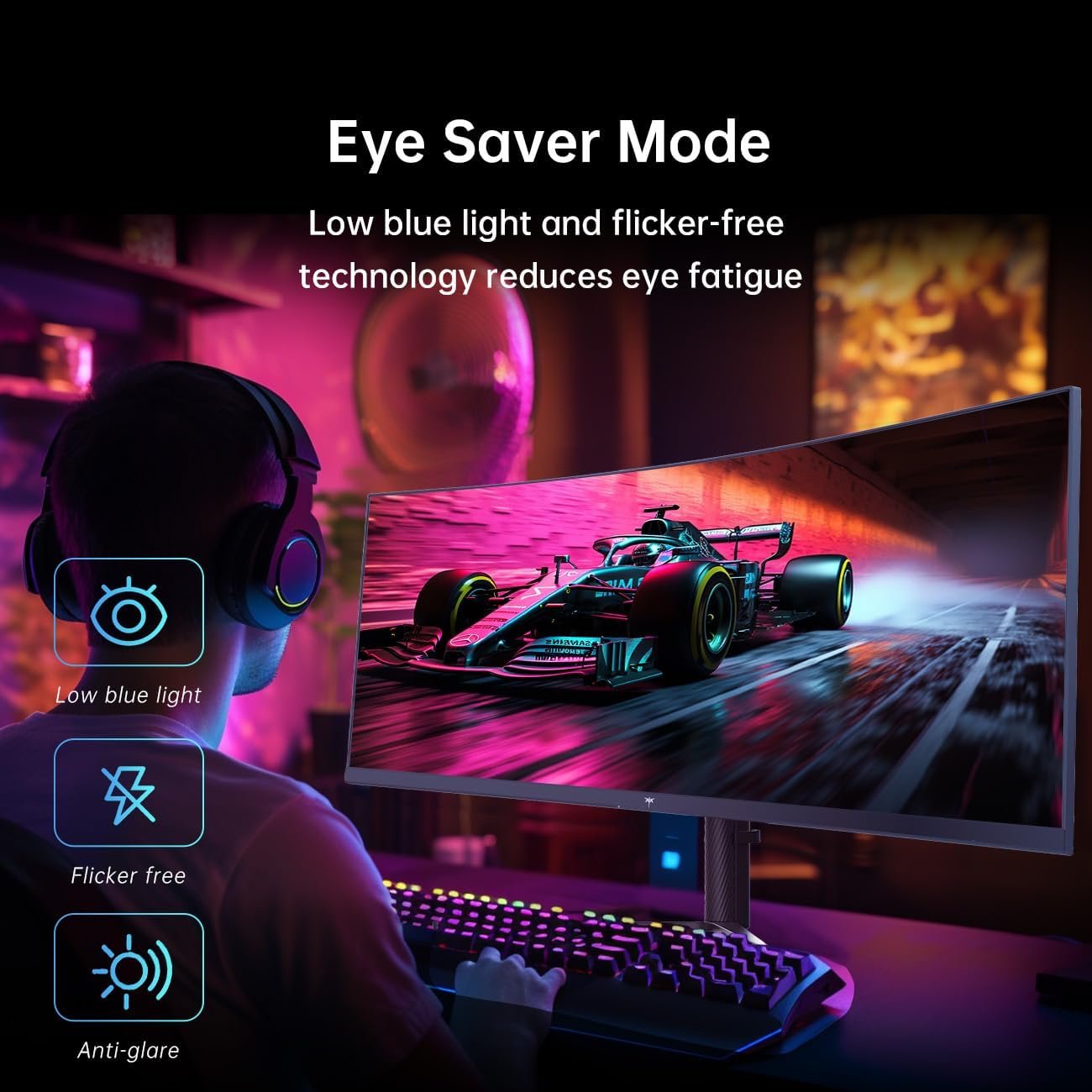
KTC lists an HVA panel, a 4000:1 contrast ratio, 300-nit typical brightness and HDR10 support. These published numbers suggest what to compare, not what SetupForge has measured. HDR10 signal acceptance is not the same as a bright, high-impact HDR picture. The product graphic also advertises 125% sRGB gamut volume; a large gamut does not itself prove accurate color.
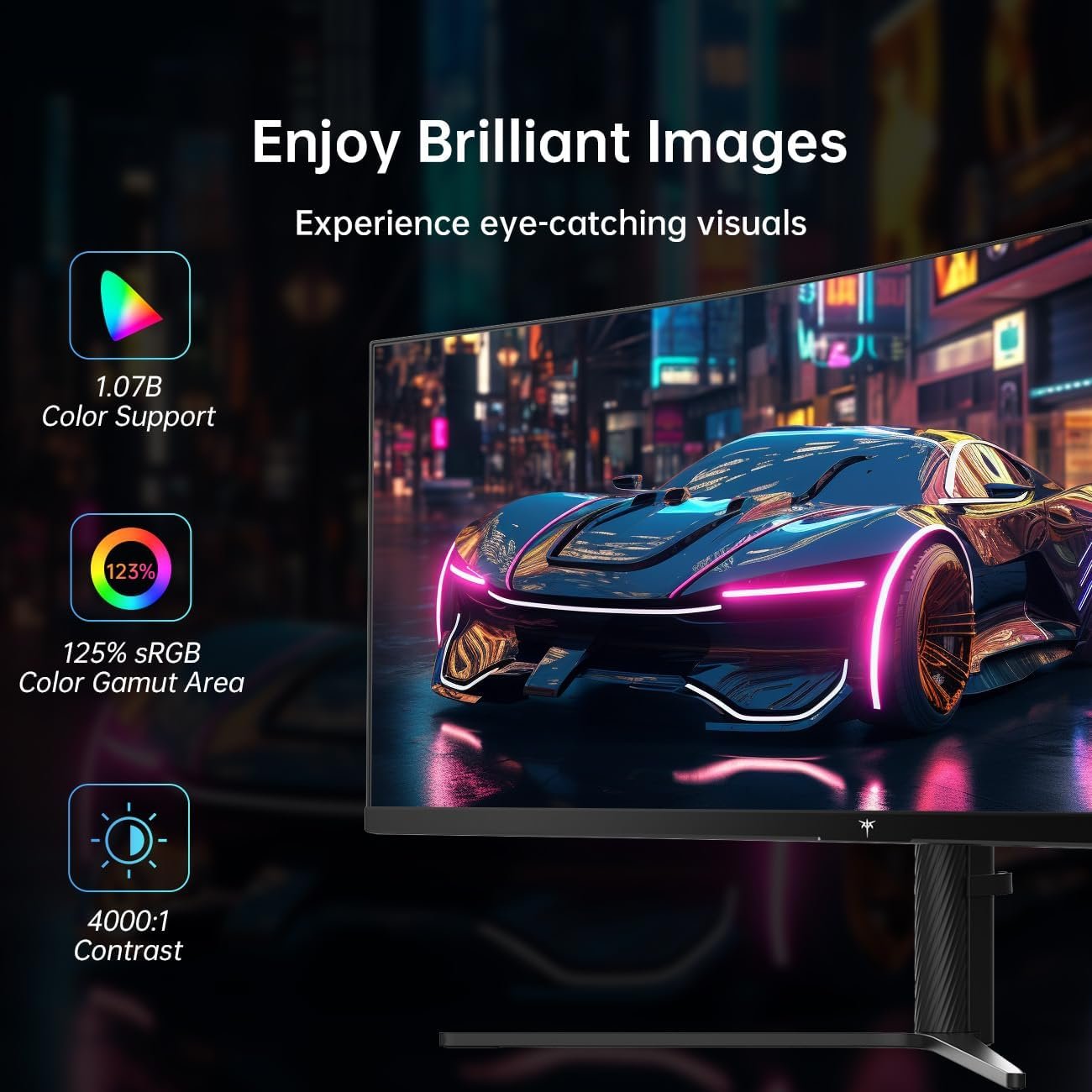
If your priority is photo editing or accurate skin tones, seek independent color results and check whether an sRGB picture mode is provided. If your priority is dark-room gaming, contrast may matter more than the advertised gamut percentage.
Ports and two-source use
The manufacturer lists two HDMI 2.0 inputs and two DisplayPort 1.4 inputs, plus an earphone output. Its USB 2.0 connection is described as an update port; do not assume it delivers video, USB-C docking or laptop charging. Plan a separate cable and power supply for a laptop.
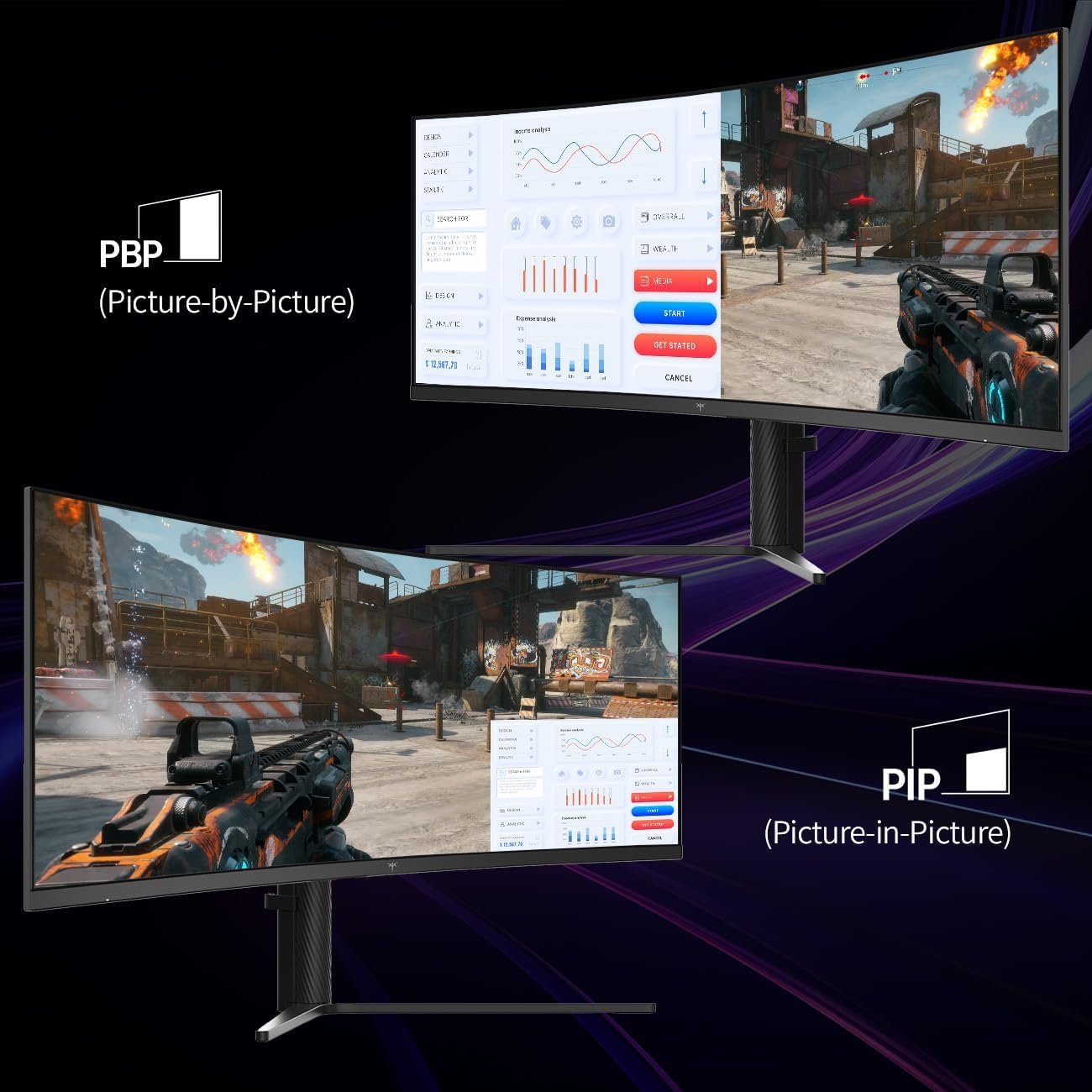
PIP places a smaller second source on top of the main picture; PBP divides the screen into side-by-side areas. Both can be useful for a work-and-play setup, but split-screen scaling and refresh behavior should be checked on the actual unit before depending on a particular layout.
Stand, mounting and desk fit
KTC advertises height, tilt, swivel and slight pivot adjustment, and a 100 × 100mm VESA pattern. Its product-page summary and specification table disagree on exact adjustment ranges, while the uploaded stand graphic provides another set of ranges. Rather than promising a specific travel distance, confirm the current variant’s stand range and mounting hardware with the seller.
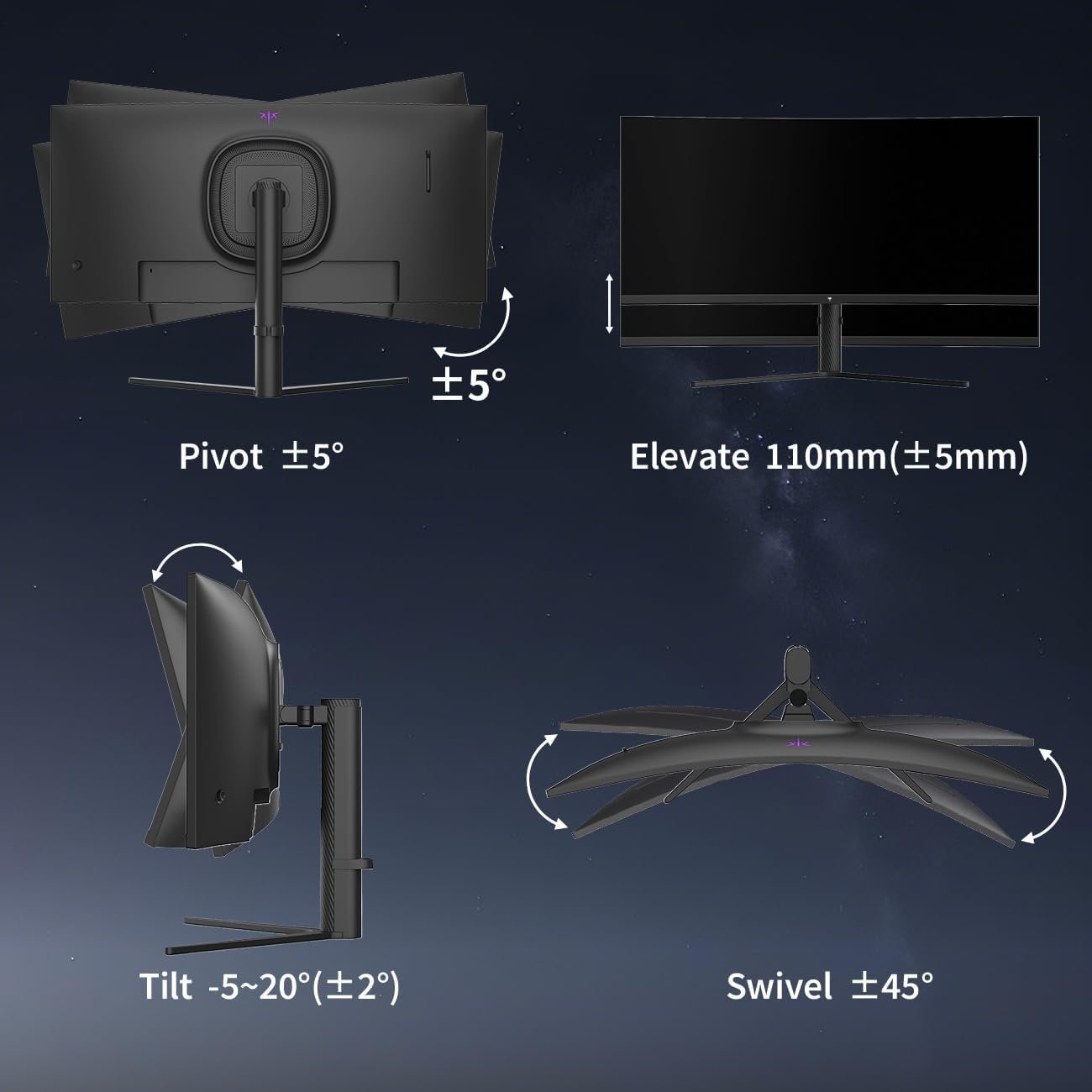
The manufacturer lists the assembled monitor at roughly 812 × 521 × 307mm, so check both desk width and depth. A monitor arm may free space, but verify VESA compatibility, weight capacity and the included screws first.
Who should consider it?
- Consider KTC H34S5 if you want a curved 34-inch screen for both PC gaming and side-by-side work.
- Consider it if four video inputs and PIP/PBP are more useful to you than USB-C docking.
- Look elsewhere if measured response times, strong HDR or a single-cable laptop connection are essential.
- Compare more options in the SetupForge Monitors section before deciding.
Final checks before buying
Confirm that the retailer’s selected option and box both identify H34S5. Check that your GPU and cable can expose the 3440 × 1440 refresh mode you want, especially if you need 180Hz. Confirm the stand adjustment range, VESA screws, return policy and whether the provided accessories match the listing.
- Check the exact model and refresh rate for each video input.
- Check independent motion tests if ghosting or overshoot matters to you.
- Treat 1ms MPRT, color and contrast figures as manufacturer claims.
- Read KTC’s official product page alongside the current retailer listing.