KTC H24T7 pairs a compact 23.8-inch QHD screen with a listed 180Hz refresh rate. That combination may appeal if you want sharper desktop detail without moving to a 27-inch display. This buying guide separates published specifications from what still needs checking before you order.
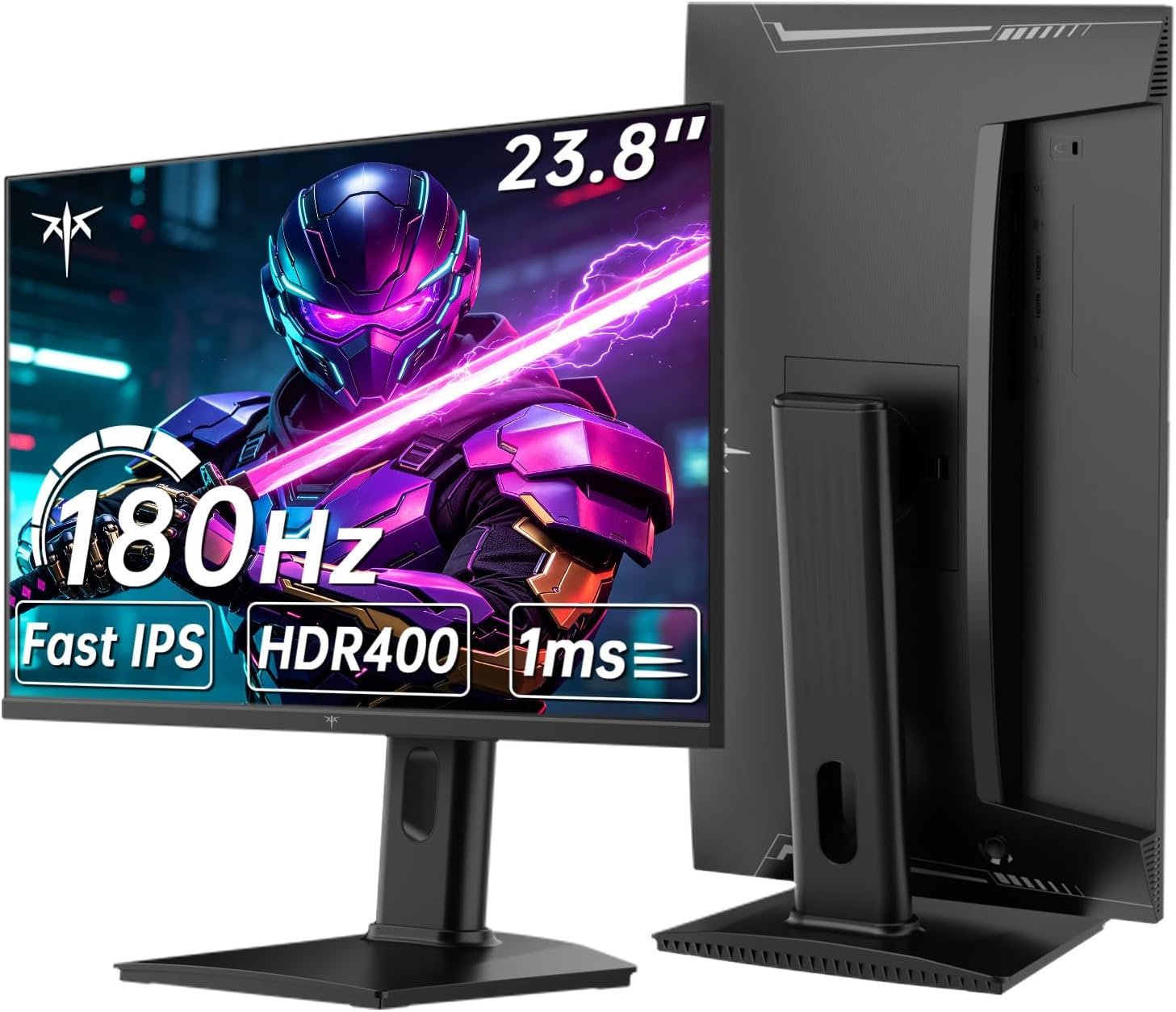
This is a specifications-based guide, not a hands-on review. Amazon listing details and KTC’s published product information can change; verify the exact model, connection requirements, current price, and return terms before buying.
On this page
Quick Verdict
The KTC H24T7 is worth considering for a compact PC setup that can drive QHD at a high refresh rate. KTC lists a Fast IPS panel, 180Hz refresh, adjustable stand, and DisplayPort and HDMI inputs. Those are useful on-paper features, not a guarantee of measured color accuracy, HDR impact, or motion clarity.
Best suited for
A buyer who wants a smaller QHD gaming monitor, values desk space, and is willing to confirm that their graphics card and chosen cable can deliver the intended refresh rate.
Pros
- 23.8-inch QHD format offers more pixels than 1080p in a compact footprint.
- 180Hz is listed by both the Amazon listing and KTC’s product page.
- KTC lists height, tilt, pivot, and VESA mounting options.
Limitations
- The 1ms, HDR400, and color-gamut figures are published claims, not results of our testing.
- A 23.8-inch screen may feel small if you prefer a more expansive gaming display.
- The best connection and available refresh modes should be confirmed for your device.
KTC H24T7 specifications
The table combines the current Amazon listing with KTC’s H24T7 product specifications. Treat manufacturer figures as advertised specifications rather than independent measurements.
| Specification | Published claim |
|---|---|
| Brand | KTC |
| Model | H24T7 |
| Screen size | 23.8 inches on the Amazon listing; marketed as 24 inches by KTC |
| Panel and resolution | Fast IPS; 2560 × 1440 (QHD); 16:9 |
| Refresh rate | 180Hz listed; KTC also mentions up to 185Hz overclocked |
| Response-time claim | 1ms advertised; not independently measured here |
| Connectivity | KTC lists two HDMI 2.0 inputs, one DisplayPort 1.4, one USB 2.0 port, and an earphone output |
| Brightness and color claims | KTC lists typical 400 cd/m², 99% sRGB, and HDR400 |
| Stand and mount | KTC lists height, tilt, and pivot adjustment plus 100 × 100 mm VESA mounting |
QHD detail and color claims
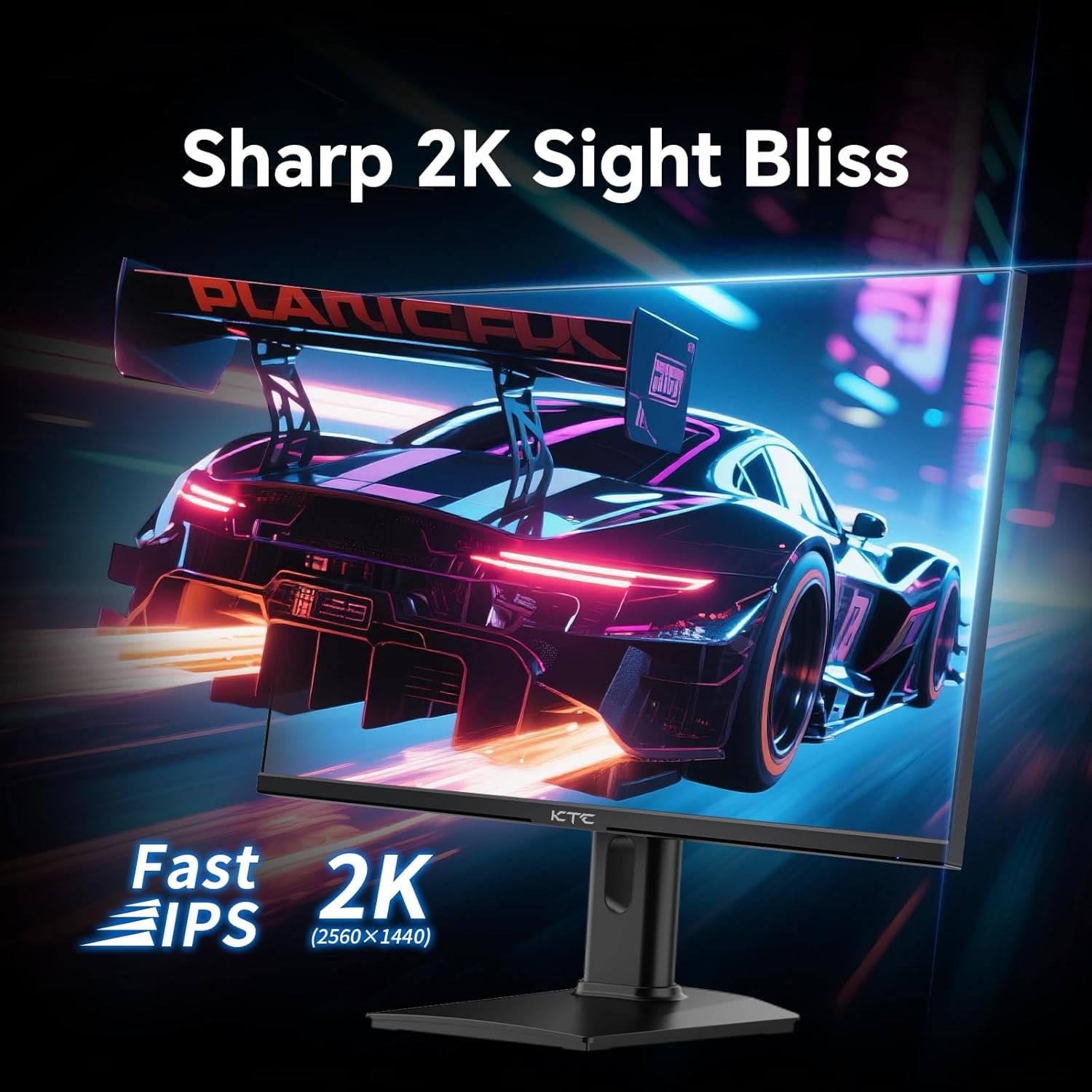
At 2560 × 1440 on roughly 24 inches, the panel has a relatively dense pixel layout for text, interface elements, and games. QHD also asks more of a graphics card than 1080p, so your frame rate will depend on the game and hardware rather than the monitor’s maximum refresh number alone.
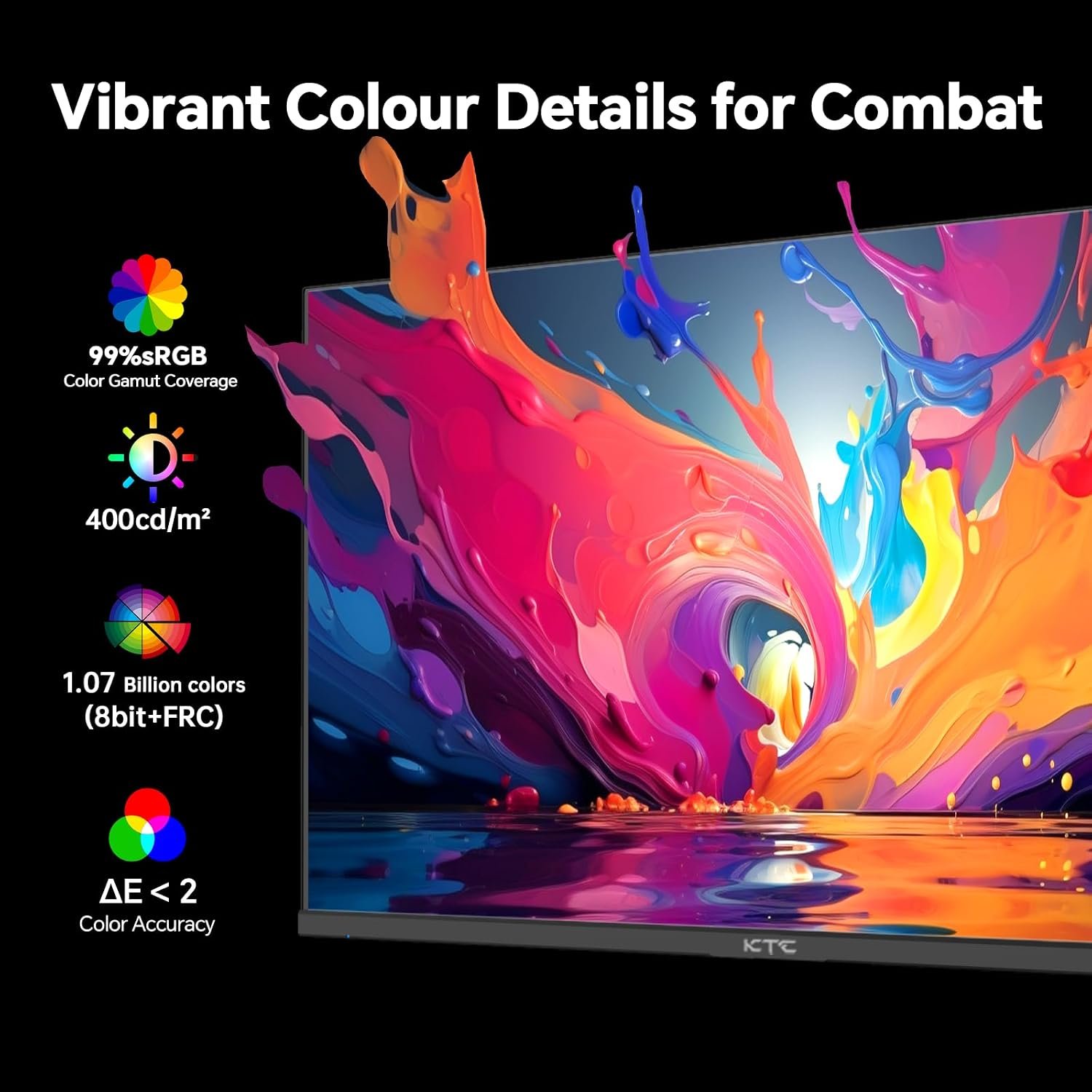
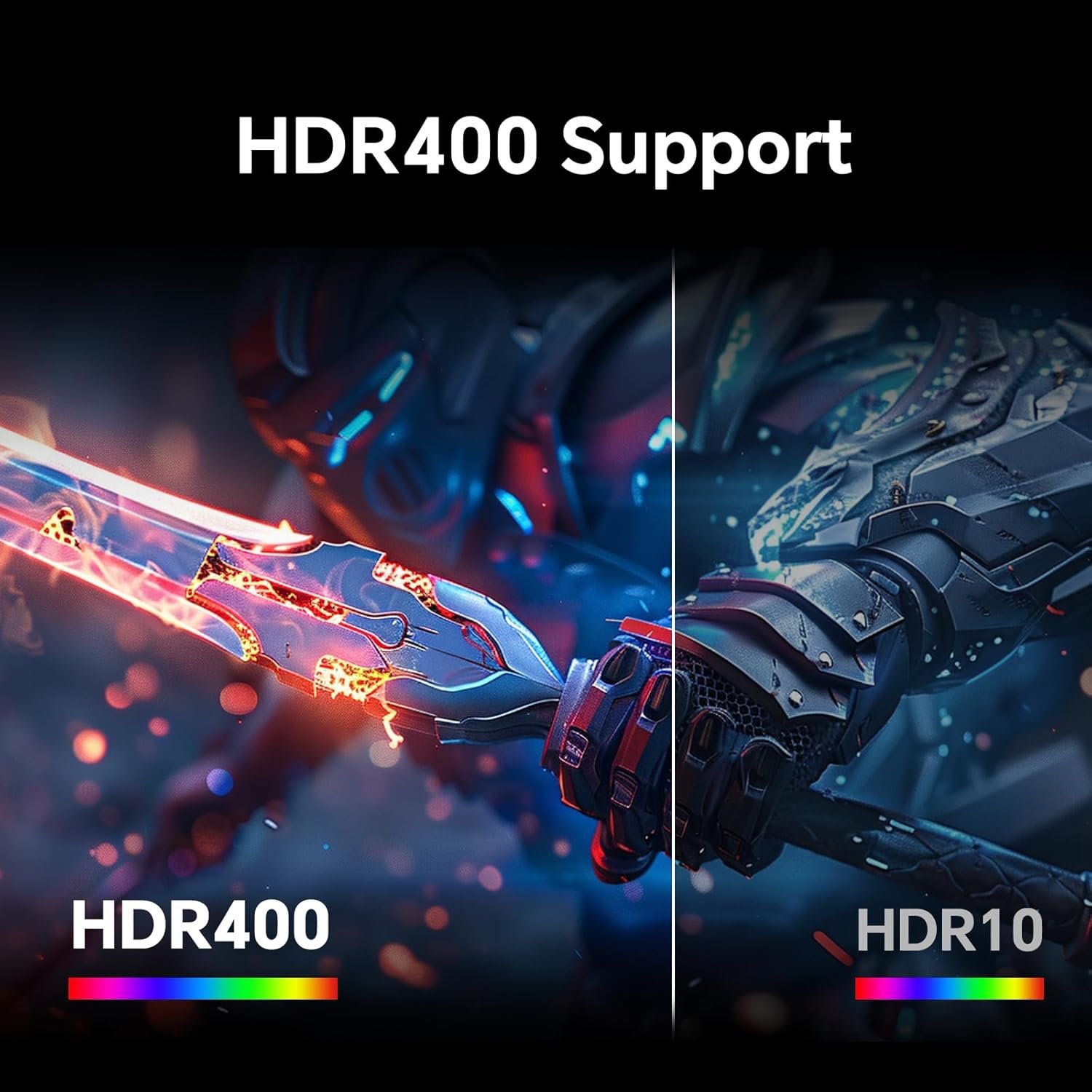
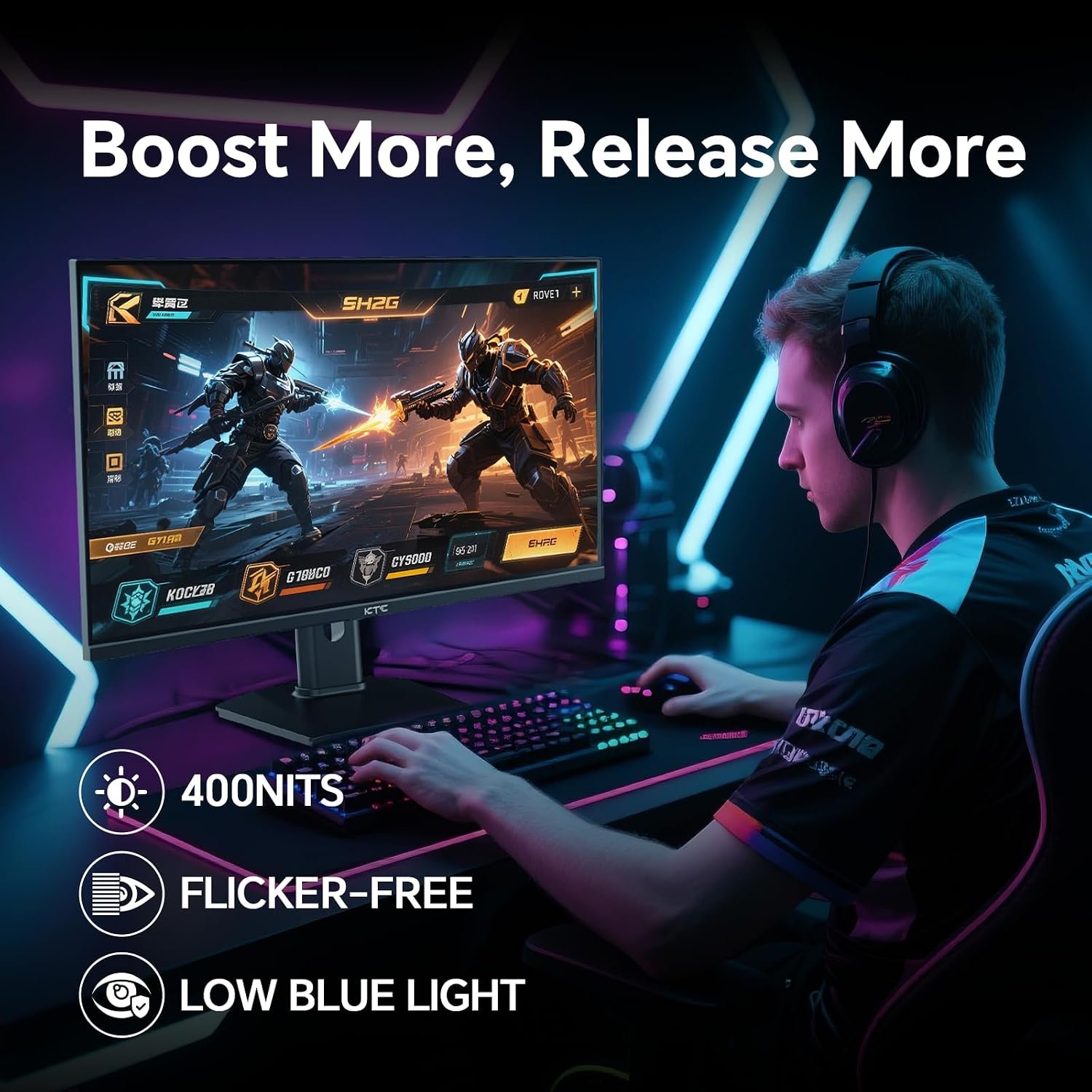
KTC describes the panel as Fast IPS and publishes 99% sRGB coverage, typical 400 cd/m² brightness, and HDR400 support. These are useful comparison points, but gamut coverage does not prove calibration quality and the HDR label alone does not establish a dramatic HDR experience. Look for independent measurements if color-critical work or HDR performance is a deciding factor.
180Hz motion and adaptive sync
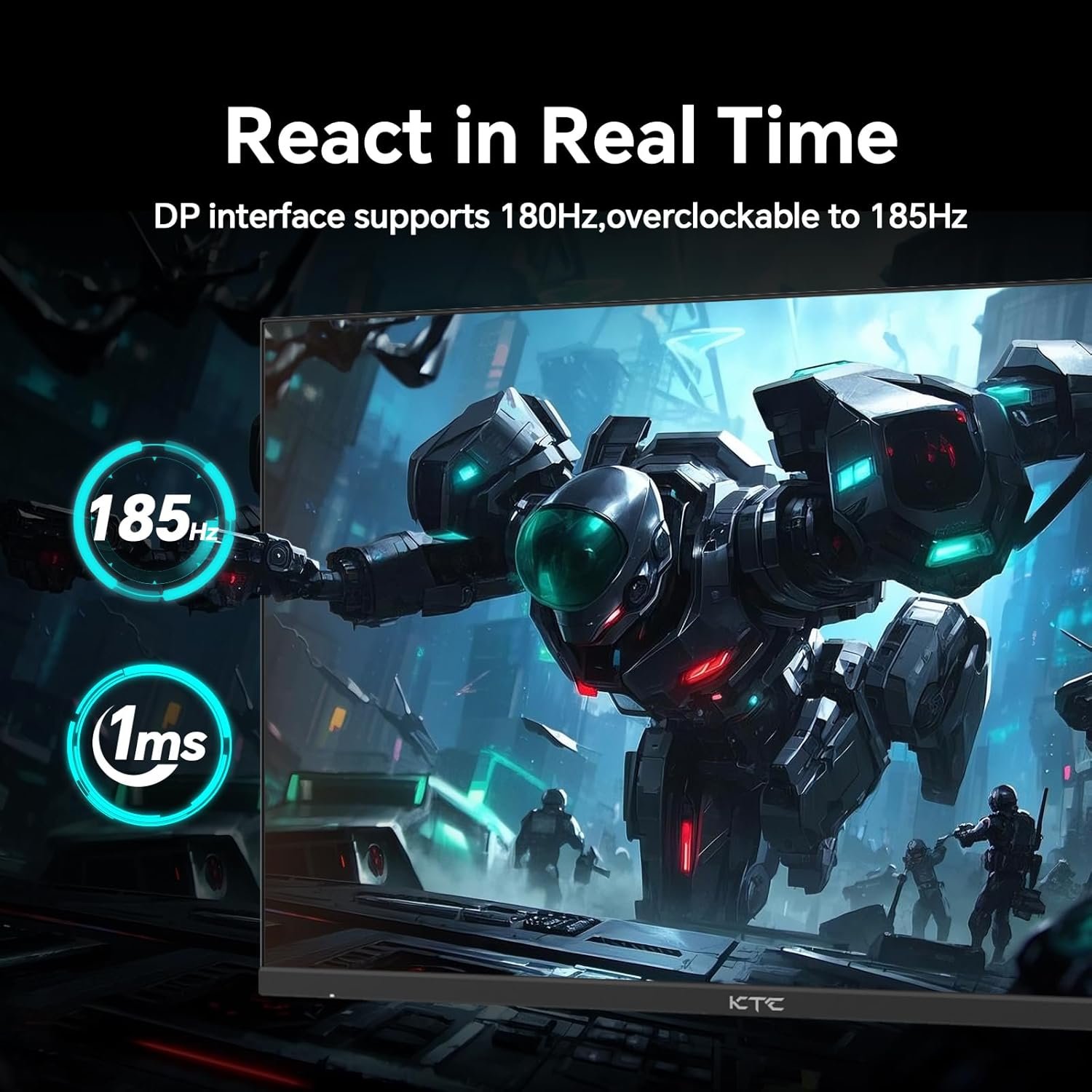
The Amazon listing and KTC both specify 180Hz. KTC also advertises an overclocked mode up to 185Hz and a 1ms response-time figure. Neither number tells the whole story about overshoot, ghosting, or input lag, which vary by settings and must be measured to compare monitors fairly.
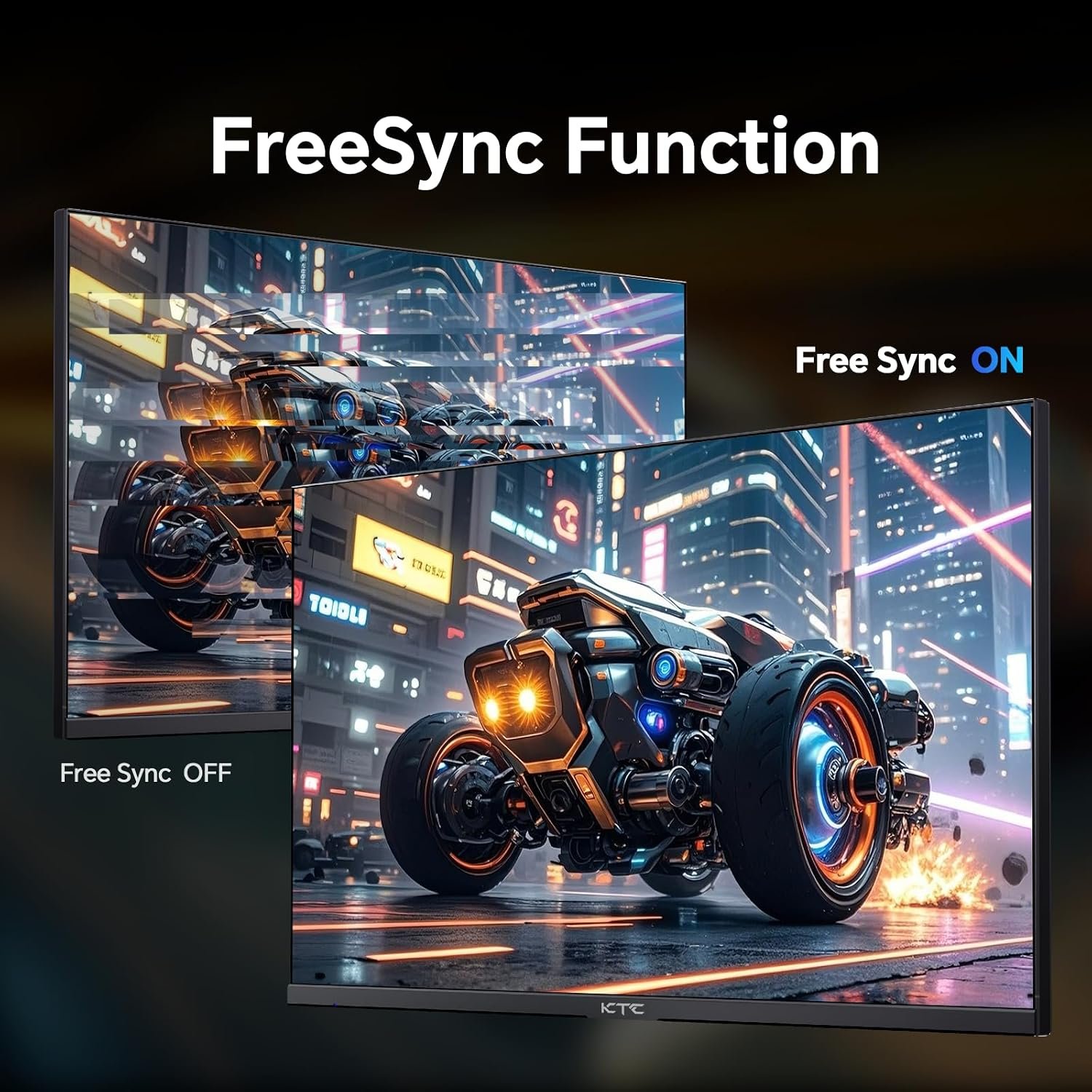
KTC advertises Adaptive-Sync, while a supplied promotional graphic mentions FreeSync. Before buying, confirm the exact sync support, refresh range, and cable requirements for your graphics card or console. If you mainly play slower games, QHD detail may matter more to you than the highest refresh setting.
Ports, stand, and desk fit
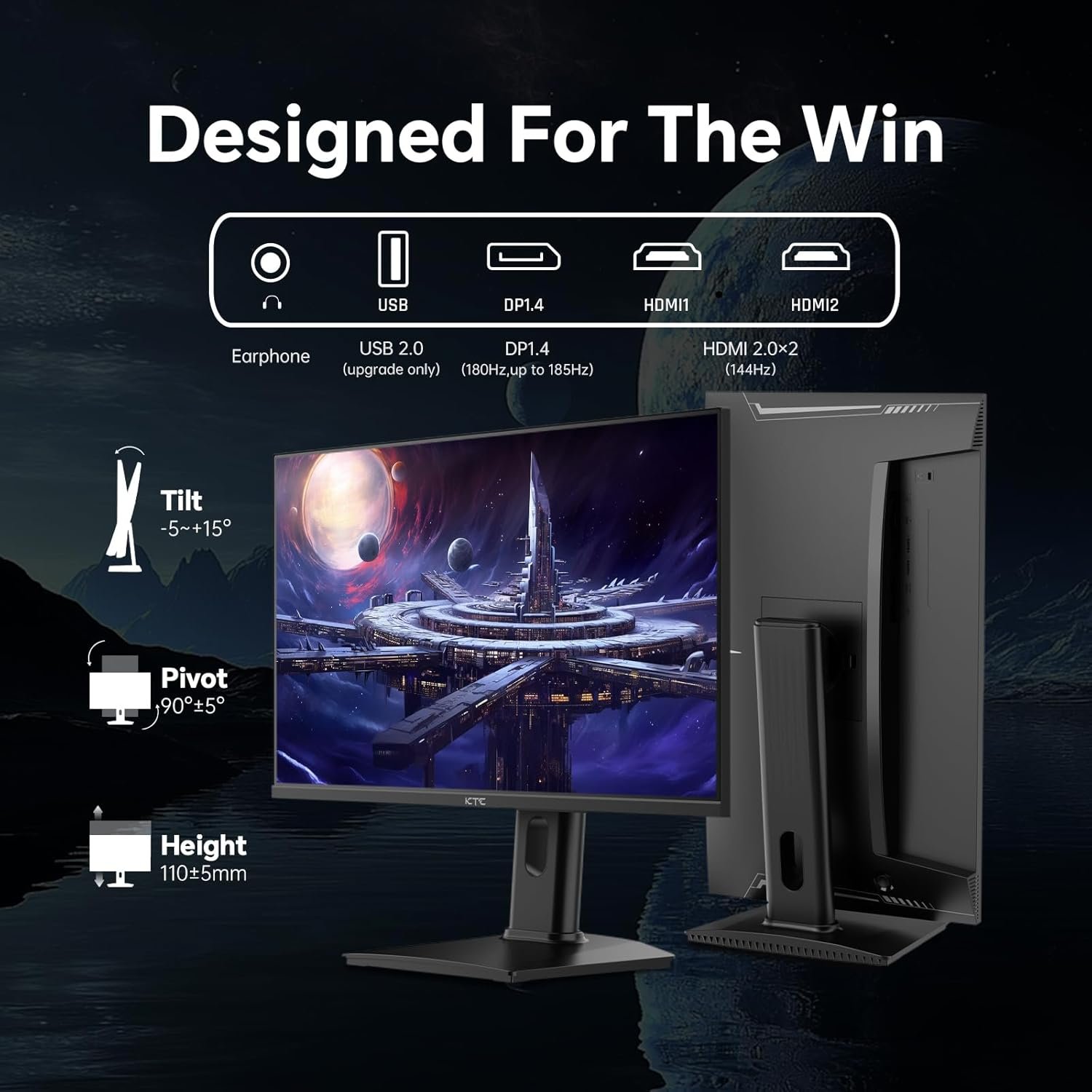
KTC’s product page lists two HDMI 2.0 inputs, one DisplayPort 1.4 input, a USB 2.0 port, and an earphone output. The Amazon listing names HDMI and DisplayPort without the same port detail. Check the ports on the actual variant and confirm which input supports your desired QHD refresh mode before purchasing a cable.
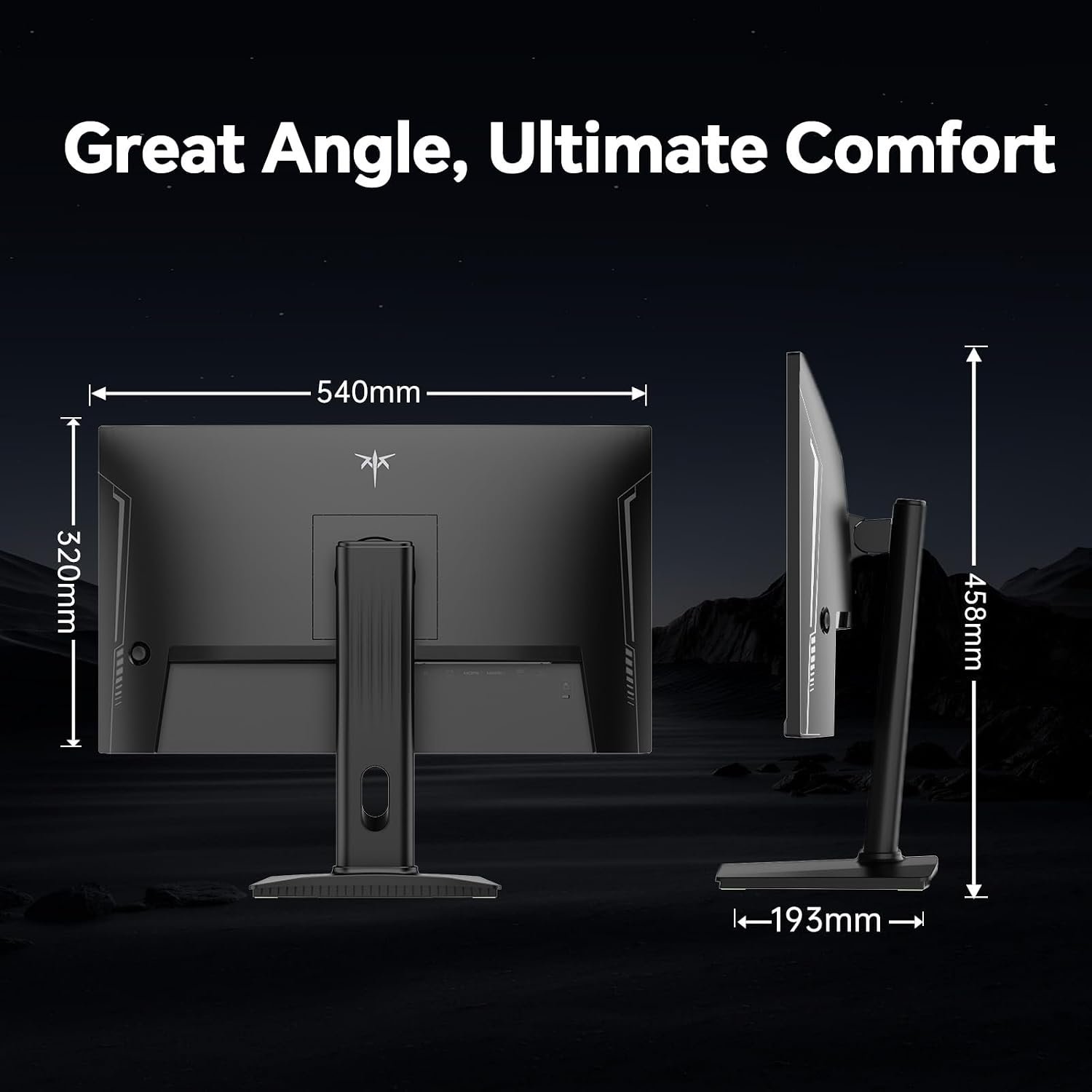
KTC lists height adjustment up to 110 mm, tilt from −5° to +20°, pivot, and 100 × 100 mm VESA mounting. The Amazon listing gives approximate assembled dimensions of 21 inches wide, 18 inches high, and 7 inches deep. Measure your desk depth and leave room for the stand, cables, and a comfortable viewing distance.
Who should consider this monitor
The KTC H24T7 makes the most sense for someone prioritizing crisp QHD detail in a smaller footprint while keeping the option of high-refresh PC gaming. The published stand adjustability is also a practical advantage if your screen height matters. It is less compelling if you specifically want a large display, verified high-end HDR, or performance claims backed by independent testing.
For perspective, compare our guides to the 27-inch Acer Nitro XV271U and the 23.8-inch Acer KB242Y. They target different sizes, resolutions, and priorities; neither comparison replaces checking current listings.
Five checks before buying
- Confirm the product title, model H24T7, included accessories, and seller on the current listing.
- Verify the input, cable, and graphics card needed for QHD at your intended refresh rate.
- Check whether Adaptive-Sync works with your device and whether 185Hz requires an overclock setting.
- Measure your desk and verify the stand’s height, tilt, pivot, and VESA options for this exact variant.
- Review current price, warranty, return terms, and independent measurements if HDR or color accuracy is essential.
Sources: KTC H24T7 specifications and the Amazon product listing. Browse more monitor buying guides.