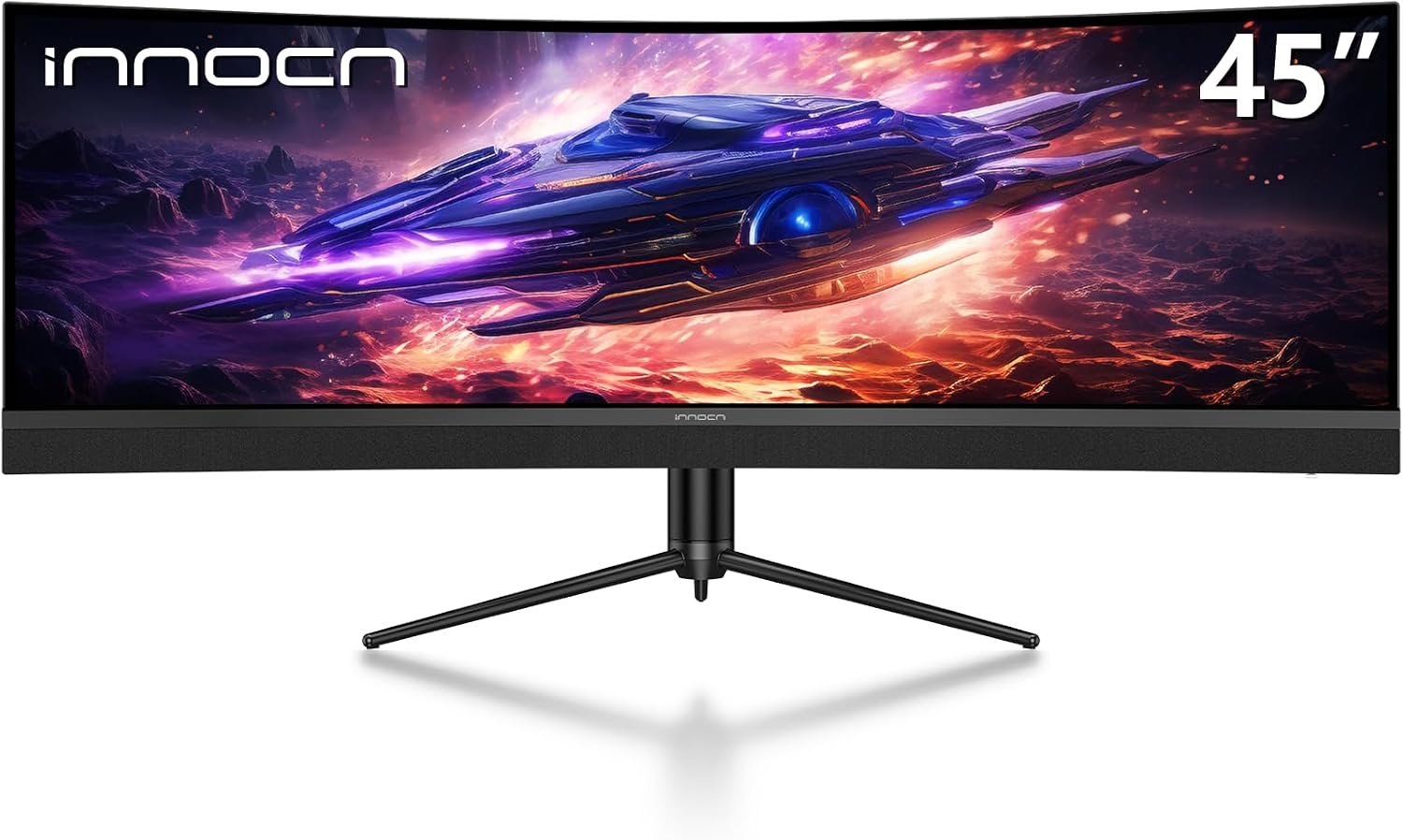
The INNOCN 45C1R turns a 45-inch curved, 32:9 screen into one enormous desktop. It is an appealing alternative to two displays, but the port you use changes the refresh rate: the manufacturer lists up to 120Hz over DisplayPort or USB-C, while HDMI tops out at 60Hz. Here is what that means before you buy.
On this page
This is a specifications-based buying guide, not a hands-on review. Performance, fit and included accessories should be confirmed for the exact listing and variant you purchase.
Quick verdict
The INNOCN 45C1R makes sense if you want a single, exceptionally wide workspace for multiple windows or supported ultrawide games. Its strongest selling point is space, not a promise of measured gaming performance. Make sure your computer can drive 5120 × 1440 and use DisplayPort or a compatible USB-C connection if 120Hz matters.
Best for
A desktop or laptop user who values horizontal room, can accommodate a 45-inch curved display, and is willing to verify game support and connection bandwidth.
Pros
- 5120 × 1440 resolution provides room for side-by-side applications.
- 120Hz is available through the specified DisplayPort and USB-C inputs.
- USB-C adds video, data and up to 65W laptop charging on a compatible device.
Limitations
- HDMI is listed at a maximum of 60Hz at this display’s native resolution.
- A 32:9 picture will not fill every game or video without compromises.
- The advertised 1ms figure is MPRT, not a measured gray-to-gray result.
INNOCN 45C1R specifications
The figures below come from INNOCN’s 45C1R specifications. The screen is marketed as 45 inches; the manufacturer’s table gives a 44.5-inch viewable diagonal. Some retailer descriptions simplify response time or USB-C power, so the exact figures are worth checking.
| Specification | Manufacturer listing |
|---|---|
| Screen | 44.5-inch viewable; marketed as 45 inches |
| Panel | Curved VA LCD, 1500R |
| Resolution and shape | 5120 × 1440, 32:9 |
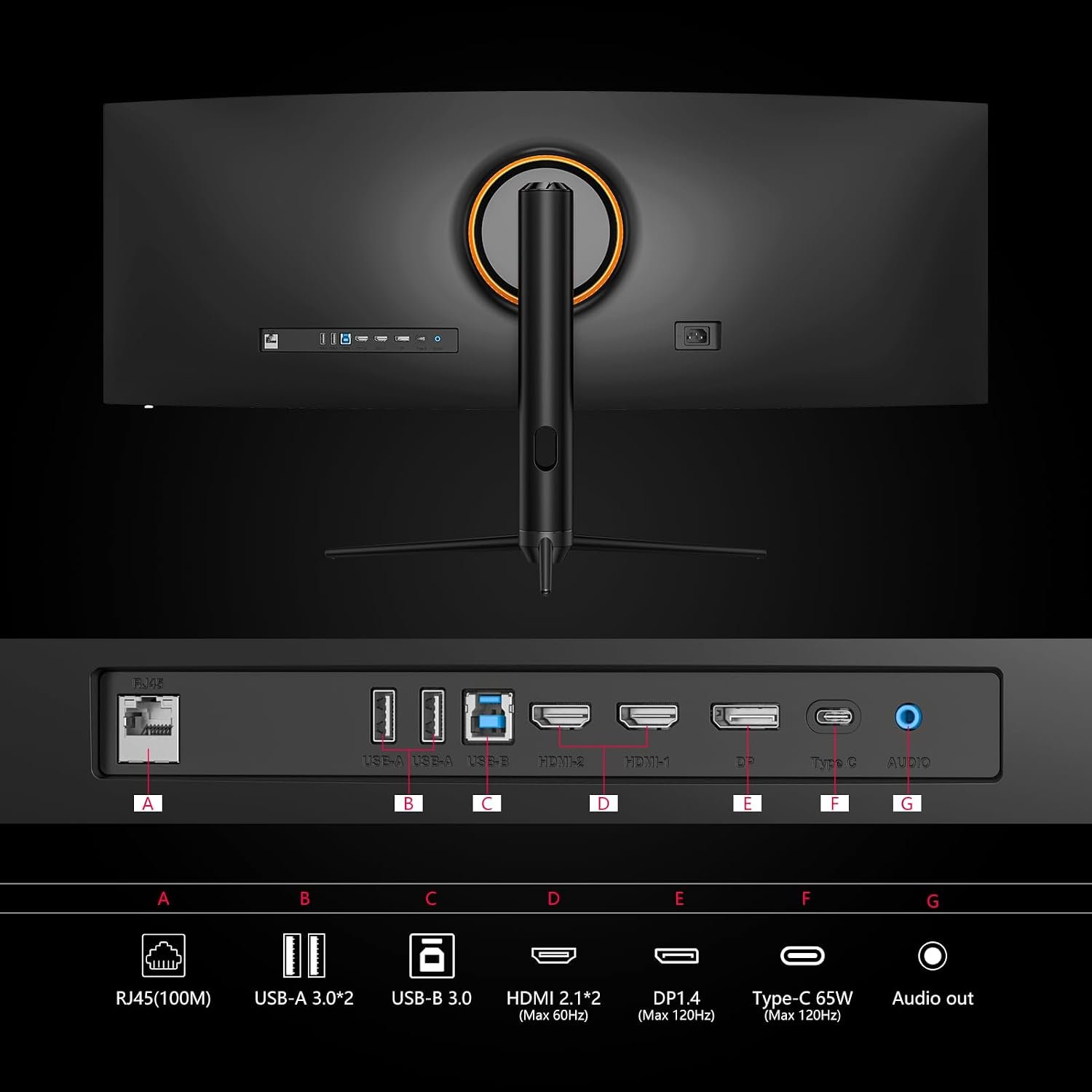
| Refresh rate | Up to 120Hz via DisplayPort 1.4 or USB-C; HDMI up to 60Hz |
| Response time claim | 1ms MPRT; 4ms gray-to-gray with overdrive |
| USB-C power | Up to 65W Power Delivery |
| Other connections | 2 HDMI, DisplayPort, USB-C, USB-A hub, USB-B upstream, RJ45, audio out |
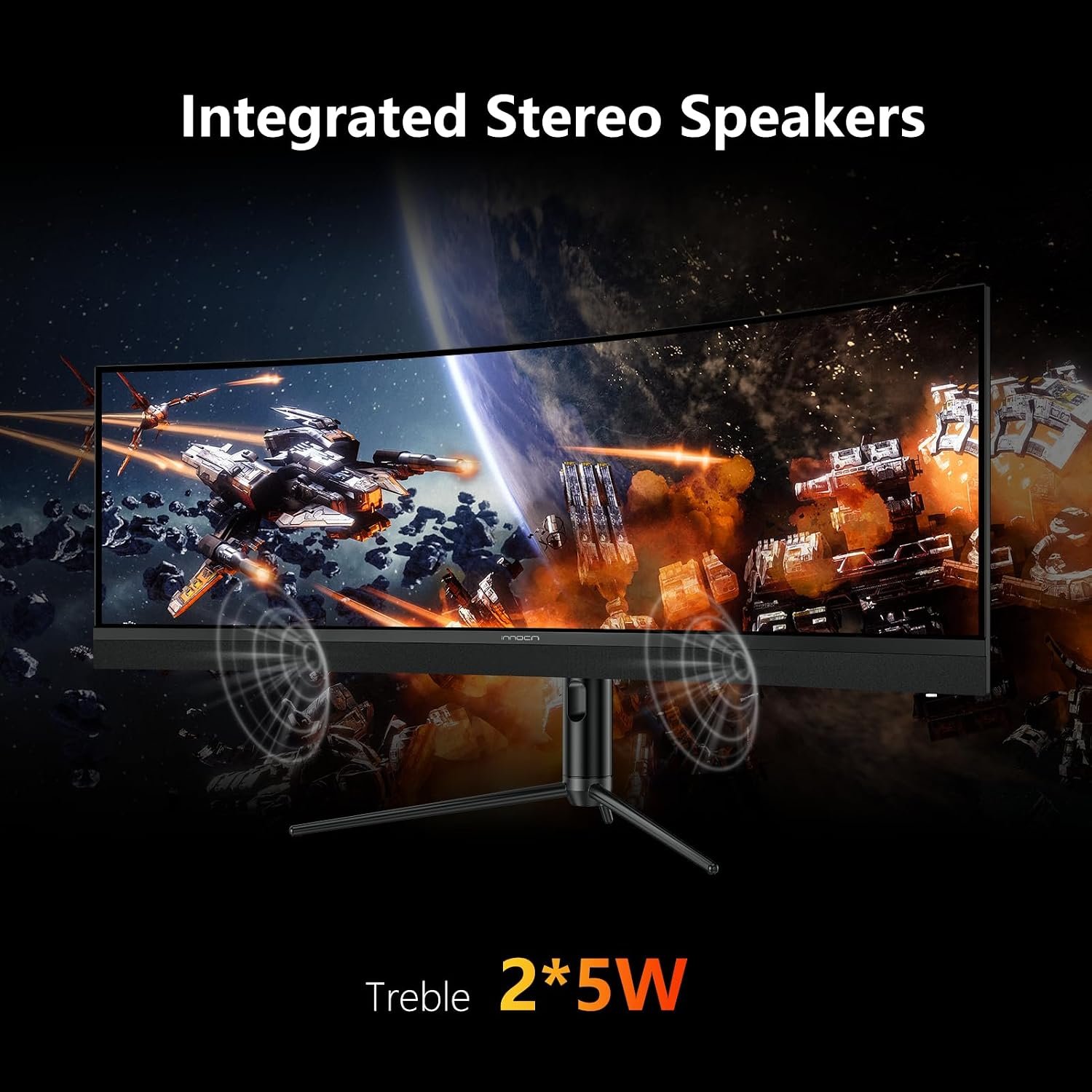
| Audio and mounting | Two 5W speakers; 100 × 100mm VESA |
The 32:9 screen: what you gain and give up
At 5120 × 1440, the 45C1R has the horizontal pixel count of two 2560 × 1440 screens arranged side by side. That can be useful for editing timelines, large spreadsheets or keeping several windows visible. It also means you need a graphics output capable of driving the full resolution. This is not a 4K-height display: vertical resolution remains 1440 pixels.
The 1500R curve brings the outer edges toward your viewing position. It may feel more natural on such a wide panel, but the effect depends on where you sit and how far back you place it. Check the published physical dimensions against your desk, especially if you use monitor arms or speakers alongside it.
VA panels are often chosen for stronger native contrast than typical IPS panels, but panel technology alone does not establish this model’s actual motion clarity, viewing angles or color accuracy in your room. Treat INNOCN’s HDR400 and color-gamut figures as specifications, not independent test results.
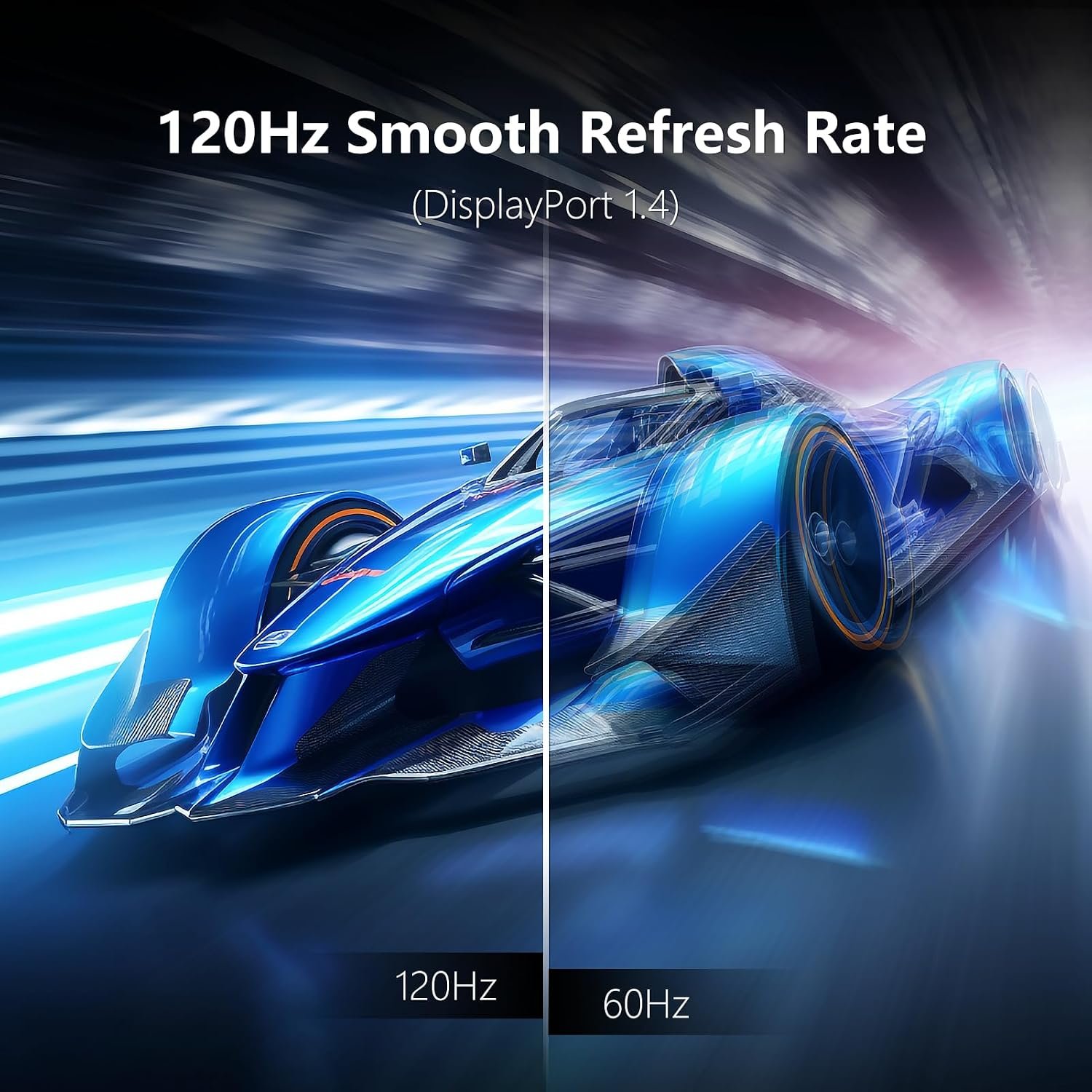
120Hz depends on the connection
This is the most important detail in the INNOCN 45C1R listing. INNOCN specifies up to 120Hz for DisplayPort 1.4 and USB-C, but only up to 60Hz for HDMI. If you connect a console or a laptop through HDMI, do not assume the headline 120Hz mode will be available. Verify your computer’s video output, cable and display settings before purchase.
The quoted 1ms response time is MPRT. INNOCN separately lists 4ms gray-to-gray with overdrive and 8ms without that qualifier. Those measurements describe different things, so the 1ms figure should not be read as proof that every transition takes one millisecond. Adaptive-Sync support is listed, though compatibility and results depend on your graphics hardware.
USB-C, ports and desk fit
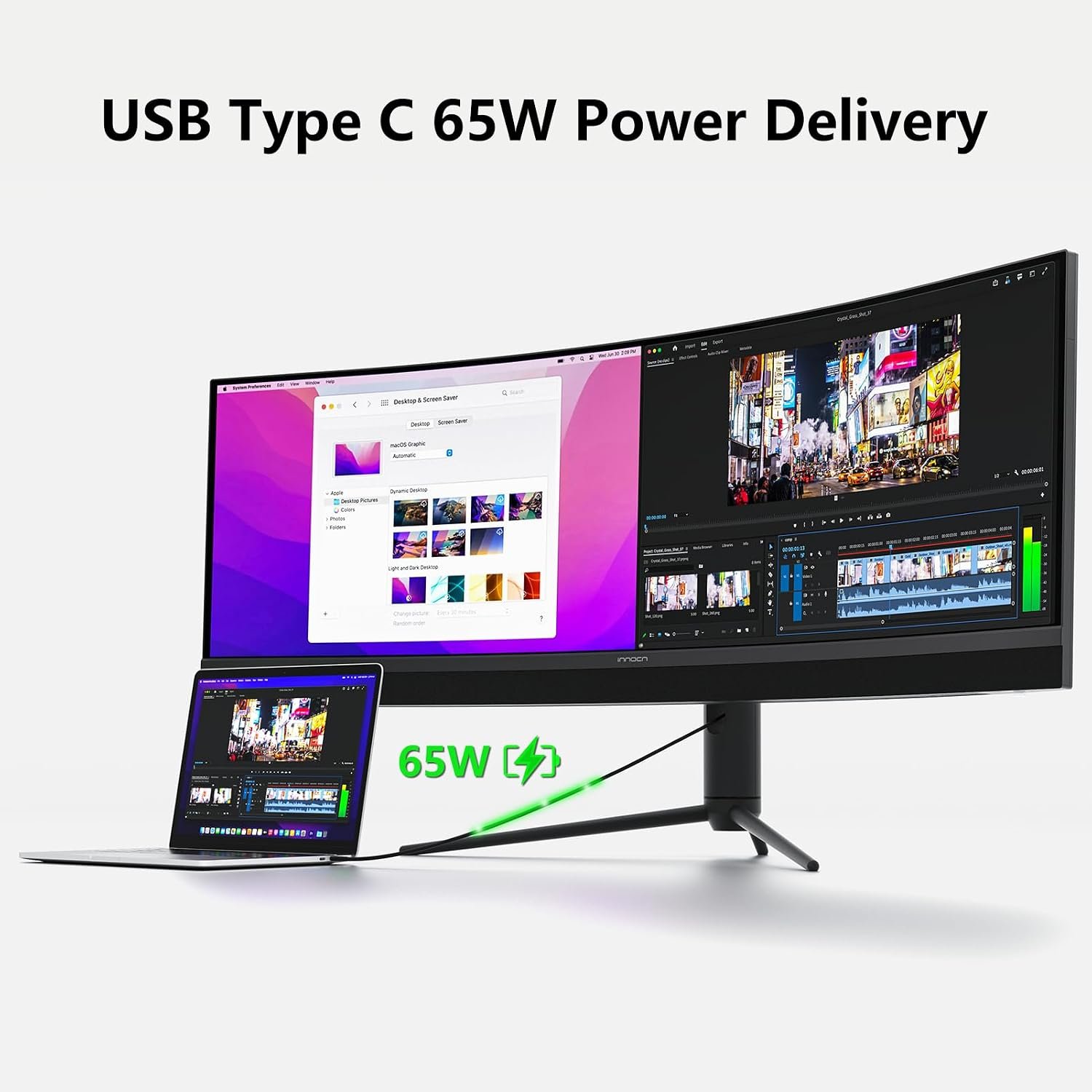
A compatible USB-C laptop can carry video and data while receiving up to 65W of power. That is useful for a tidy desk, but a laptop needing more than 65W may still require its own charger.
The rear panel includes DisplayPort, two HDMI inputs, USB-C, a USB hub, RJ45 and an audio output, according to the manufacturer. PIP/PBP and KVM features are listed too. Before planning a one-cable setup, confirm which functions need the USB-B upstream connection and whether your laptop supports video over USB-C.
The stand offers height, tilt and limited swivel adjustment, and the display supports a 100 × 100mm VESA mount. It also has two built-in 5W speakers; these are a convenience feature, not a substitute for judging sound quality yourself.
Who should consider it?
- Choose it if you want one panoramic workspace rather than a seam between two monitors.
- Consider it for supported ultrawide games if your PC and preferred connection can deliver the resolution and refresh rate you want.
- Look at a more conventional 16:9 screen if most of your games, videos or apps do not benefit from 32:9.
- Compare with the MSI MPG 491CQPX buying guide if you are also considering a larger 49-inch OLED ultrawide.
What to check before buying
- Does your computer support 5120 × 1440 at 120Hz through DisplayPort 1.4 or compatible USB-C?
- Will your main games and software support a 32:9 layout?
- Is 65W enough for your laptop, or will you need its separate power adapter?
- Can your desk or monitor arm safely accommodate the display’s width, depth and weight?
- Are the exact accessories, warranty and return terms acceptable on the retailer listing?
Check the official INNOCN 45C1R product page for current specifications and the SetupForge Monitors section for more buying guides. Amazon availability and pricing can change.