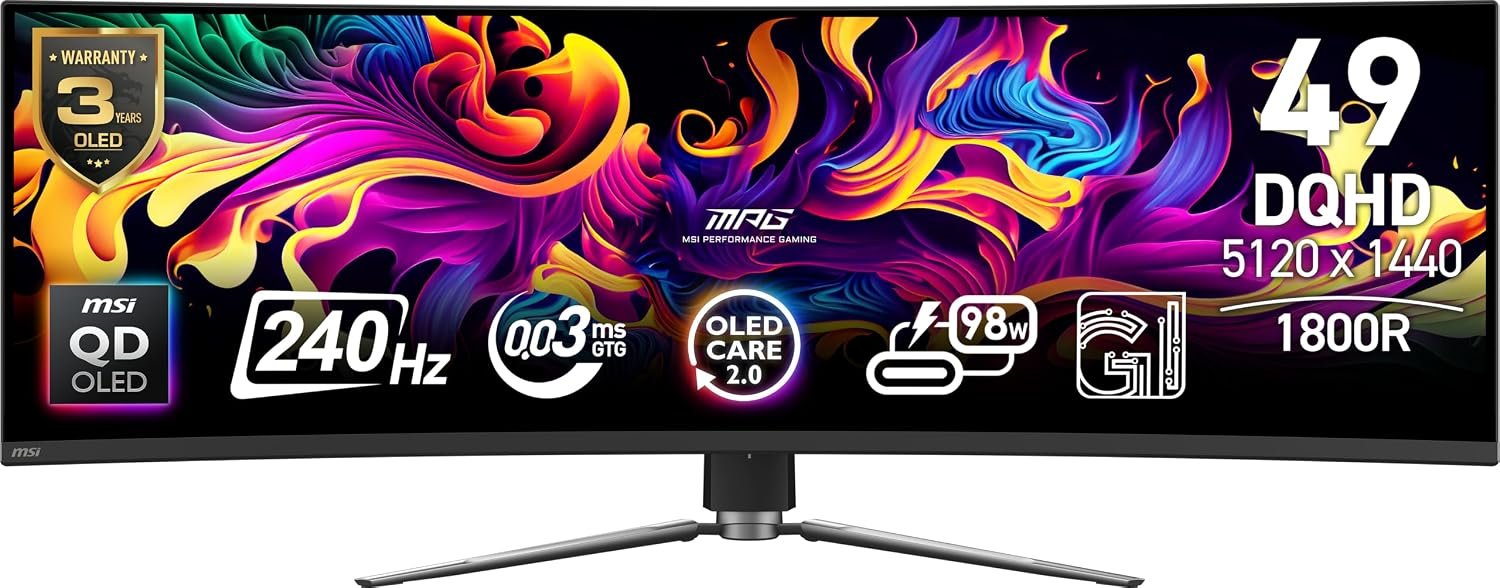
The MSI MPG 491CQPX is a 49-inch curved QD-OLED monitor built around a 5120 × 1440, 32:9 screen and a listed 240Hz refresh rate. That makes it an unusually wide option for gaming and multitasking, but its size, GPU demands and OLED upkeep deserve a closer look before you buy.
On this page
This is a specification-led buying guide, not a hands-on review. We compared the product listing and uploaded product graphics with MSI’s official specifications. Features, included accessories and warranty terms can vary by region, so confirm the exact retailer offer.
Quick verdict
The MSI MPG 491CQPX makes the most sense if you want one seamless, very wide display for games and desktop work. Its 240Hz QD-OLED panel, 1800R curve and 98W USB-C input are compelling on paper. The trade-offs are equally real: 49 inches needs careful desk planning, 5120 × 1440 at high frame rates asks a lot of your PC, and OLED care remains part of ownership.
Best suited for
A buyer with room for a 47-inch-wide chassis who values a 32:9 workspace, fast gaming motion and strong contrast more than a conventional 16:9 layout.
Pros
- MSI lists 5120 × 1440 resolution across a wide 49-inch, 32:9 panel.
- The published 240Hz refresh rate and 0.03ms GtG rating target fast games; neither is a measured result from us.
- Two HDMI 2.1 inputs, DisplayPort and USB-C give several modern connection options.
Trade-offs
- A 32:9 image can leave unused space in games or video that do not support the format.
- The panel is OLED, so check care routines and warranty terms for your region.
- You need enough desk depth, width and graphics performance to make the format worthwhile.
MSI MPG 491CQPX specifications
These are MSI’s published figures for the MSI MPG 491CQPX. The Amazon title mentions VGA, but MSI’s port list does not show a VGA input, so do not buy it expecting one.
| Specification | MSI-listed detail |
|---|---|
| Panel | 49-inch, 1800R curved QD-OLED |
| Resolution and shape | 5120 × 1440 (DQHD), 32:9 |
| Refresh and response | Up to 240Hz; 0.03ms GtG manufacturer rating |
| HDR and sync | DisplayHDR True Black 400; G-SYNC Compatible; FreeSync Premium Pro |
| Video inputs | 2 × HDMI 2.1, 1 × DisplayPort 1.4a, 1 × USB-C with DP Alt Mode |
| USB-C charging | Up to 98W Power Delivery |
| Other connections | 2 × USB-A 2.0, 1 × USB-B 2.0, headphone out |
| Adjustments | 100mm height, tilt −5° to 20°, swivel −30° to 30° |
| Mount and size | VESA 100 × 100mm; 1195 × 328 × 410mm with stand |
The 49-inch screen and desk fit
The 1800R curve wraps a 32:9, 5120 × 1440 desktop around your field of view. That can be useful for side-by-side windows and games that properly support ultrawide displays. It does not turn every movie or game into a full-width experience; check your favorite titles and your preferred window layout first.
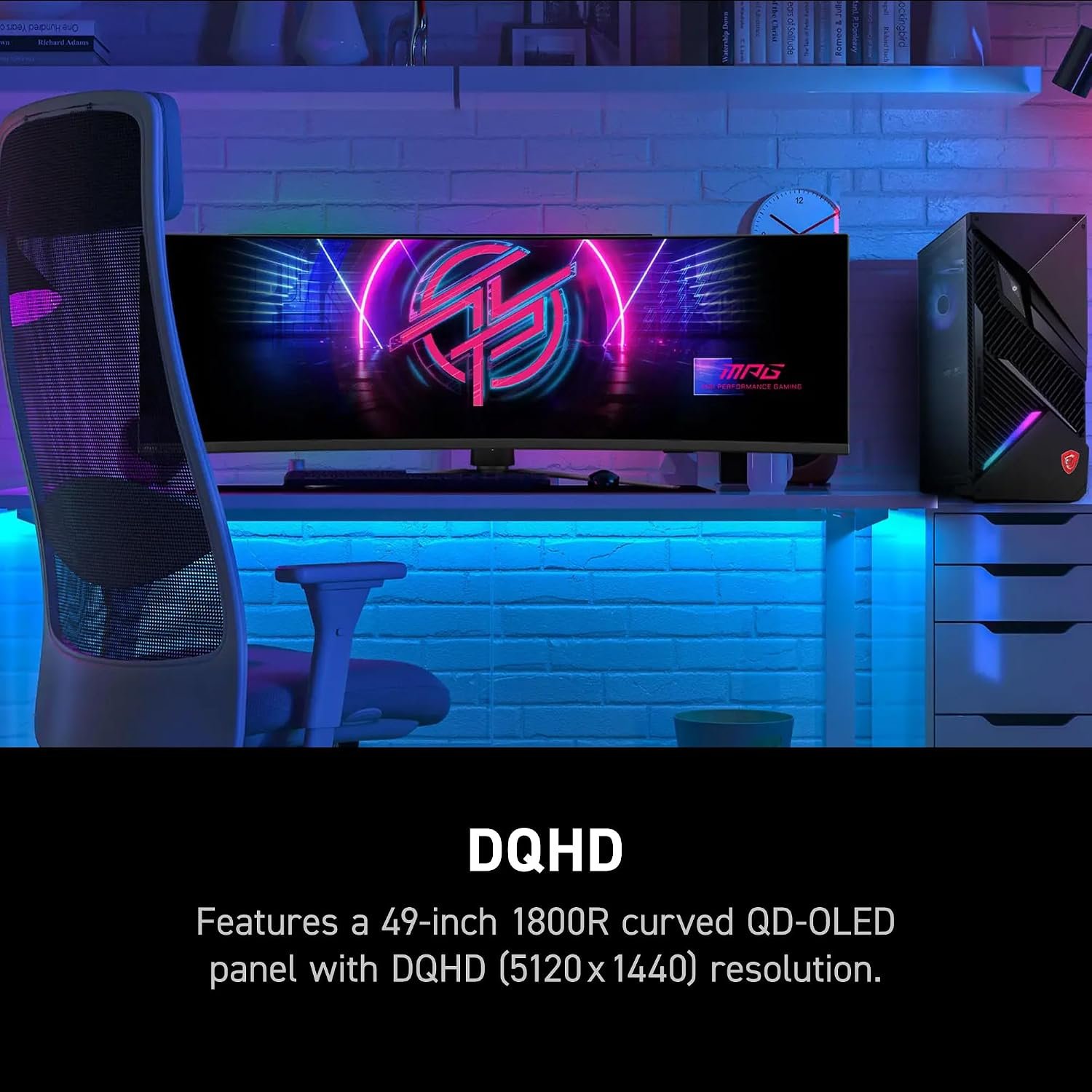
MSI lists the unit with stand at roughly 47.0 inches wide, 12.9 inches deep and 16.1 inches high. Measure the desk and account for speakers, a microphone arm and viewing distance. A VESA 100 × 100mm mount is listed, but a compatible arm must handle the monitor’s size and weight.
Speed for gaming
MSI specifies up to 240Hz and a 0.03ms gray-to-gray response-time rating. Those are manufacturer specifications, not a promise that every game will run at 240 frames per second. At 5120 × 1440, your GPU, graphics settings, game support and cable choice matter. The official spec lists up to 240Hz at native resolution over HDMI, DisplayPort and USB-C, subject to a compatible host.
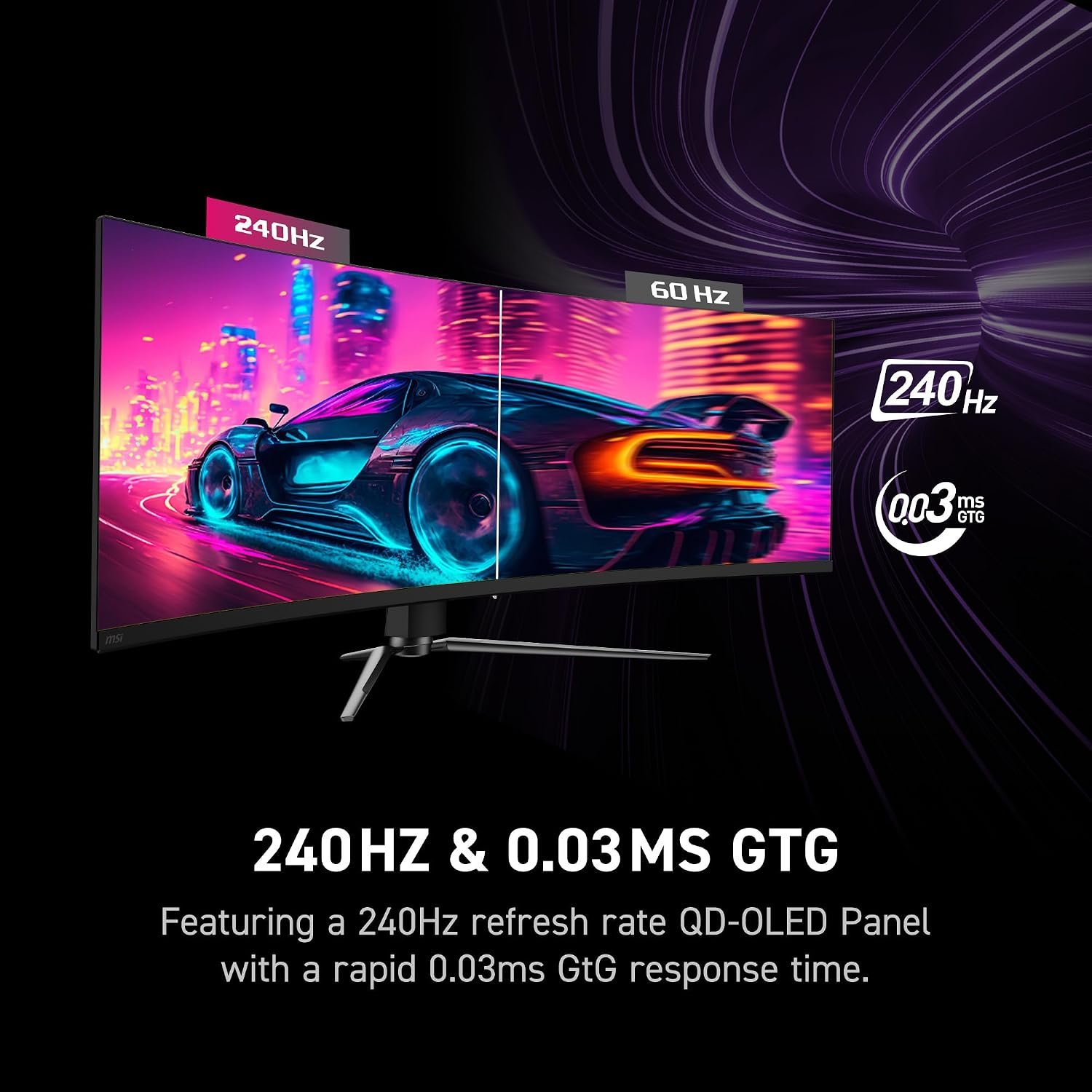
The monitor is listed as G-SYNC Compatible and FreeSync Premium Pro. If smooth adaptive refresh matters to you, confirm your graphics card and chosen port support the mode you plan to use.
Connections and USB-C power
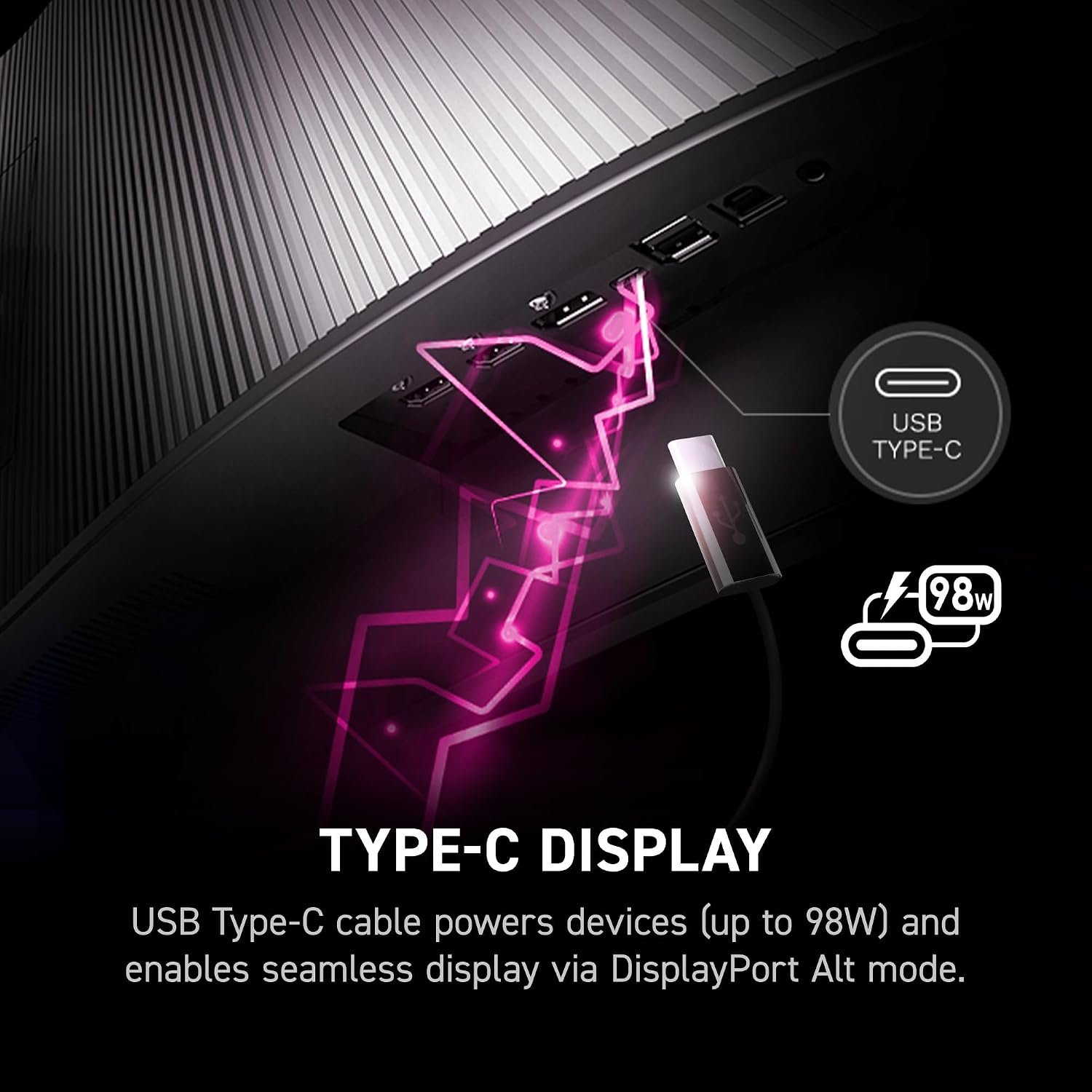
The official port list gives you two HDMI 2.1 inputs, one DisplayPort 1.4a and one USB-C input with DisplayPort Alt Mode. MSI also lists two USB-A ports, one USB-B upstream port and a headphone output. Despite the retailer title, there is no VGA input in MSI’s specification.
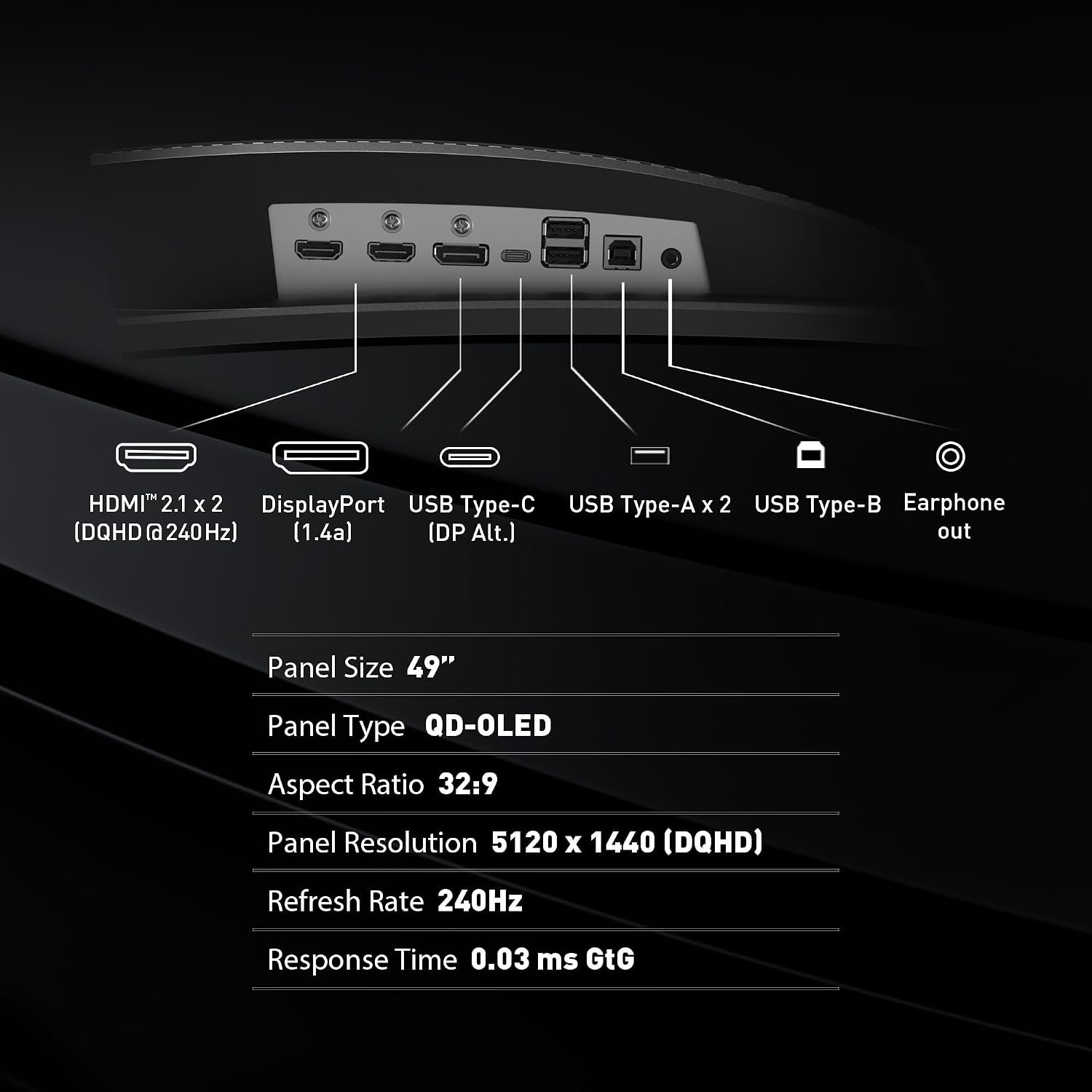
USB-C can supply up to 98W of Power Delivery while carrying display video. Check that your laptop supports DP Alt Mode and that 98W is sufficient for its charger requirements; demanding laptops may still need their own power adapter. The monitor also lists KVM and picture-in-picture/picture-by-picture support, useful if you switch between devices.
OLED care and daily use
MSI OLED Care 2.0 includes features intended to reduce image-retention risk. It does not make an OLED screen immune to burn-in. If you leave bright, static windows or a taskbar visible for long sessions, read the care guidance and confirm the current warranty terms for your region before relying on this as an all-day work display.
Who should consider it
Choose this monitor if you want one panoramic display, have a PC that can make use of DQHD at high refresh rates, and are comfortable with OLED maintenance. A smaller 16:9 screen may be a better fit if you lack desk space, mainly watch standard-format video, or want to avoid format-specific game support checks. For alternatives, browse our monitor picks.
What to check before buying
- Confirm that the retailer offer is the MPG 491CQPX QD-OLED, not a similarly named 491CQP or a different refresh-rate variant.
- Measure the desk and check VESA arm capacity if you will not use the supplied stand.
- Verify your GPU, cable, port and favorite games support your desired resolution, refresh rate and 32:9 format.
- Check whether your laptop supports USB-C DP Alt Mode and whether 98W charging covers its needs.
- Read the regional OLED warranty, return policy and current product-page details before purchase.
Sources: MSI official specifications and the Amazon product listing.