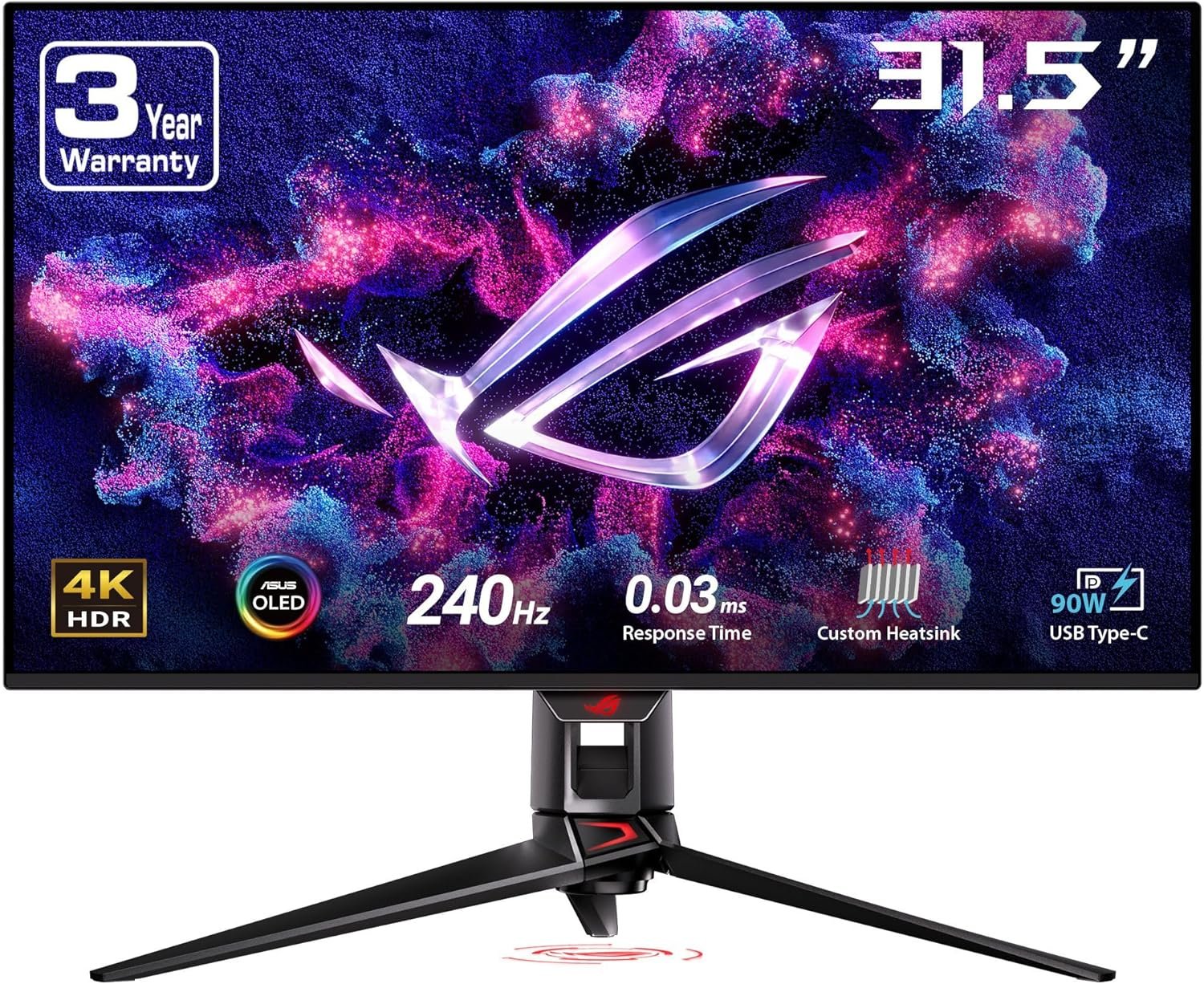
The ASUS PG32UCDM packs 3840 × 2160 resolution and up to 240Hz into a 31.5-inch QD-OLED display. It targets buyers who want a sharp 4K desktop and fast gaming on one screen—but its premium features bring practical questions about graphics hardware, OLED care and desk space. Here is what to check before ordering.
On this page
This guide compares ASUS’s published specifications with the listing information. It is not a hands-on test: response time, brightness, color performance and warranty coverage have not been independently measured by SetupForge.
Quick verdict
The ASUS PG32UCDM is worth considering if you have a system capable of driving 4K at high frame rates and value OLED contrast alongside a fast 240Hz ceiling. It is less compelling if your priority is a low-cost screen for mostly static office windows or if you do not want to manage OLED-use precautions.
Best for
PC gamers and creators who want one flat 31.5-inch 4K display, compatible high-bandwidth inputs, and a wide-color-gamut QD-OLED panel.
Pros
- 31.5-inch 4K screen combines fine detail with a listed 240Hz maximum.
- QD-OLED offers per-pixel light control and deep blacks by design.
- DisplayPort, two HDMI 2.1 ports and USB-C with up to 90W charging provide flexible connections.
Limitations
- Reaching high frame rates at 4K depends heavily on your computer and game settings.
- OLED panels require sensible care for prolonged static content; the care features do not eliminate every risk.
- The 0.03ms figure is an ASUS specification, not our measured result.
ASUS PG32UCDM specifications
ASUS’s official PG32UCDM specification page describes the original PG32UCDM, not the newer PG32UCDM3 Gen3 model. Use the measurements below from ASUS rather than unverified retailer dimensions.
| Specification | ASUS listing |
|---|---|
| Display | 31.5-inch viewable QD-OLED, 16:9 |
| Resolution | 3840 × 2160 (4K UHD) |
| Refresh rate | Up to 240Hz |
| Response-time claim | 0.03ms gray-to-gray (manufacturer specification) |
| Connections | DisplayPort 1.4 with DSC, 2 × HDMI 2.1, USB-C DP Alt Mode |
| USB-C power | Up to 90W Power Delivery |
| Stand / mount | Height 0–80mm; tilt and swivel; VESA 100 × 100mm |
| Size with stand | 71.8 × 57.9 × 27.4cm at highest position |
| Warranty | ASUS lists 3 years including panel burn-in; confirm retailer/region terms |
4K at 240Hz: what to expect
3840 × 2160 gives this screen four times the pixels of 1080p, while the 16:9 shape works with ordinary desktop apps and most games without ultrawide compatibility concerns. The 240Hz maximum is attractive for smooth interaction, but the monitor alone cannot produce 240 frames per second. Your graphics card, game and settings determine the frame rate.
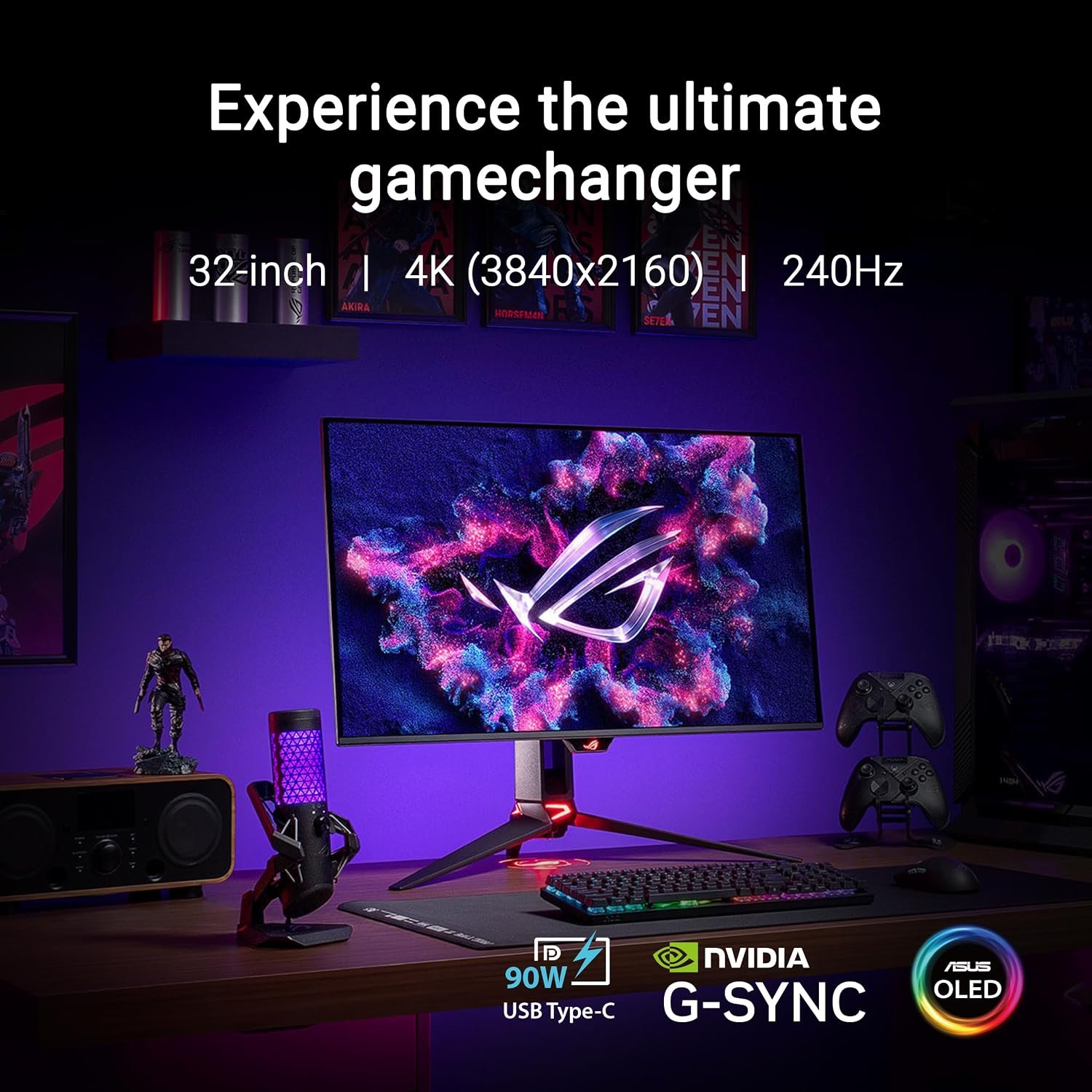
ASUS lists a 0.03ms gray-to-gray response time and Adaptive-Sync support. These are useful specifications, but they do not replace independent measurements of motion clarity, input latency or variable-refresh behavior. Confirm your preferred source and cable can provide the resolution and refresh mode you intend to use.
QD-OLED image and HDR claims
QD-OLED uses self-emissive pixels, so black areas do not need a separate LCD backlight. That can make dark scenes look very different from a conventional LCD. ASUS lists 99% DCI-P3 coverage, 10-bit color, Dolby Vision support and VESA DisplayHDR 400 True Black certification. Those are manufacturer or certification claims, not SetupForge test results.
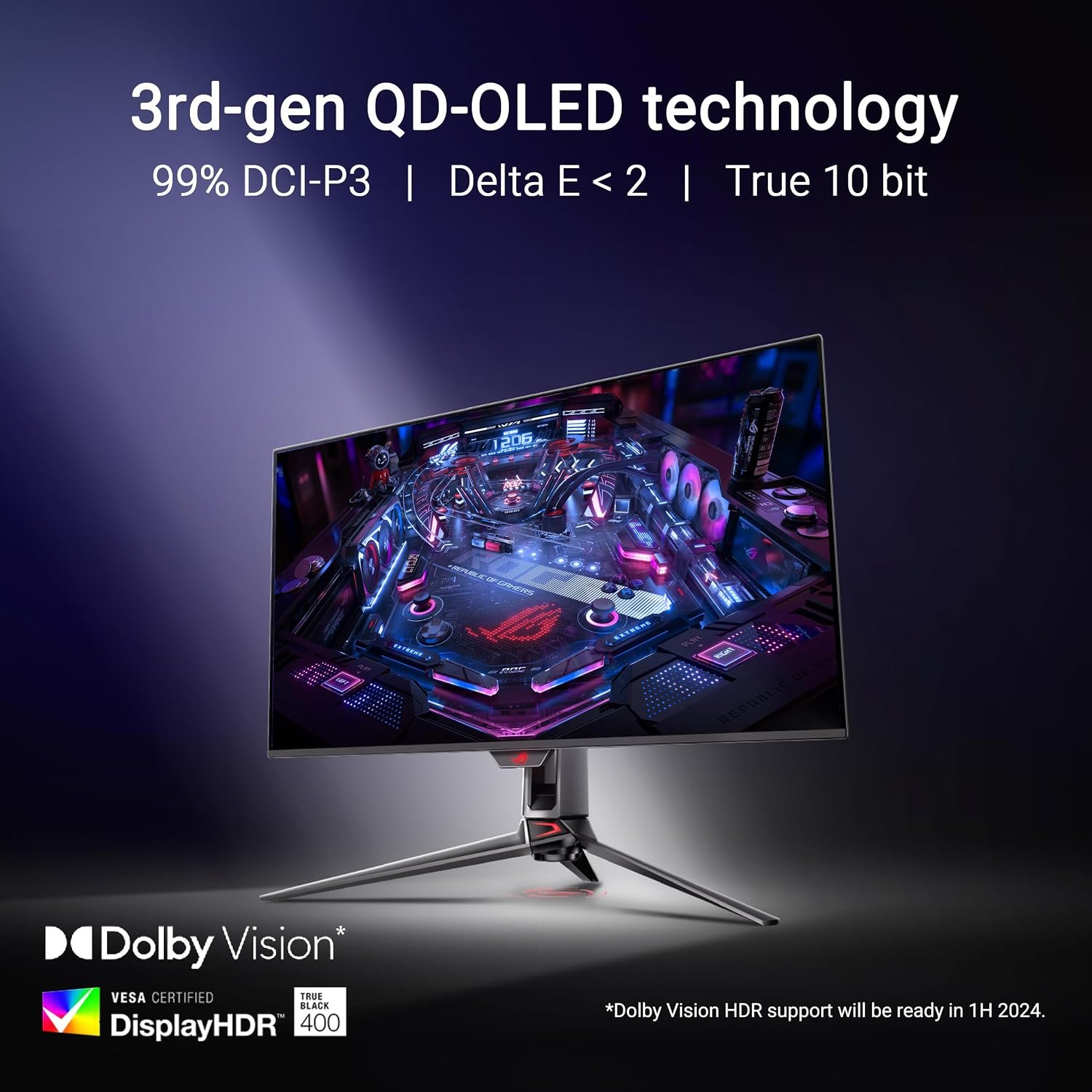
ASUS specifies a 1,000-nit HDR peak figure, but peak values depend on test conditions and should not be read as full-screen brightness. If you work in a bright room, consider reflections and the screen’s anti-reflection finish alongside the headline HDR figure.
Connections and charging
The original PG32UCDM includes DisplayPort 1.4 with Display Stream Compression, two HDMI 2.1 inputs and USB-C with DisplayPort Alt Mode. ASUS lists up to 90W USB-C Power Delivery, which can simplify a compatible laptop setup. It also includes a three-port USB-A hub, headphone jack and optical audio output.
Before relying on a single cable, confirm that your laptop supports USB-C video output and that 90W meets its charging needs. If you use multiple devices, check their 4K refresh-rate capabilities individually; a capable monitor does not override source-device limits.
OLED care and desk fit
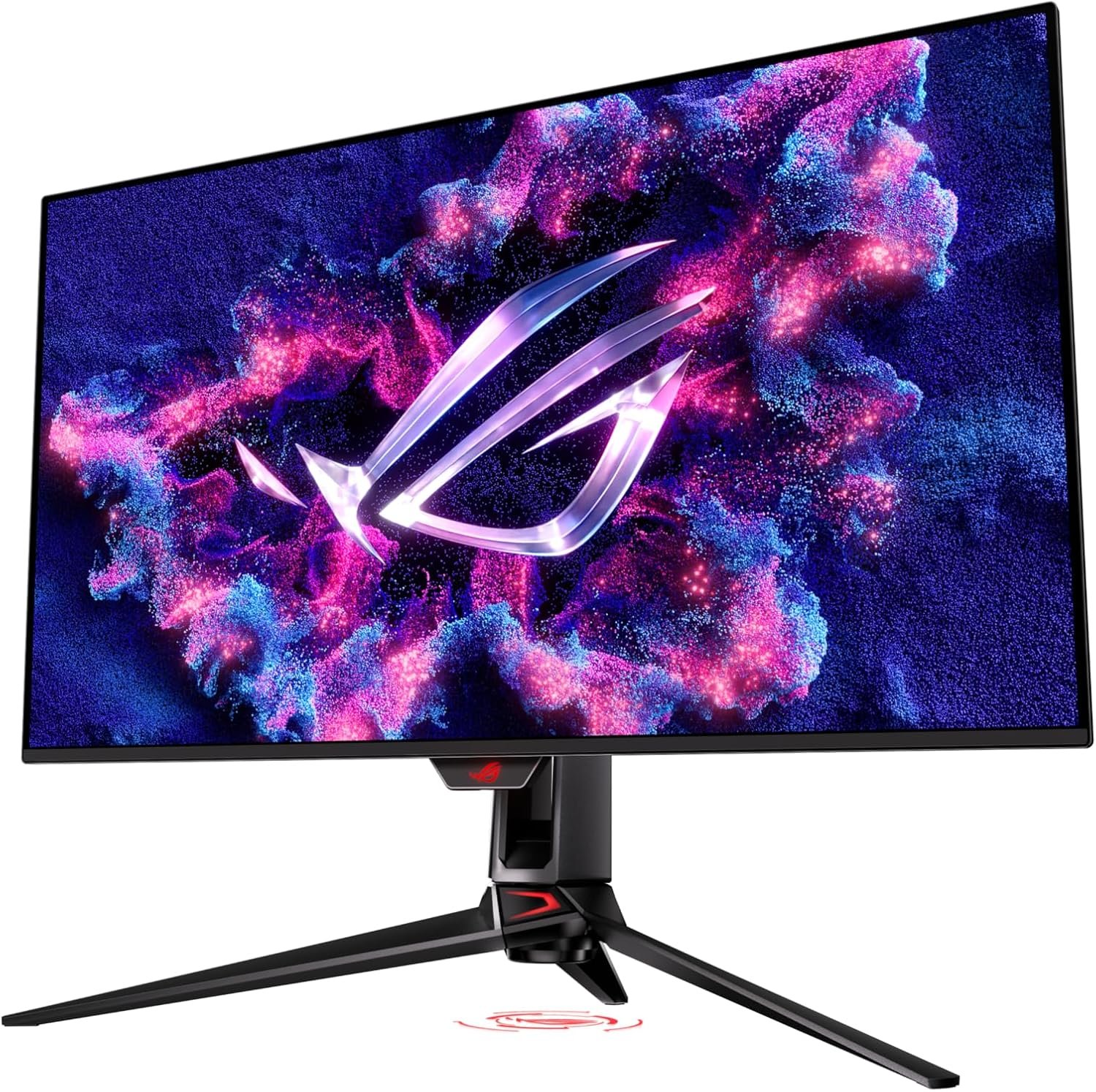
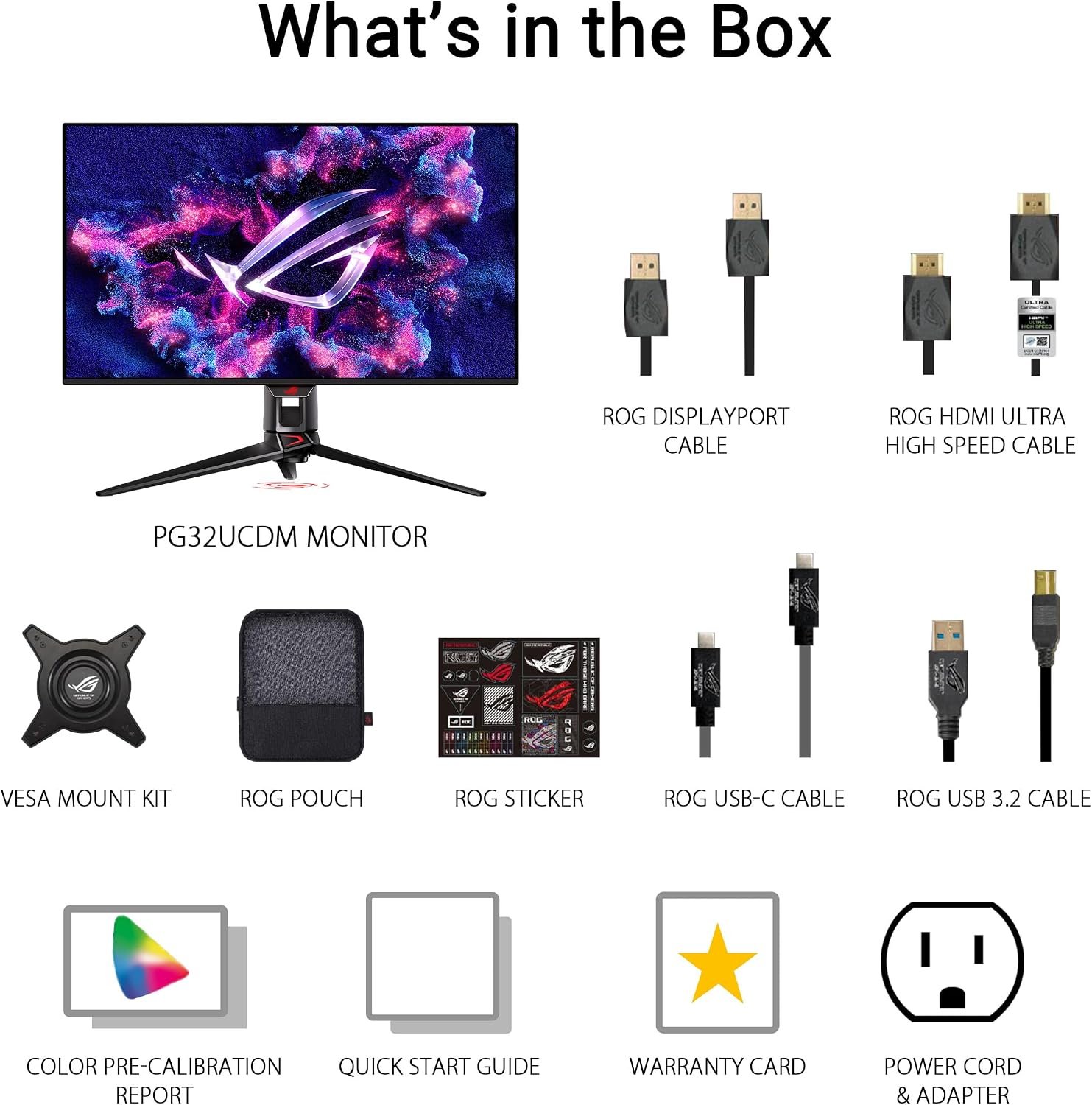
ASUS advertises a custom heatsink, graphene film and OLED-care controls. These are helpful for ownership, but no feature makes static-image retention impossible. Read ASUS’s current care guidance and warranty terms, especially if the screen will show fixed toolbars, dashboards or the same game HUD for long periods.
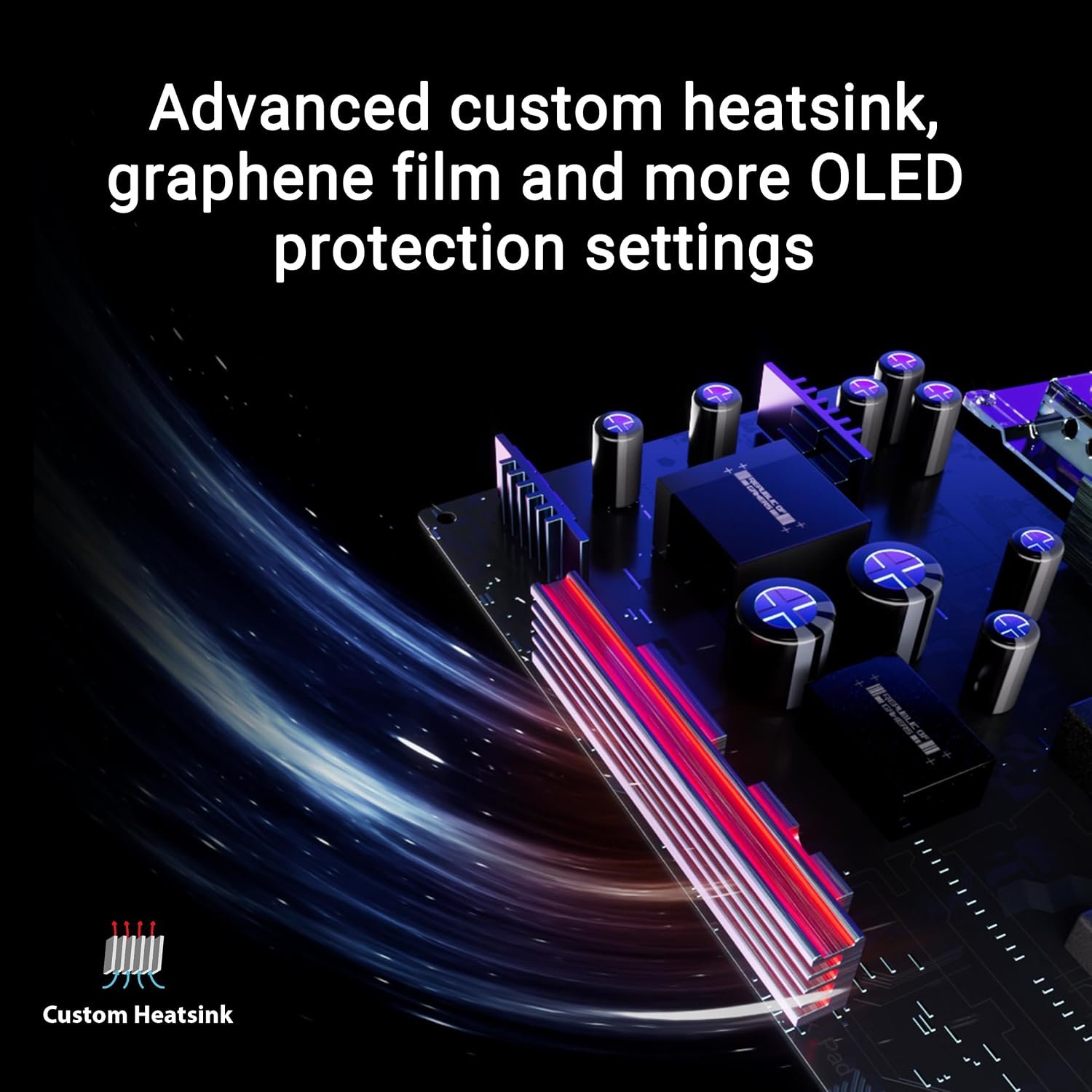
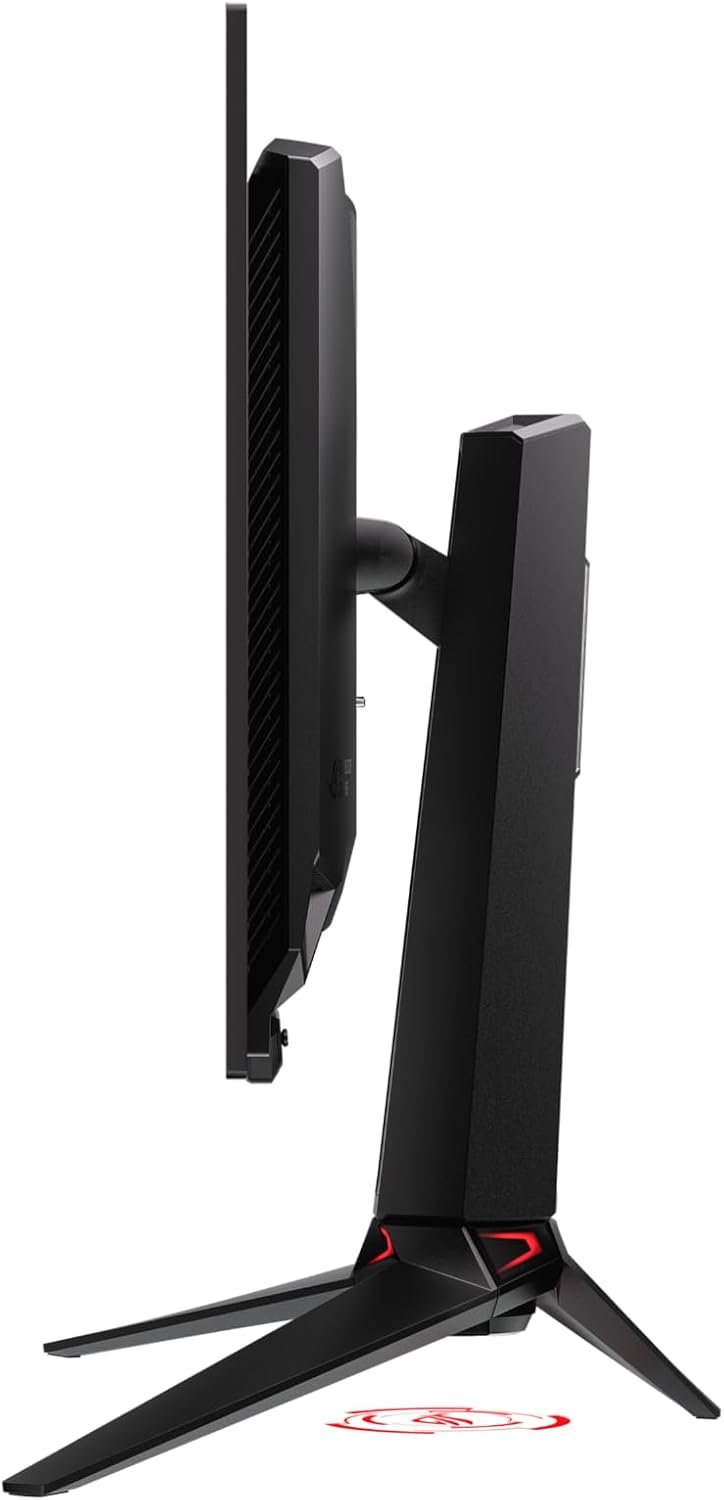
The stand offers up to 80mm of height adjustment, tilt and swivel; a 100 × 100mm VESA mount is listed. At its highest setting, ASUS gives 71.8 × 57.9 × 27.4cm with the stand. Measure your desk depth and check a monitor arm’s weight rating before purchase.
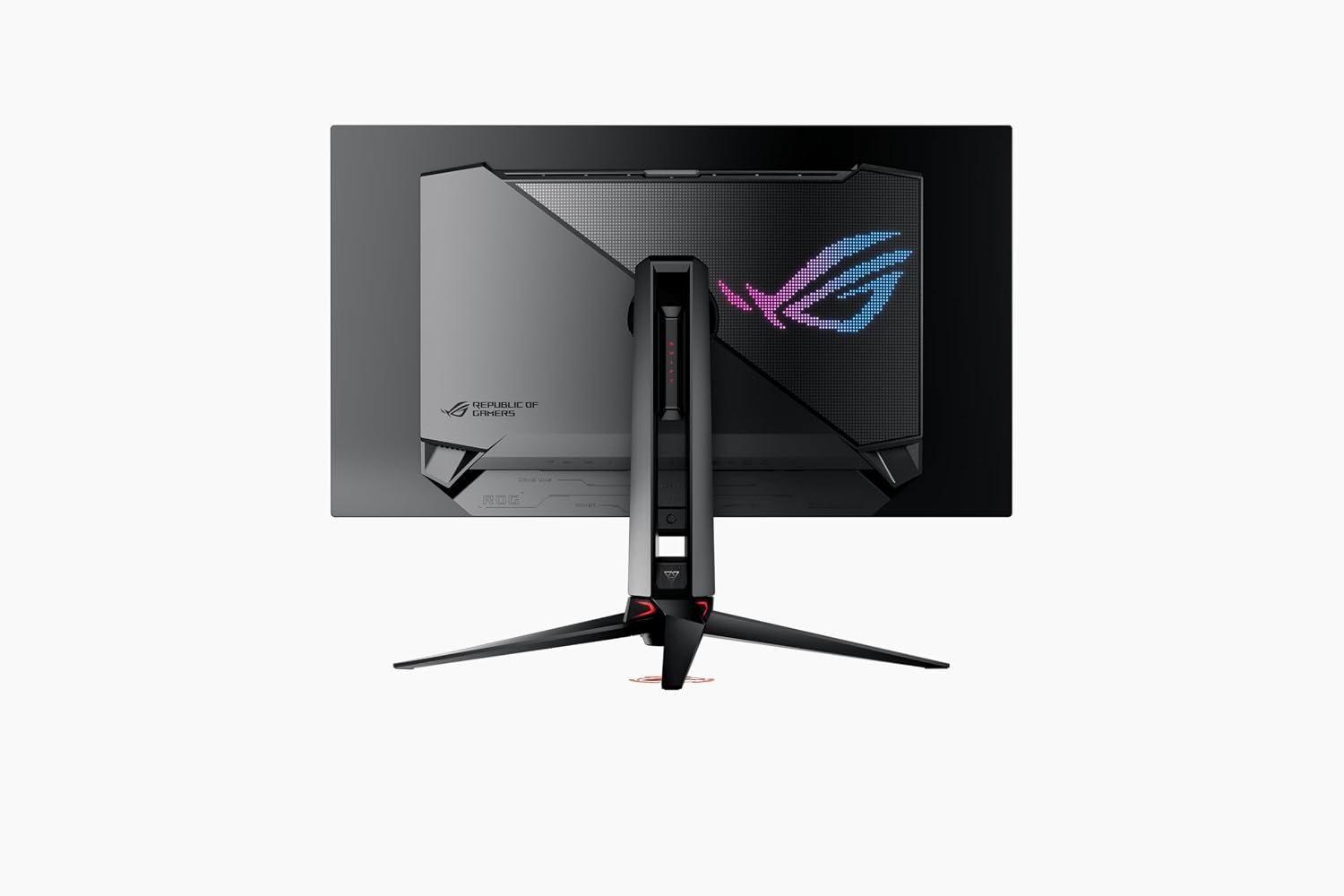
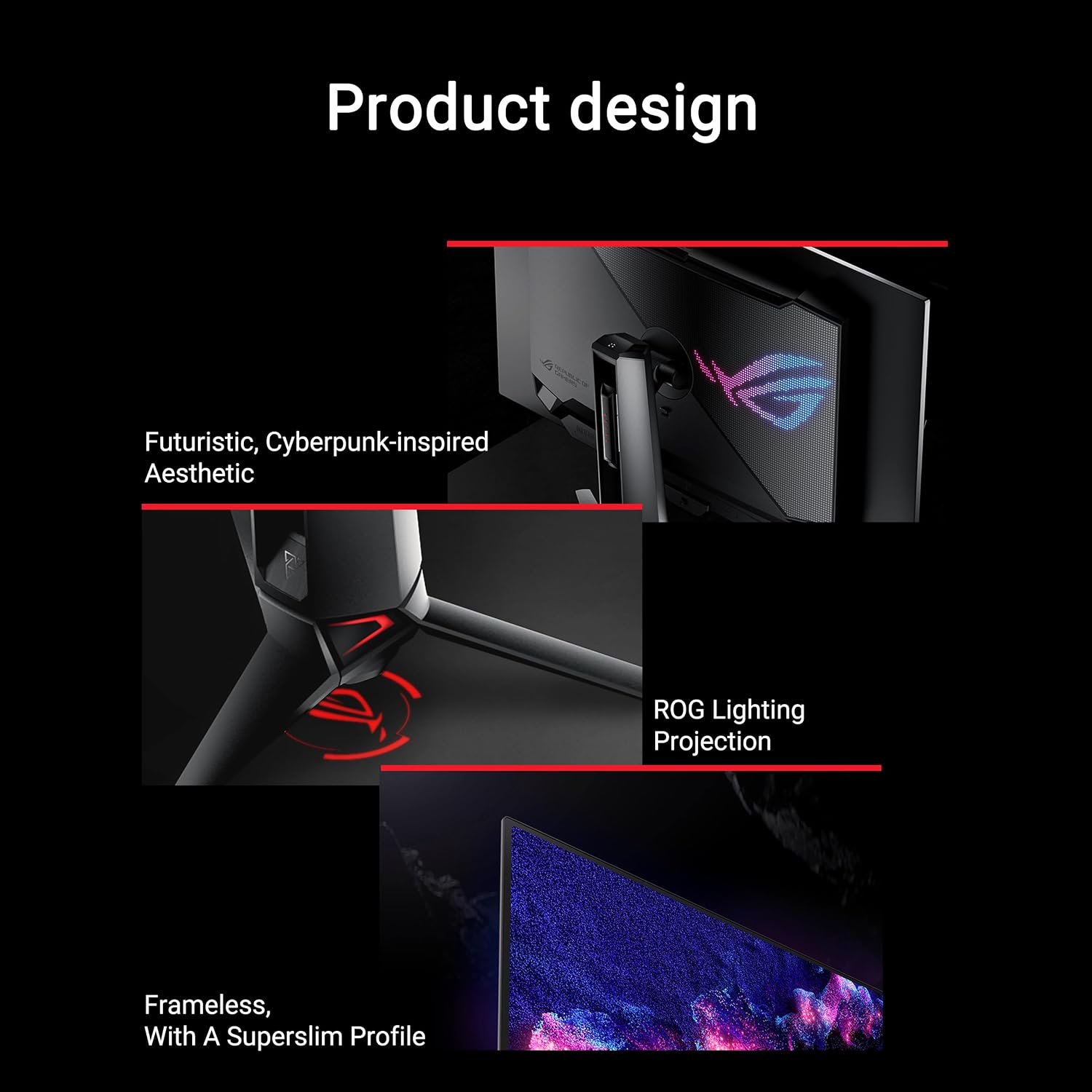
The rear design includes ROG lighting and a slim profile. These affect the look of the setup, not the image performance, so prioritize placement and adjustability first.
Who is it for?
- Consider it if you want one flat 4K screen for both detail-rich games and ordinary 16:9 work.
- Choose it for high-refresh gaming only if your graphics hardware and preferred connection fit your target settings.
- Think carefully if your work involves static windows for most of the day and OLED maintenance is not appealing.
- Compare our MSI MPG 321CURX guide if a curved 32-inch QD-OLED is also on your shortlist.
Final checks before buying
- Is the listing for PG32UCDM, rather than PG32UCDM3 or another similar model?
- Can your PC or console deliver the 4K refresh rate you expect over the selected input?
- Will 90W USB-C power be enough for your laptop?
- Do the stand dimensions, mount rating and cable placement work on your desk?
- What are the seller’s current return policy and the applicable ASUS OLED warranty terms?
Review the official ASUS specifications and browse more SetupForge monitor guides. Pricing, availability and accessories vary by seller and region.