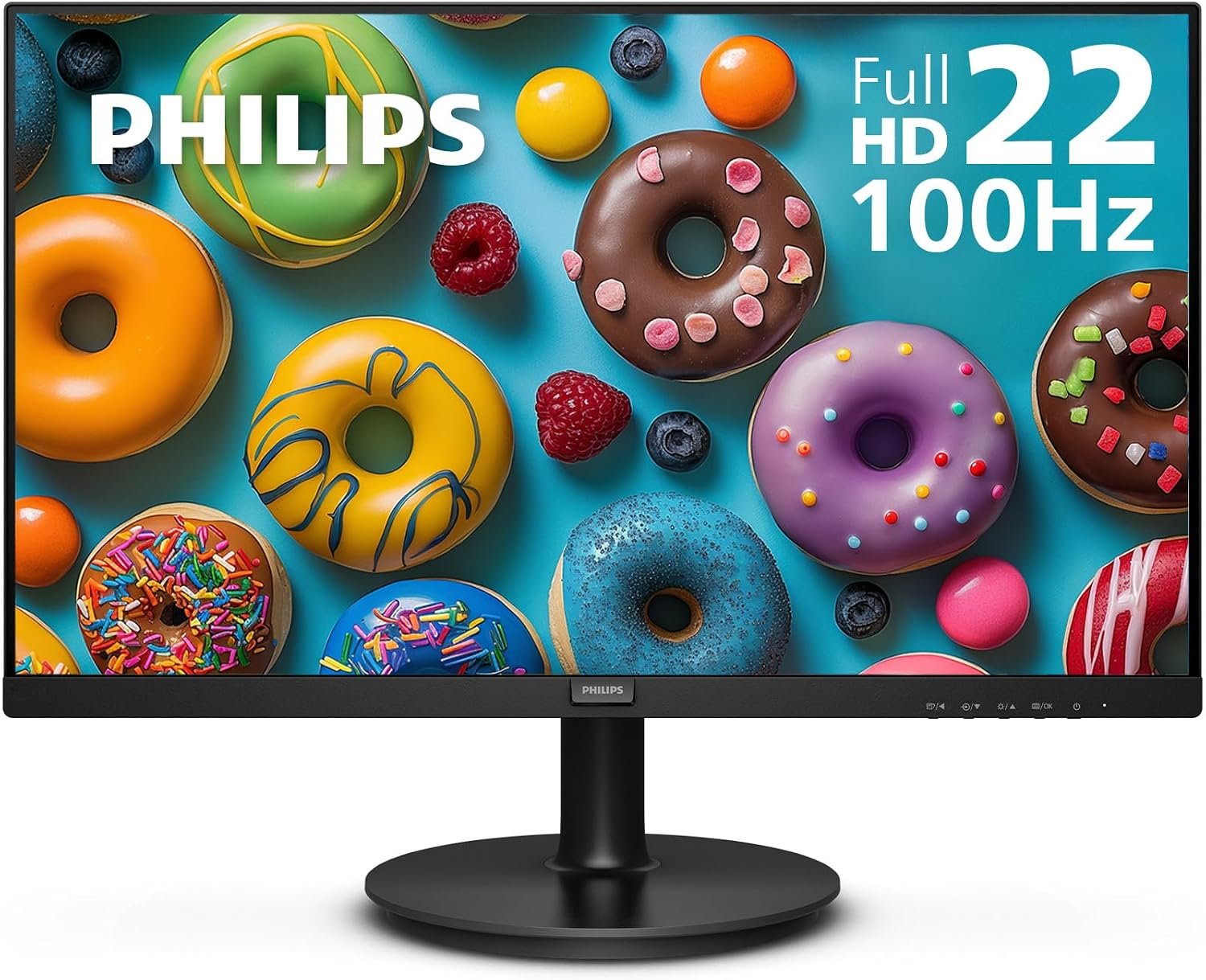
Philips 221V8LB is a compact Full HD monitor for a desk that needs more fluid motion than a basic 60Hz screen without stepping up to a large gaming display. The listing and supplied images show a 100Hz version, a 21.5-inch viewable screen, and a VA panel. This guide explains the practical trade-offs before you order.
On this page
Quick Verdict
Our take: Philips 221V8LB makes sense as a space-saving everyday screen with a smoother advertised refresh rate and solid on-paper contrast. It is a conditional pick, not a measured performance award: we have not independently tested this unit.
What works
- 21.5-inch Full HD size keeps a small desk manageable.
- The listed VA panel and 3000:1 typical contrast favor deeper-looking dark scenes on paper.
- HDMI, VGA and 100 × 100 mm VESA mounting cover common desk setups.
What to weigh
- Full HD at 21.5 inches offers limited workspace compared with larger or higher-resolution displays.
- Tilt is the only stand adjustment listed; budget for an arm if height control matters.
- The 100Hz figure needs a compatible HDMI connection and the correct regional model.
Choose it for office work, streaming and casual gaming. For fast competitive play, prioritize an independently tested higher-refresh monitor with verified response behavior instead.
What the 21.5-inch VA panel offers
The screen is sold as a 22-inch class monitor, but Philips lists the visible diagonal as 21.5 inches. At 1920 × 1080, text and menus should fit a compact workstation, while the 16:9 format remains familiar for video and games. If you keep many windows side by side, a larger 27-inch QHD screen will give you more room.
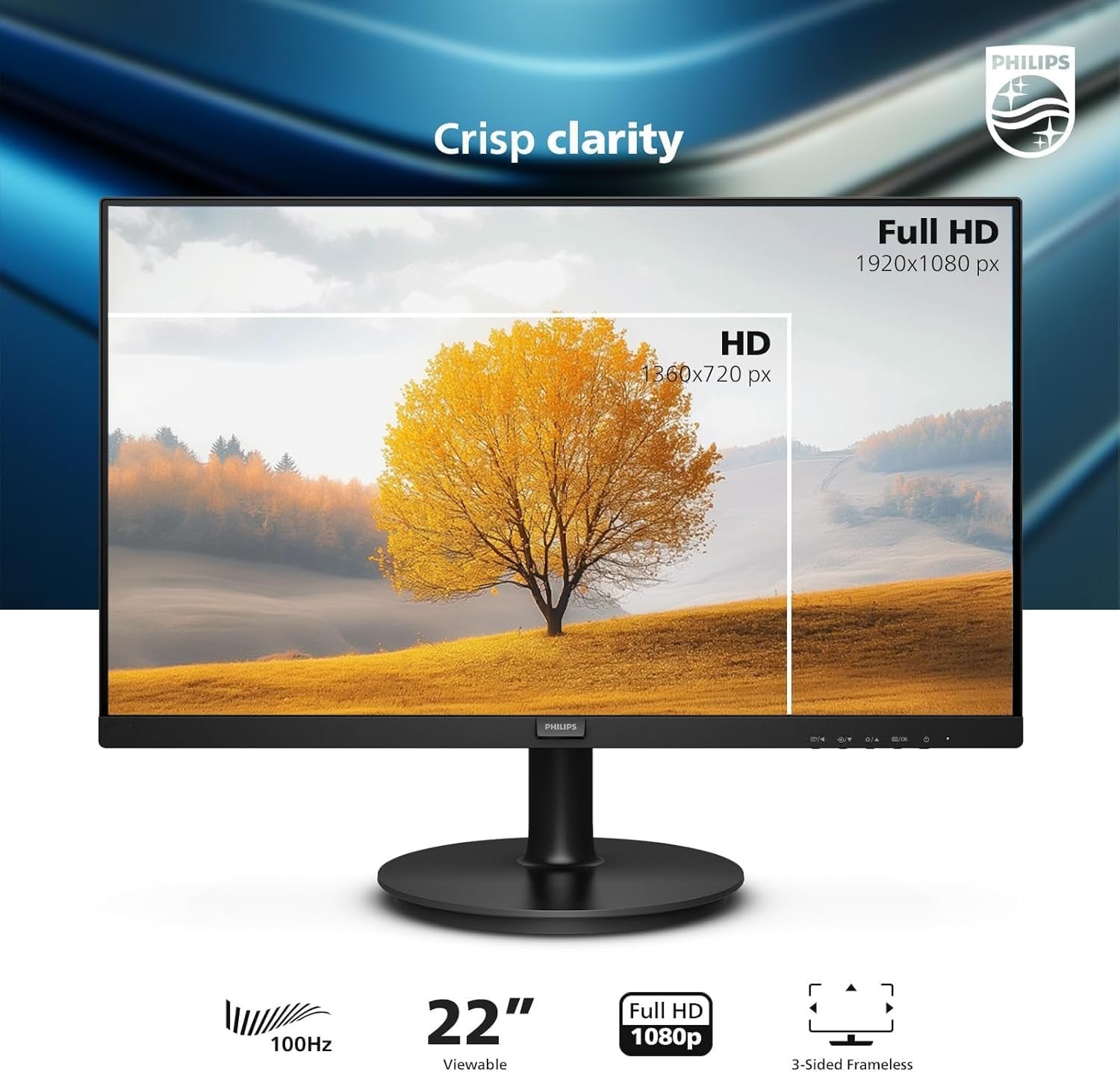
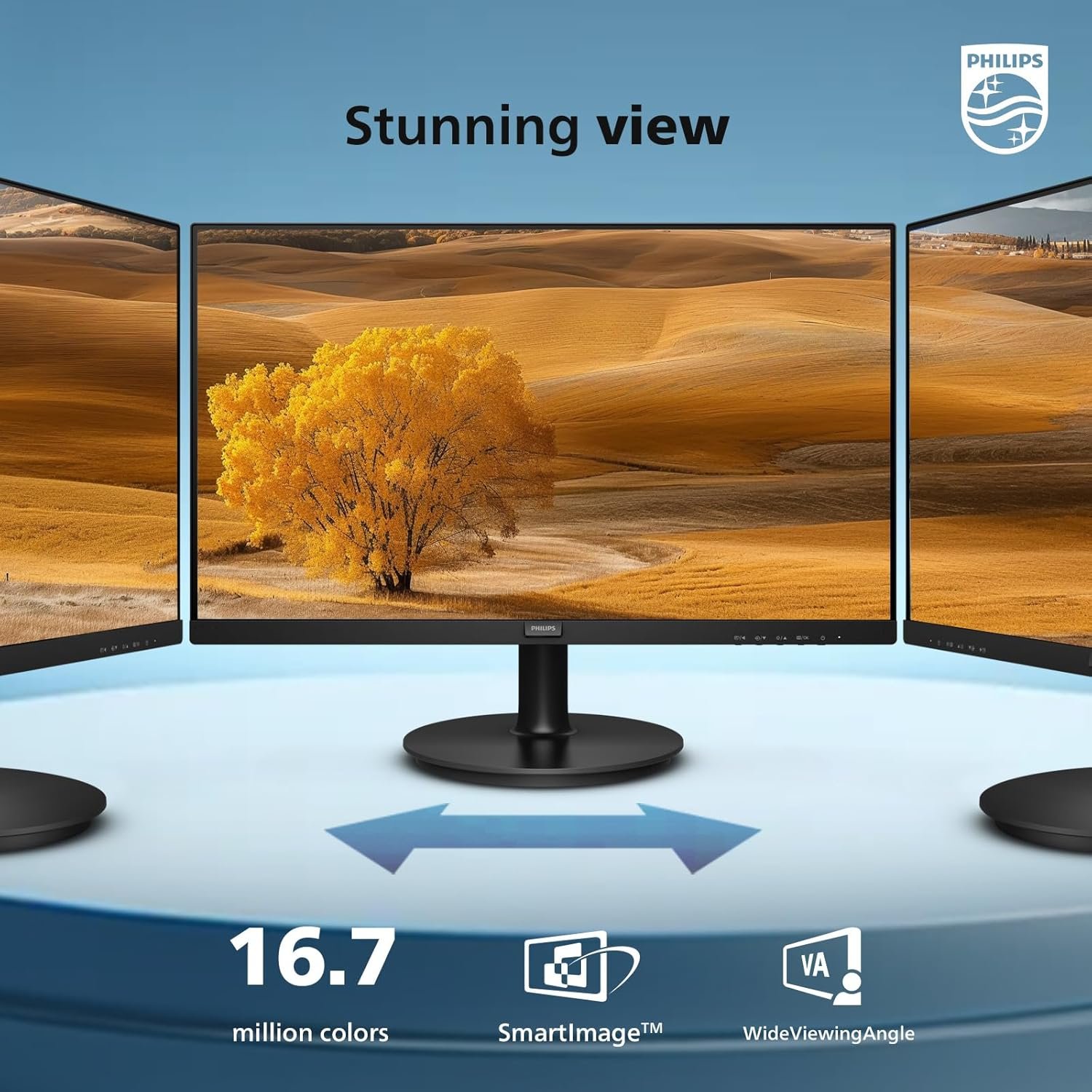
Philips specifies a VA LCD panel, 250 cd/m² typical brightness and 3000:1 typical contrast for a 100Hz 221V8LB regional sheet. Those are manufacturer specifications, not our laboratory measurements. VA contrast can be attractive for films and darker rooms, but shoppers sensitive to motion smearing should not infer pixel-response performance from contrast alone.
Is 100Hz enough for your games?
Moving from 60Hz to a listed 100Hz can make scrolling and compatible gameplay look more fluid. It does not guarantee 100 frames per second in every game: the computer, cable, video output and display setting all need to support the selected mode. Philips states that the 1920 × 1080 at 100Hz maximum in its 100Hz regional sheet applies to HDMI input.

Adaptive Sync is listed as a feature. Philips also quotes 4ms GtG and 1ms MPRT figures, but neither should be treated as a measured guarantee of blur-free competitive play. We did not test input lag, overshoot or response times. If esports speed is your main purchase criterion, compare independent reviews rather than choosing on the response-time label alone.
Ports, audio and compatibility
The 100Hz Philips specification lists HDMI 1.4, VGA and audio out. HDMI is the sensible path for the advertised maximum refresh rate. VGA is useful for an older PC, but the official sheet does not promise 100Hz over VGA. Audio out can route sound to external speakers or headphones; it is not evidence of built-in speakers.
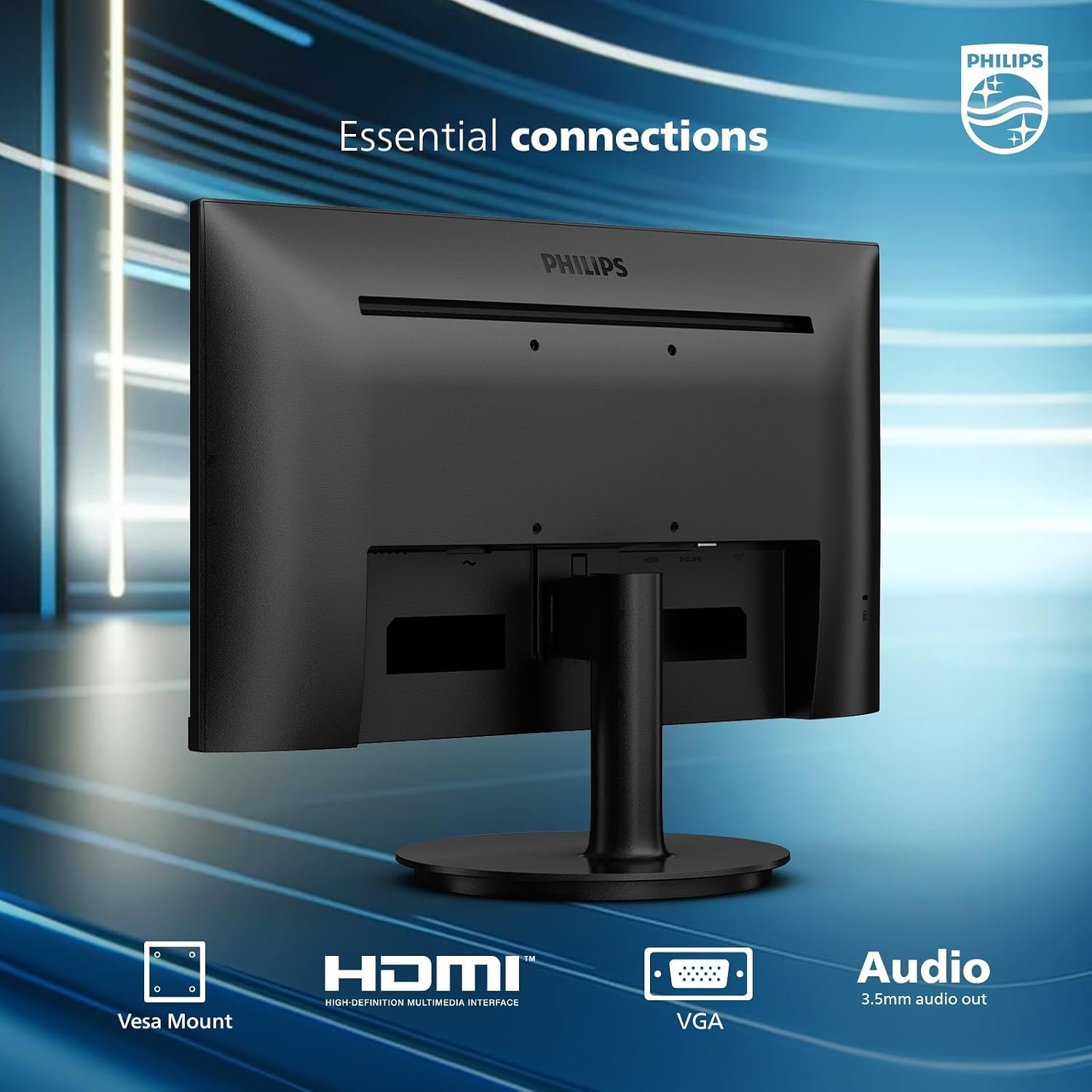
Before buying, check your laptop or desktop’s output, whether your chosen cable is included, and whether the exact Amazon variant has the same connections shown here. Product pages and regional suffixes can differ. A 120Hz claim on another 221V8LB suffix should not be applied to this 100Hz listing.
Desk fit, stand and mounting
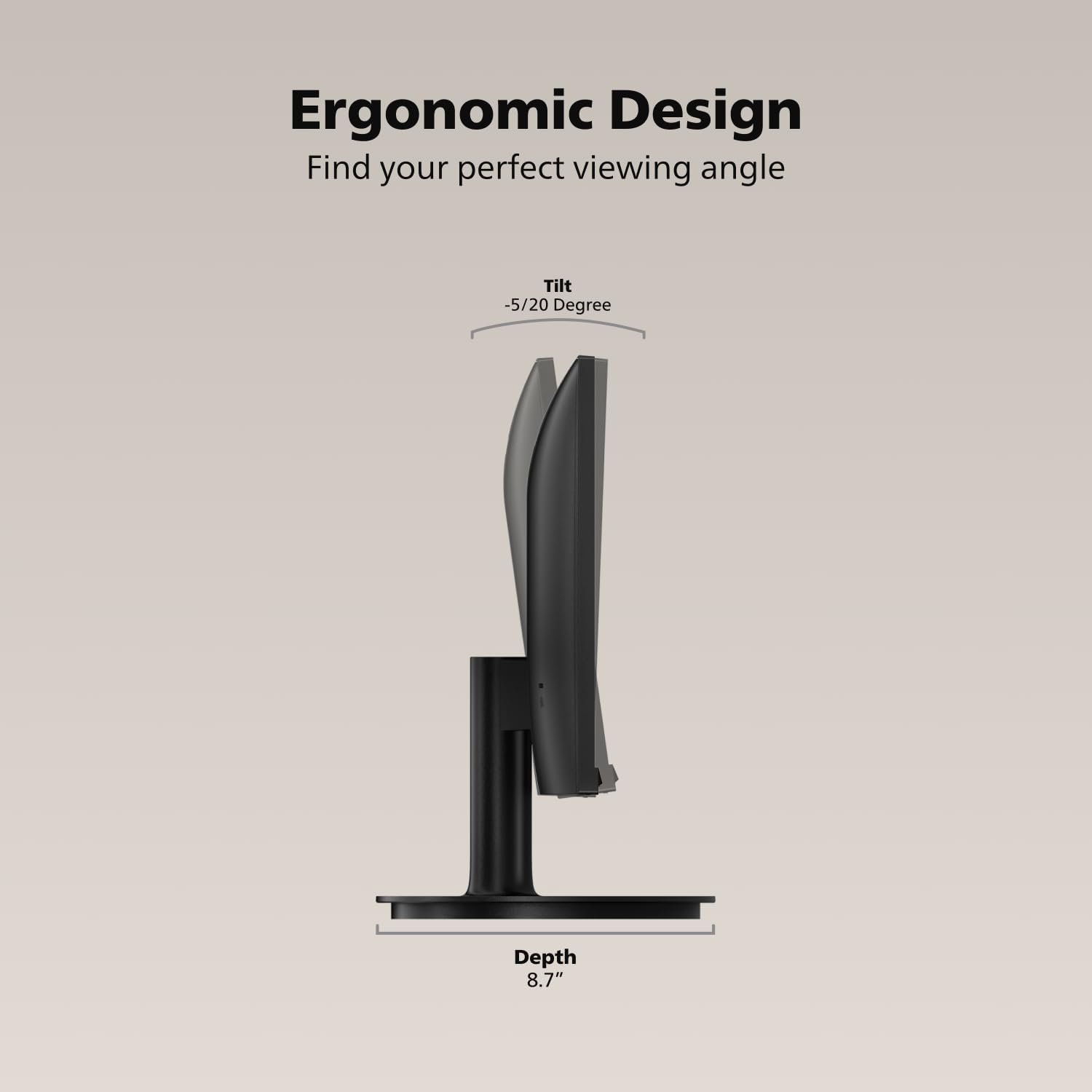
Philips lists a 100 × 100 mm VESA mount and a stand that tilts from -5° to 20° in its 100Hz regional sheet. It does not list swivel, pivot or height adjustment. An adjustable arm may therefore be worth planning for if you need the screen at eye level or want to reclaim desk space.
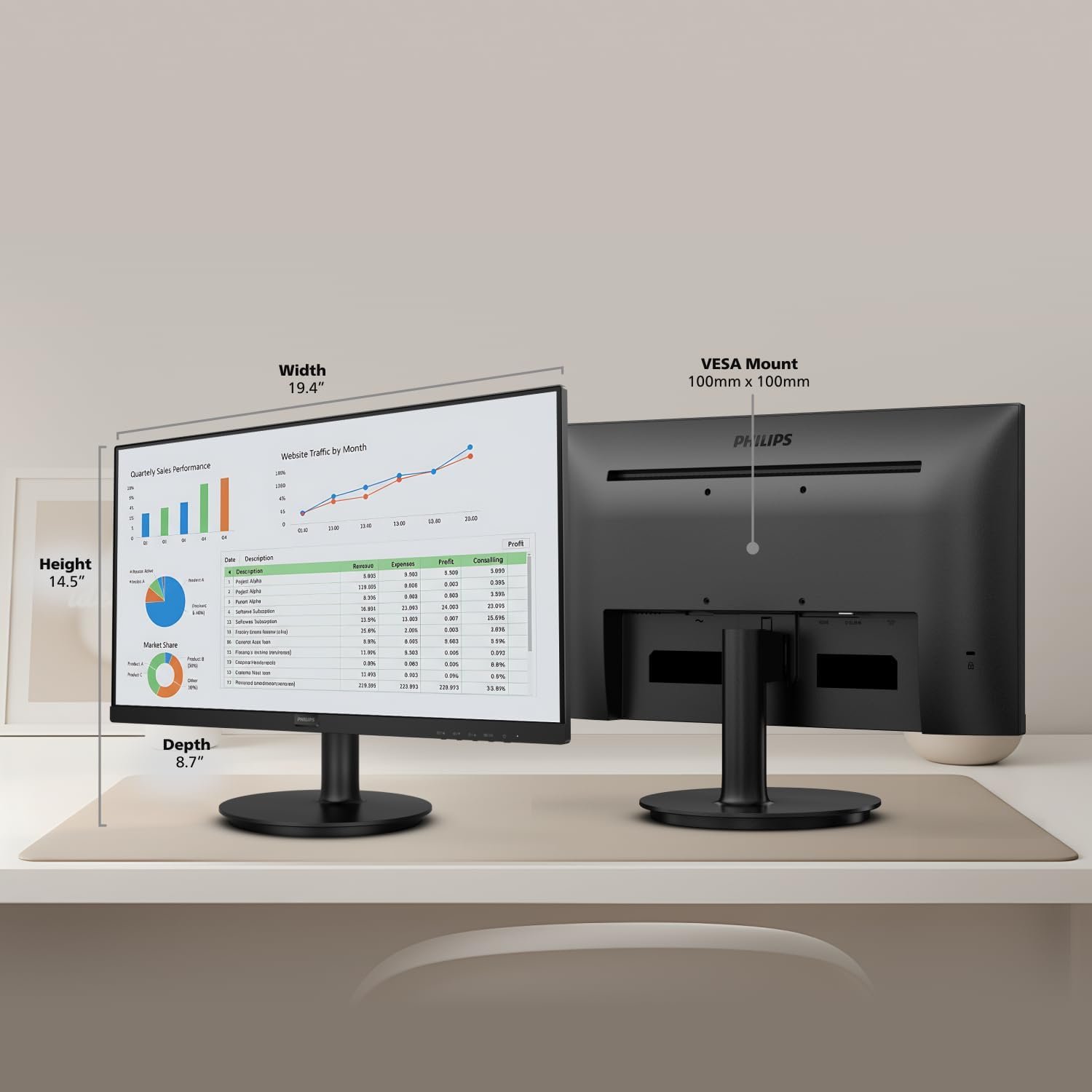
The same sheet gives dimensions of 493 × 369 × 220 mm with the stand. Measure the available desk depth, especially if a keyboard or large mouse pad sits in front of the screen. The supplied diagram is helpful for orientation, but confirm exact dimensions for the variant and included stand on the seller page.
Comfort settings for long sessions
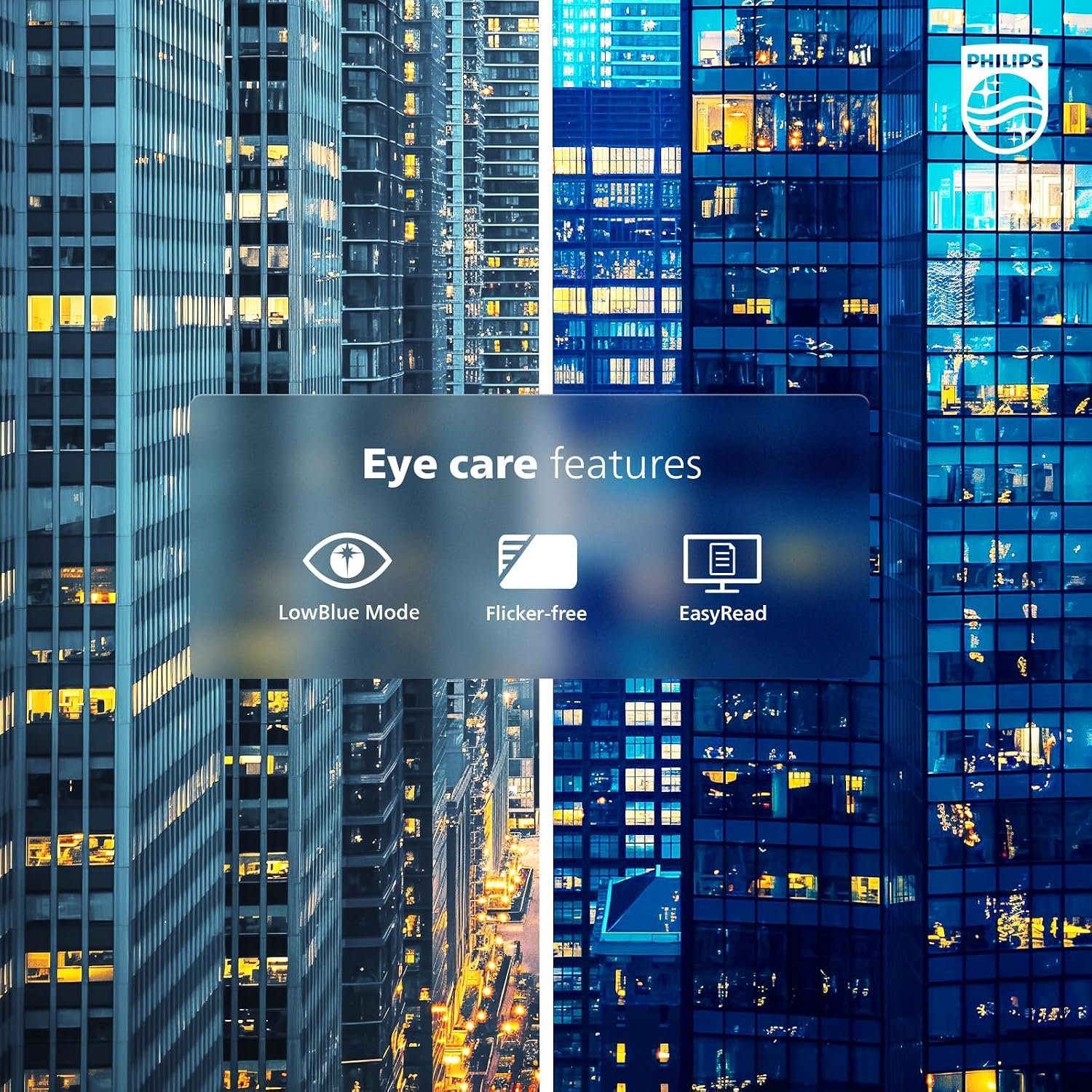
Philips lists LowBlue Mode, Flicker-Free and EasyRead settings, plus an anti-glare screen coating in the 100Hz specification. These options may make particular lighting or reading tasks more comfortable, but they are not a substitute for proper brightness, viewing distance or regular breaks. We have not independently assessed eye comfort.
Philips 221V8LB specifications
- Screen: 21.5-inch viewable VA LCD, 16:9
- Resolution: 1920 × 1080 Full HD
- Refresh: up to 100Hz on the cited HDMI version
- Typical contrast and brightness: 3000:1 and 250 cd/m², manufacturer figures
- Connections: HDMI 1.4, VGA and audio out on the cited regional sheet
- Mount and adjustment: VESA 100 × 100 mm; -5° to 20° tilt
- Picture features: Adaptive Sync, SmartImage, LowBlue, Flicker-Free and EasyRead
These details come from the official Philips 221V8LB/96 specification sheet. The Amazon listing may carry a different regional suffix; verify the seller’s exact model and included accessories before treating every detail as identical.
Who should buy it?
The Philips 221V8LB is most compelling for a compact office, secondary display or casual gaming setup that benefits from Full HD and a listed 100Hz mode. It can also work for someone replacing an older 60Hz VGA display while keeping a modern HDMI option available.
Skip it if you want a roomier editing canvas, extensive ergonomic adjustment or a verified high-speed esports panel. The practical comparison is not simply “100Hz versus more hertz”; screen size, resolution, stand flexibility and measured pixel behavior matter too. For more options, browse our monitor picks and buying guides.
Check before you order
- Confirm the exact 221V8LB regional suffix on the Amazon listing and whether its maximum is 100Hz.
- Use HDMI for the advertised maximum refresh rate, then select 100Hz in your computer’s display settings if available.
- Check that the included cables and your computer’s output match the listed inputs.
- Allow space for the 493 mm-wide body and consider a VESA arm if you need height adjustment.
- Compare the current seller price with a larger or higher-resolution alternative; we do not publish an unverified live price.
This is a specification-led buying guide, not a hands-on review. Check the current Amazon listing for the exact variant, seller, return policy and current price before purchasing.